
Konductor
- Updated April 8, 2026
- kranklab/konductor
konductor is a Claude Code skill in the AI & Agent Building category. Reports busy/idle state from Claude Code sessions to the Konductor host app
Key points
- konductor
- AI & Agent Building
- AI-coding skill
Konductor by the numbers
- Data as of Jul 7, 2026 (Skillselion catalog sync)
/plugin marketplace add kranklab/konductor/plugin install konductor@konductorAdd your badge
Show developers this skill is listed on Skillselion. Paste this into your README.

| Last updated | April 8, 2026 |
|---|---|
| Repository | kranklab/konductor ↗ |
What it does
Reports busy/idle state from Claude Code sessions to the Konductor host app
README.md
Konductor
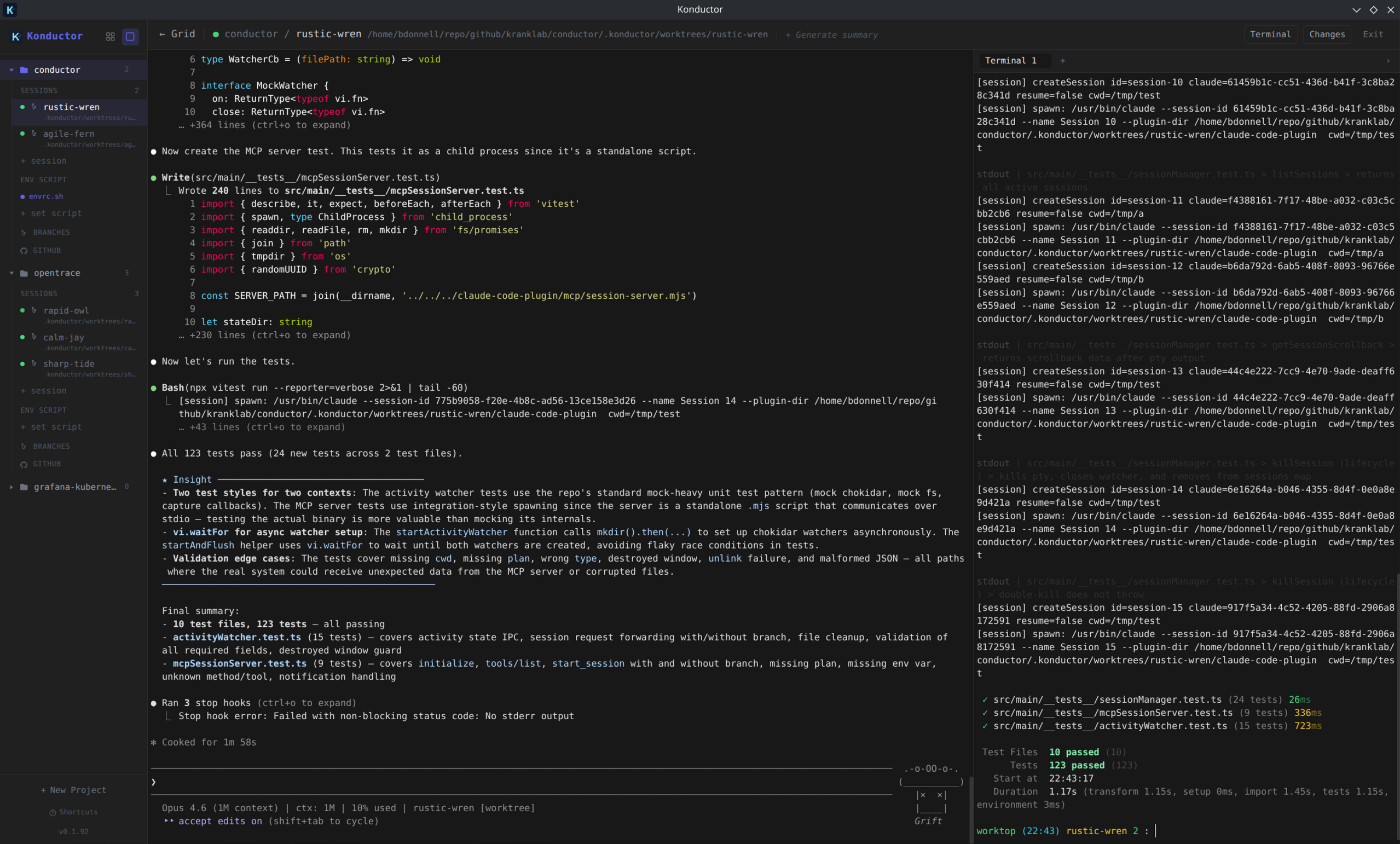
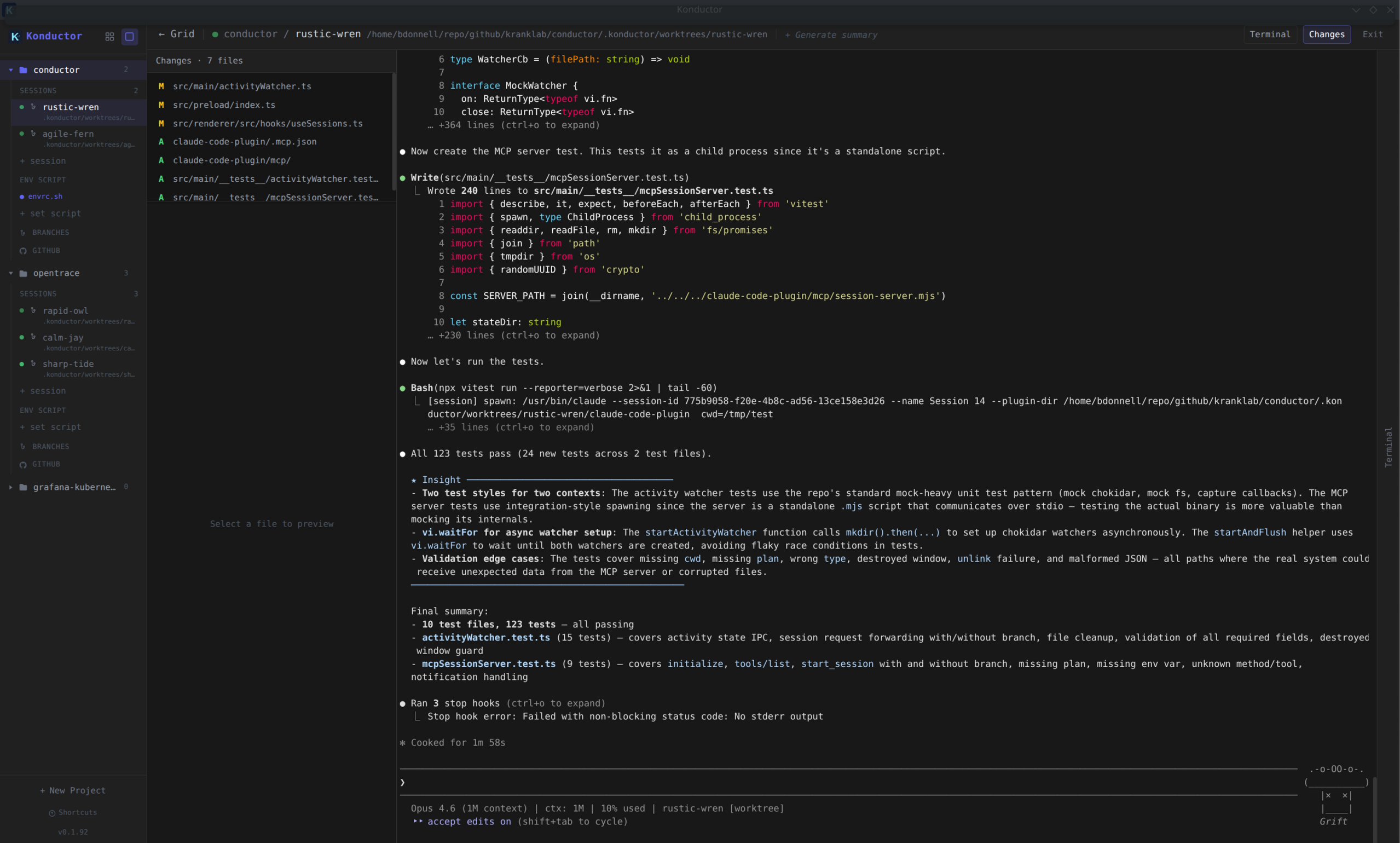
Claude Code Session Manager — manage multiple Claude Code terminal sessions from a single UI.
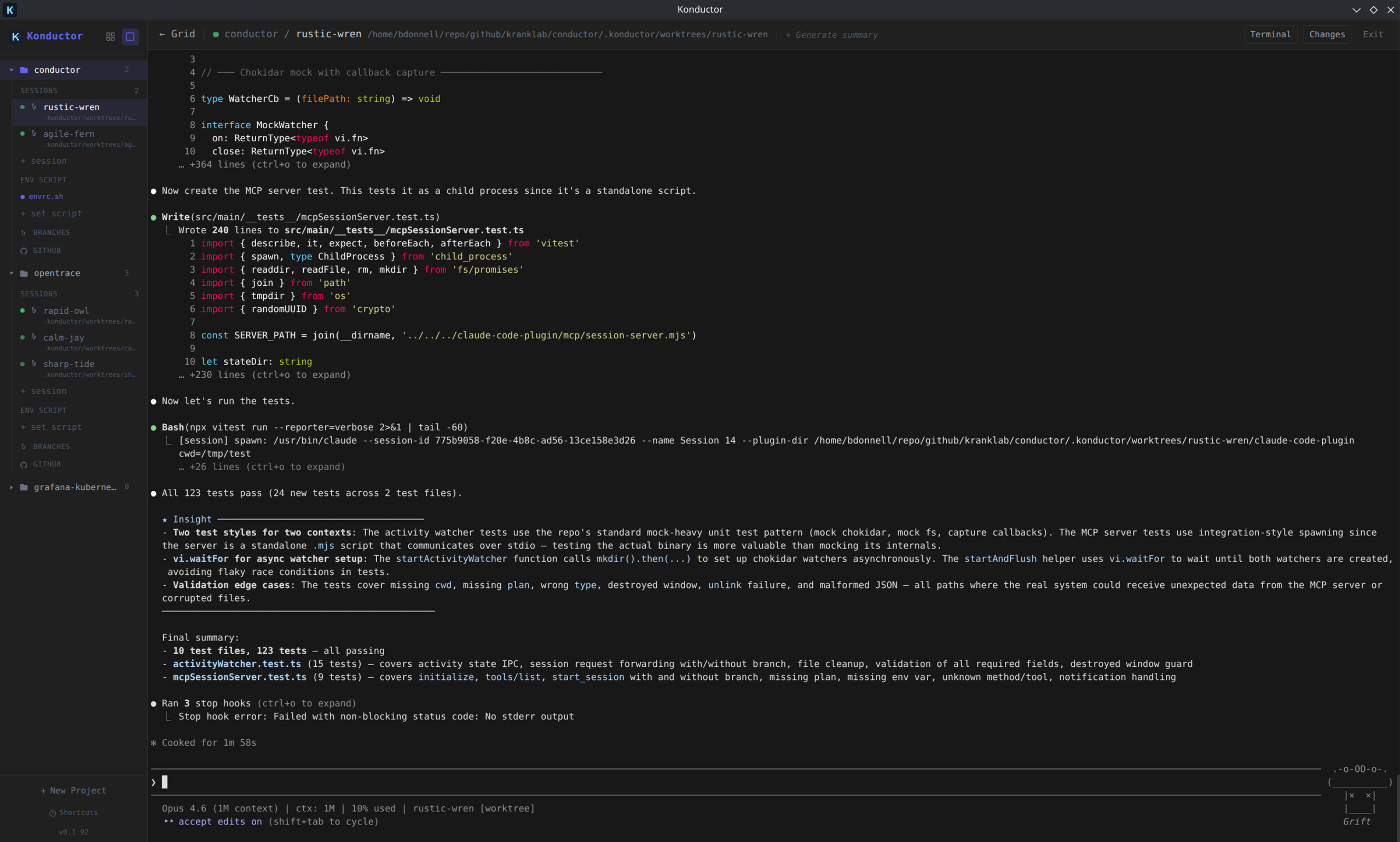
More screenshots
Getting Started
Prerequisites
- Claude Code CLI installed and available in your shell PATH
- GitHub CLI (
gh) installed and authenticated — used for listing pull requests and issues
Quick Start
Install the AppImage (Linux — easiest):
curl -fSL https://raw.githubusercontent.com/kranklab/konductor/main/install.sh | bashLaunch Konductor — it will appear in your applications menu, or run
konductorfrom the terminal.Create a project — click the + button in the sidebar and point it at a repository.
Start a session — click New Session to spawn a Claude Code terminal. You can run multiple sessions side-by-side in grid view, or switch to focus view for a single session.
Manage worktrees — use the branches view to create git worktrees so each session can work on an independent branch without conflicts.
Install
One-line install — downloads the AppImage, installs it to ~/.local/bin, and adds a desktop entry:
curl -fSL https://raw.githubusercontent.com/kranklab/konductor/main/install.sh | bash
Or manually download from the latest release:
curl -fSL "https://github.com/kranklab/konductor/releases/download/latest/konductor.AppImage" -o konductor.AppImage
chmod +x konductor.AppImage
./konductor.AppImage
Development
Prerequisites
- Node.js (v18+)
Setup
npm install
Run
npm run dev
Build
# Linux
npm run build:linux

# macOS
npm run build:mac

# Windows
npm run build:win
Related skills
 Setup Matt Pocock SkillsScaffold the per-repo configuration that Matt Pocock’s engineering agent skills rely on so they understand the issue tracker, triage labels, and domain documentation la495k196k
 Lark AppsConnect Claude, Cursor or custom agents directly to Lark (Feishu) for messaging, document automation, approval workflows and enterprise data access.402k
 CavemanSlash token usage by roughly 75% while keeping every technical detail intact when working with Claude Code, Cursor or similar agents.391k94.7k
 Lark Skill MakerQuickly turn any Lark/Feishu OpenAPI call or multi-step workflow into a reusable agent skill with its own SKILL.md.386k16k
 Running Claude Code Via Litellm CopilotRun Claude Code at a fraction of the cost by routing requests through LiteLLM to the GitHub Copilot Chat API.270k72
 Codex PetGenerate a complete Codex Pet spritesheet and metadata from one reference image without needing an OpenAI key or Codex Pro.246k10