Figma Context MCPサーバー
- GitHubスター 1.6万
- 2026年10月27日更新
Figma Context MCPは、Figmaファイルのデータを公開して、コーディングエージェントが任意のフレームワークでデザインを実装できるようにするMCPサーバーです。
Figma Context MCPとは?
Figma Context MCPは、Figma APIを通じて、コーディングエージェントにFigmaファイルへのアクセスを与えるModel Context Protocolサーバーです。エージェントにFigmaのデザインをコードで実装させたいとき、スクリーンショットではなく、実際のレイアウト、タイポグラフィ、スタイリングのメタデータを読ませたい開発者が使います。Figma APIのレスポンスを、最も関連性の高いレイアウトとスタイリングの情報に絞り込んでから、モデルに渡します。stdio経由でローカル実行し、ご自身のFigmaパーソナルアクセストークンを指定します。
- Figma APIをラップし、コーディングエージェントがスクリーンショットではなくレイアウトとスタイリングを読み取れるようにします
- npmパッケージ figma-developer-mcp v0.9.0をstdio経由で使用し、パーソナルアクセストークンの FIGMA_API_KEY が必要です
- Cursorなどの、AIコーディングツールが任意のフレームワークでデザインを実装できるように設計されています
数字で見るFigma Context MCP
- 2026年11月9日時点のデータ(Skillselionカタログ同期)
claude mcp add --env FIGMA_API_KEY=YOUR_FIGMA_API_KEY figma-developer-mcp -- npx -y figma-developer-mcp --stdioFigma Context MCPのバッジを追加する
このMCPサーバーは現在、SkillselionのTop 25で#23です。アワードバッジは最新の順位を表示し、自動で更新されます。

埋め込みコードを取得
このMCPサーバーがSkillselionに掲載されていることを開発者に示せます。READMEに貼り付けてください。

埋め込みコードを取得
| GitHubスター | ★ 1.6万 |
|---|---|
| パッケージ | figma-developer-mcp |
| トランスポート | STDIO |
| 認証 | 必要 |
| 最終更新 | 2026年10月27日 |
| リポジトリ | GLips/Figma-Context-MCP ↗ |
| ウェブサイト | framelink.ai ↗ |
ユースケースと機能
Figma Context MCP:貼り付けたスクリーンショットから推測させる代わりに、コーディングエージェントにFigmaのデザインを正確に実装させるにはどうすればよいですか?
コーディングエージェントにFigmaのファイル、フレーム、グループを指定して、実際のレイアウトとスタイリングを読み取らせ、デザインをコードで実装させます。
Figma Context MCPはどんな人に向いていますか?
Cursorなどの、AIコーディングツールを使っていて、エージェントにFigmaファイルから直接UIを構築させたい開発者向けです。
見送ったほうがよい場合: Figmaを編集したり、Figmaに書き戻したりする必要があるチームには向きません。このサーバーはコード生成のためにデザインデータを読み取るもので、Figmaファイルを変更しません。
Figma Context MCPは何を生成しますか?
エージェントはFigmaから簡略化されたレイアウトとスタイリングのメタデータを取得し、デザインにより忠実に合ったフレームワークのコードを書きます。
- MCP経由でエージェントが読めるFigmaファイルとノードのコンテキスト
- デザインファイルのメタデータに沿った、最初のUIコードを素早く作成
- Figmaのパーソナルアクセストークン(FIGMA_API_KEY)が1つ必要
- npmパッケージのバージョンは0.9.0
Figma Context MCPで何ができますか?
無料のオープンソースサーバーです。ご自身の無料のFigmaパーソナルアクセストークンが必要です。
- 機能
- Figmaファイルの読み取り · デザインからコードへの変換 · レイアウト抽出 · スタイル抽出
- 連携先
- figma
- ユースケース
- フロントエンド · UIデザイン · Webデザイン
- 対応IDE
- cursor ide · vscode
- 実行環境
- ローカルで実行
- 料金
- 自分のAPIキーを使用
- 必要なキー
- FIGMA_API_KEY
Figma Context MCPのドキュメントが説明する機能
Give your coding agent access to your Figma data. Implement designs in any framework in one-shot.
Figma Context MCPのREADMEには何が書かれていますか?
README.md

Framelink MCP for Figma
Give your coding agent access to your Figma data.
Implement designs in any framework in one-shot.


Give Cursor and other AI-powered coding tools access to your Figma files with this Model Context Protocol server.
When Cursor has access to Figma design data, it's way better at one-shotting designs accurately than alternative approaches like pasting screenshots.
See quickstart instructions →
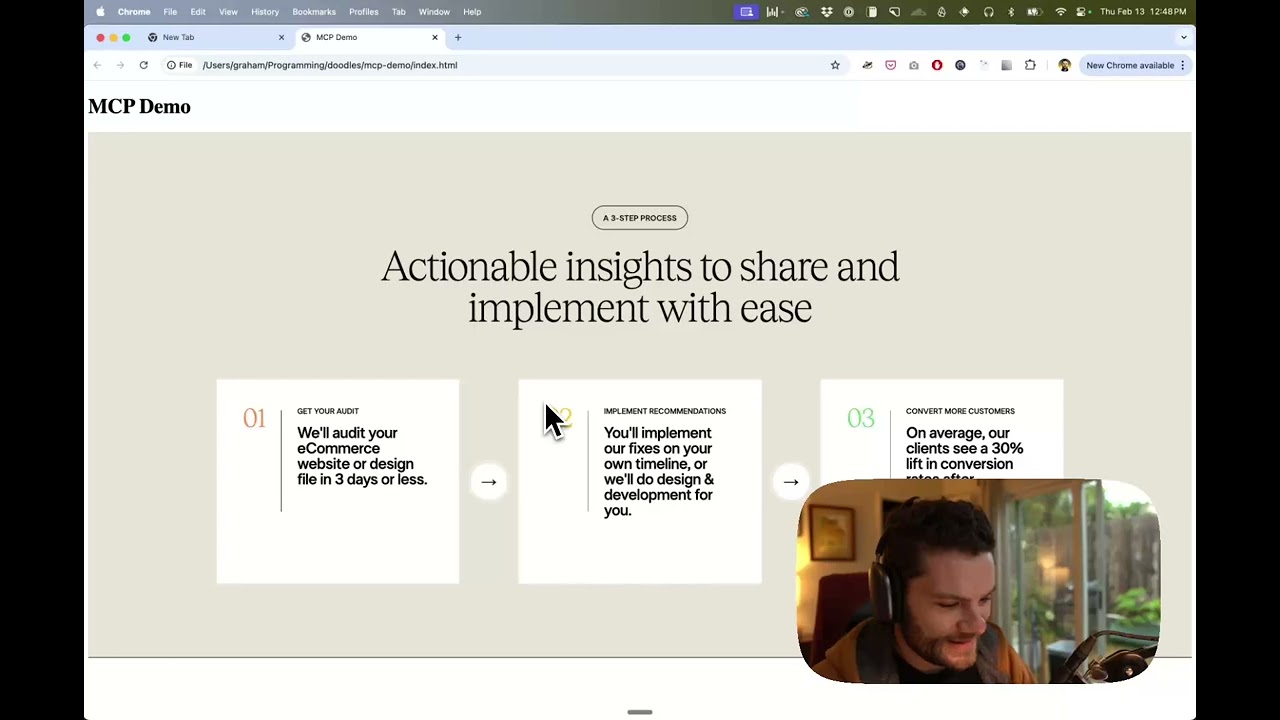
Demo
Watch a demo of building a UI in Cursor with Figma design data
How it works
- Open your IDE's chat (e.g. agent mode in Cursor).
- Paste a link to a Figma file, frame, or group.
- Ask Cursor to do something with the Figma file—e.g. implement the design.
- Cursor will fetch the relevant metadata from Figma and use it to write your code.
This MCP server is specifically designed for use with Cursor. Before responding with context from the Figma API, it simplifies and translates the response so only the most relevant layout and styling information is provided to the model.
Reducing the amount of context provided to the model helps make the AI more accurate and the responses more relevant.
Getting Started
Many code editors and other AI clients use a configuration file to manage MCP servers.
The figma-developer-mcp server can be configured by adding the following to your configuration file.
NOTE: You will need to create a Figma access token to use this server. Instructions on how to create a Figma API access token can be found here.
MacOS / Linux
{
  "mcpServers": {
    "Framelink MCP for Figma": {
      "command": "npx",
      "args": ["-y", "figma-developer-mcp", "--figma-api-key=YOUR-KEY", "--stdio"]
    }
  }
}
Windows
{
  "mcpServers": {
    "Framelink MCP for Figma": {
      "command": "cmd",
      "args": ["/c", "npx", "-y", "figma-developer-mcp", "--figma-api-key=YOUR-KEY", "--stdio"]
    }
  }
}
Or you can set FIGMA_API_KEY and PORT in the env field.
If you need more information on how to configure the Framelink MCP for Figma, see the Framelink docs.
Star History
Learn More
The Framelink MCP for Figma is simple but powerful. Get the most out of it by learning more at the Framelink site.
GitHubスター順に並べたClaude Code MCPサーバーの一覧はこちらです。
Figma Context MCPに関連するMCPサーバーは?
Figma Context MCPは類似ツールとどう違いますか?
Figma APIのMCPブリッジであり、Figmaプラグインのマーケットプレイスや、静的なデザインからコードへのSaaS単体ではありません。
Figma Context MCPのよくある質問
Figma Context MCPを使うには何が必要ですか?
FIGMA_API_KEY として設定したFigmaパーソナルアクセストークンと、stdio経由で figma-developer-mcp を起動するように設定した、CursorなどのMCPクライアントが必要です。
スクリーンショットを貼り付けるより優れているのはなぜですか?
サーバーはFigma APIから実際のレイアウトとスタイリングのメタデータを取得し、簡略化してからモデルに渡します。そのため、エージェントはスクリーンショットから推測するよりも正確に、デザインをワンショットで実装できます。
どのツールで動作しますか?
CursorなどのModel Context Protocolをサポートする、AI搭載のコーディングツール向けに設計されており、それらのMCPサーバー設定ファイルに追加できます。