TypeUI MCPサーバー
- GitHubスター 2270
- 2026年10月22日更新
TypeUIは、デザインシステム、UIプロンプト、レイアウトのバリエーションを、streamable HTTP経由でAIコーディングエージェントに提供するMCPサーバーです。
TypeUI MCPとは?
TypeUIは、デザインシステム、UI向けのプロンプト、レイアウトのバリエーションを、Claude Code、Cursor、CodexなどのAIコーディングツールに提供するModel Context Protocolサーバーです。画面ごとに、エージェントが一貫性のない余白、タイポグラフィ、コンポーネントのパターンを作り出してしまうのを止めたいときに導入します。チャットのたびに場当たり的なデザインメモを貼り付ける代わりに、リモートMCPを登録しておけば、SaaSのダッシュボード、マーケティングページ、アプリのシェルを作りながら、エージェントがTypeUIに問い合わせられます。サーバーはmcp.typeui.shのstreamable HTTPとして提供されており、公式のブランドとドキュメントはtypeui.sh、ソースはGitHubのbergside/typeuiにあります。何を出荷するかはすでに決まっていて、実装中にエージェントが参照できる、繰り返し使えるUIのガイダンスが必要な、Build → フロントエンドの場面に適しています。別のデザイン引き継ぎのパイプラインではありません。
- リモートのデザインシステムにアクセスするための、mcp.typeui.shのstreamable HTTP MCPエンドポイント
- AIコーディングのワークフロー向けに調整された、デザインシステム指向のリソース
- 場当たり的なスタイリングの推測を減らす、UIプロンプトとレイアウトバリエーションのリファレンス
- ローカル専用のプロンプトファイルではなく、MCPブリッジとして動作
- 公開されているサーバースキーマv2025-10-17と、TypeUI v1.0.1のメタデータ
数字で見るTypeUI
- 2026年11月23日時点のデータ(Skillselionカタログ同期)
claude mcp add --transport http typeui https://mcp.typeui.sh/mcpTypeUIのバッジを追加する
このMCPサーバーがSkillselionに掲載されていることを開発者に示せます。READMEに貼り付けてください。

埋め込みコードを取得
| GitHubスター | ★ 2270 |
|---|---|
| トランスポート | HTTP |
| 認証 | 不要 |
| 最終更新 | 2026年10月22日 |
| リポジトリ | bergside/typeui ↗ |
ユースケースと機能
TypeUI MCPは何をしますか?
TypeUIを接続して、インターフェースを出荷しながら、コーディングエージェントがデザインシステムのルール、UIプロンプト、レイアウトのバリエーションを取得できるようにします。
TypeUI MCPはどんな人に向いていますか?
MCP対応のエージェントでWebやアプリのUIを実装していて、Figmaからコードへのスタックを作り直さずに、一貫したデザインシステムのプロンプトを使いたい方に最適です。
見送ったほうがよい場合: デザインオペレーションのワークフローがすでに固まっていて、MCPで届くUIパターンが不要な場合や、インターフェースを持たないヘッドレスAPIだけを扱う開発者には向きません。
TypeUI MCPは何を生成しますか?
TypeUIのMCPリモートを追加すれば、コードを書きながら、エージェントがTypeUIのデザインシステムの内容とレイアウトバリエーションに基づいてUIの作業を進められます。
- TypeUIのデザインシステムとUIプロンプトのコンテキストをエージェントから利用可能
- コンポーネントやページの実装中に使えるレイアウトバリエーションの参考
- エージェントが生成するUI編集で、ビジュアルのパターンをより一貫させる
- サーバーメタデータ上のMCPサーバーバージョンは1.0.1
- streamable-httpのリモートが1つ:https://mcp.typeui.sh/mcp
- サーバースキーマ:https://static.modelcontextprotocol.io/schemas/2025-10-17/server.schema.json
TypeUIのREADMEには何が書かれていますか?
README.md
TypeUI - Build better UI with AI
TypeUI is an AI-first platform where you can use design skills, UI prompts, and other resources to enhance AI capabilities to generate better user interfaces and design when building websites and applications. The resources from this repository will work with any AI provider, given they support markdown files or general prompting.
Getting started
Install TypeUI where you build. Connect your AI coding tool to TypeUI MCP, then ask for UI in plain language while TypeUI supplies design systems, prompts, and layout variation guidance.

Codex Connect Codex to TypeUI MCP automatically with the TypeUI Codex plugin. Install in Codex → |

Claude Give Claude access to curated design guidance while it writes or refactors UI. Install in Claude → |

Cursor Use the TypeUI Cursor plugin while Cursor builds screens, sections, and variations. Install in Cursor → |

Grok Add the hosted TypeUI MCP server to Grok. Open Grok guide → |

Mistral Add the hosted TypeUI MCP server to Mistral. Open Mistral guide → |

OpenCode Give OpenCode access to TypeUI design systems and prompts. Install in OpenCode → |

VS Code Connect GitHub Copilot in VS Code to TypeUI MCP. Install in VS Code → |

Antigravity Connect Antigravity to TypeUI MCP for UI generation workflows. Open Antigravity guide → |

Windsurf Connect Windsurf Cascade to TypeUI MCP. Install in Windsurf → |

JetBrains Connect JetBrains AI Assistant or Junie to TypeUI MCP. Install in JetBrains → |

Zed Add the hosted TypeUI MCP server to Zed. Open Zed guide → |

GitHub Copilot Add the hosted TypeUI MCP server to GitHub Copilot. Open GitHub Copilot guide → |

Cline Add the hosted TypeUI MCP server to Cline. Install in Cline → |

Qwen Add the hosted TypeUI MCP server to Qwen Code. Open Qwen guide → |

Amp Add the hosted TypeUI MCP server to Amp. Open Amp guide → |

Goose Add the hosted TypeUI MCP server to Goose. Open Goose guide → |

Lovable Add the hosted TypeUI MCP server to Lovable. Open Lovable guide → |

Replit Add the hosted TypeUI MCP server to Replit. Open Replit guide → |

v0 Add the hosted TypeUI MCP server to v0. Open v0 guide → |
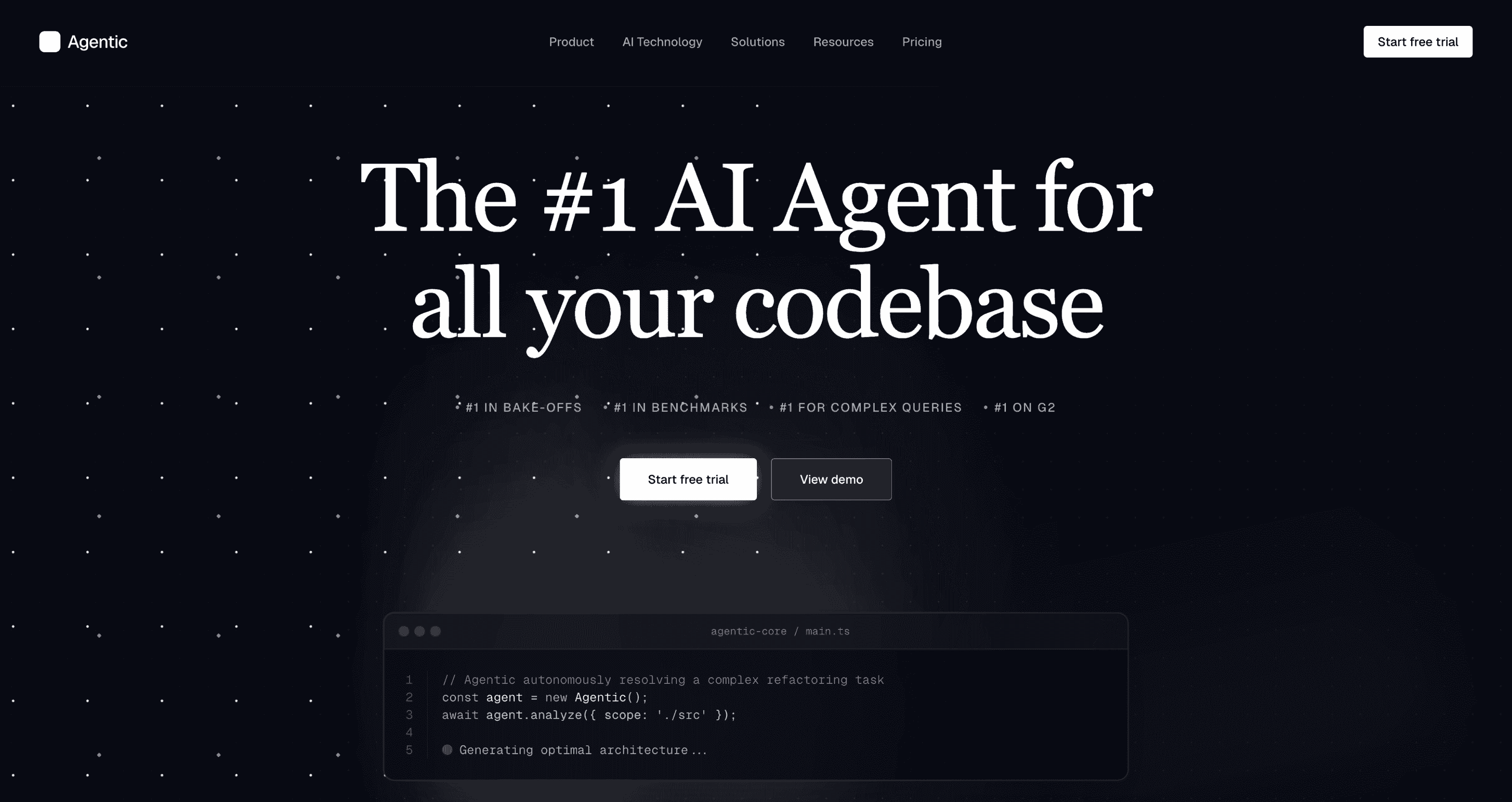
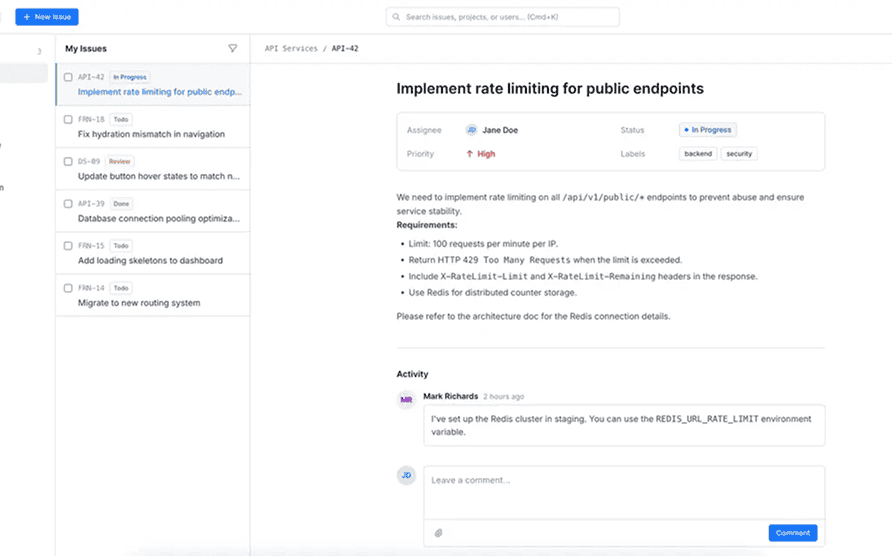
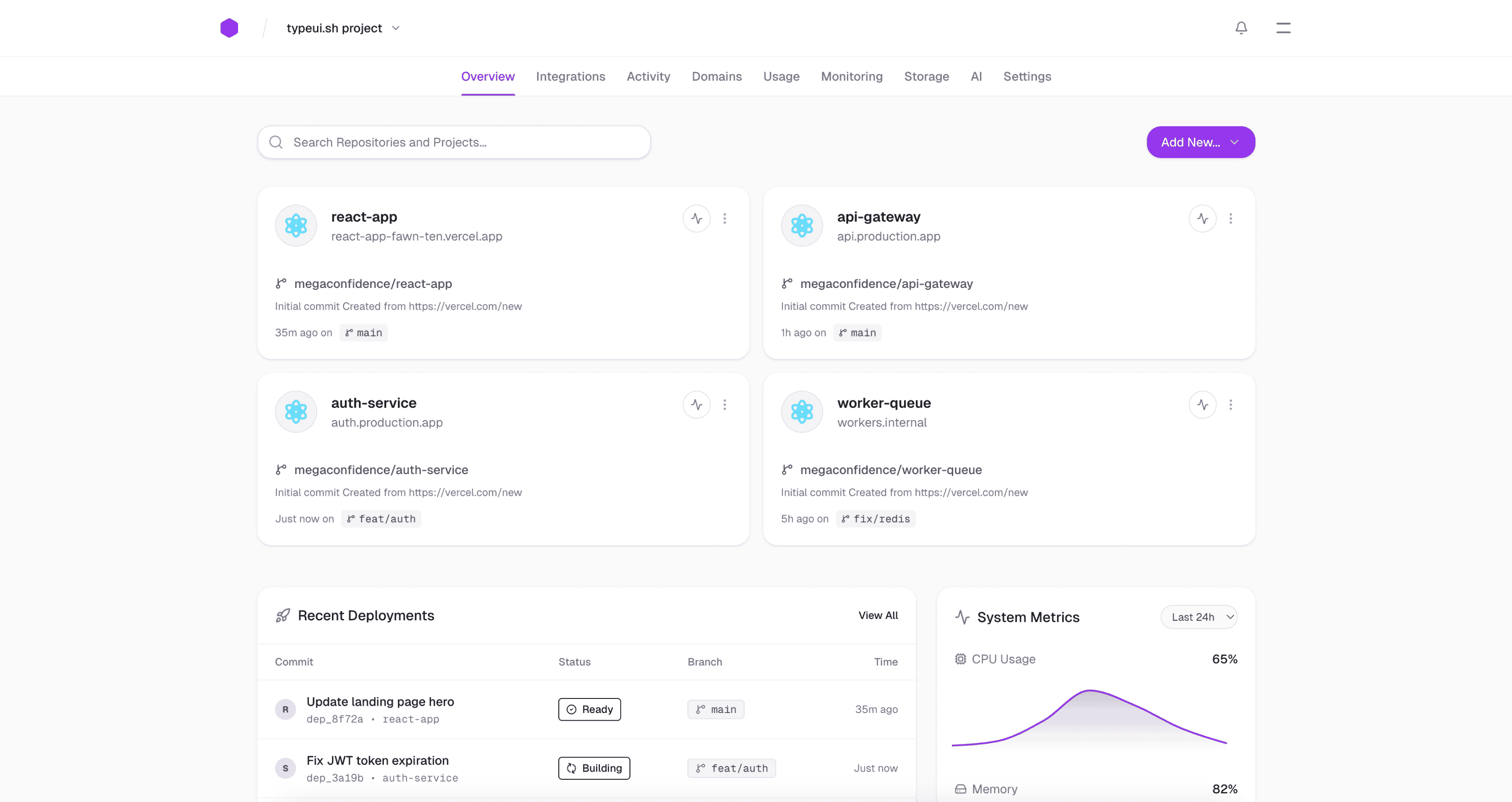
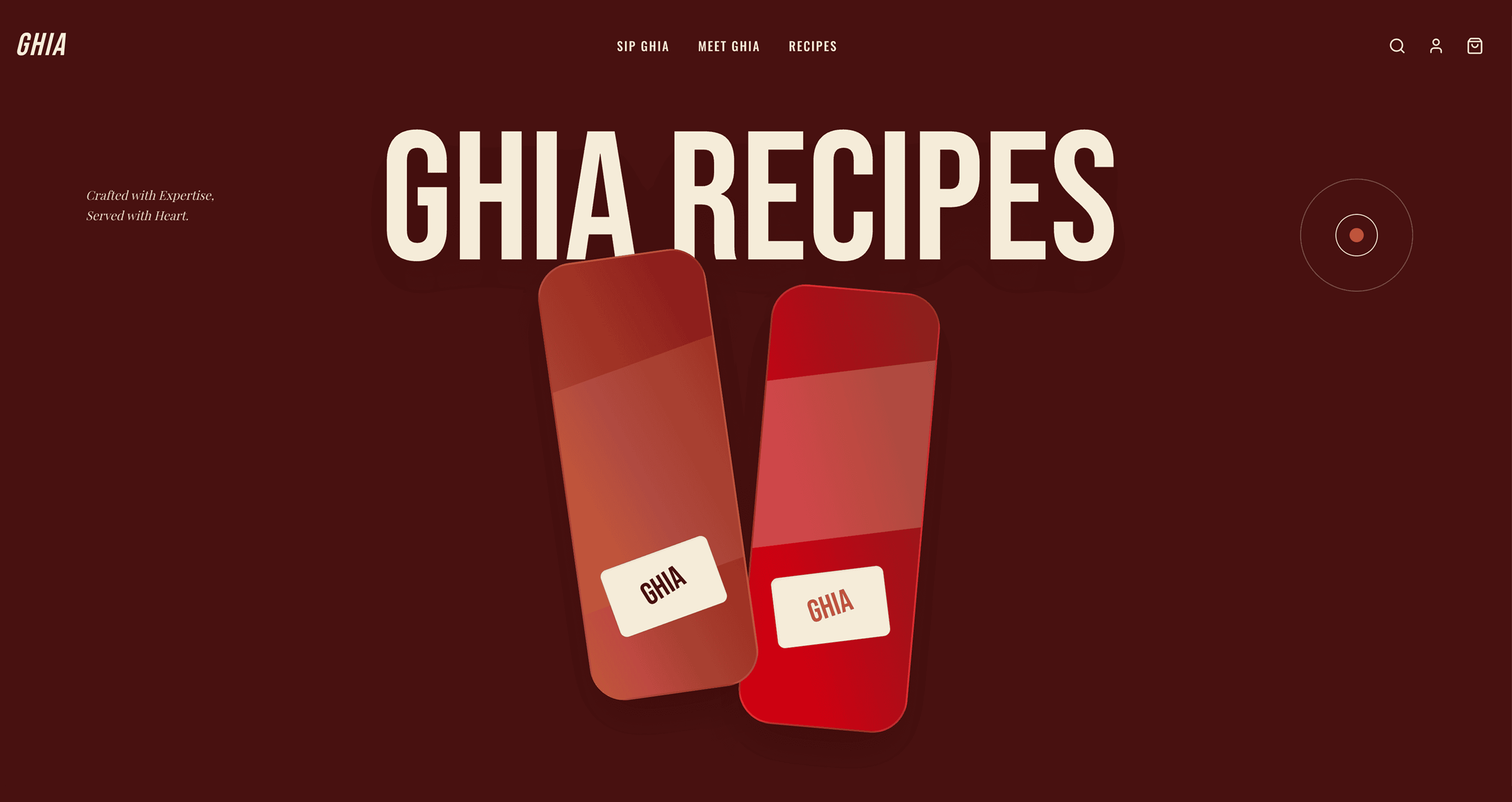
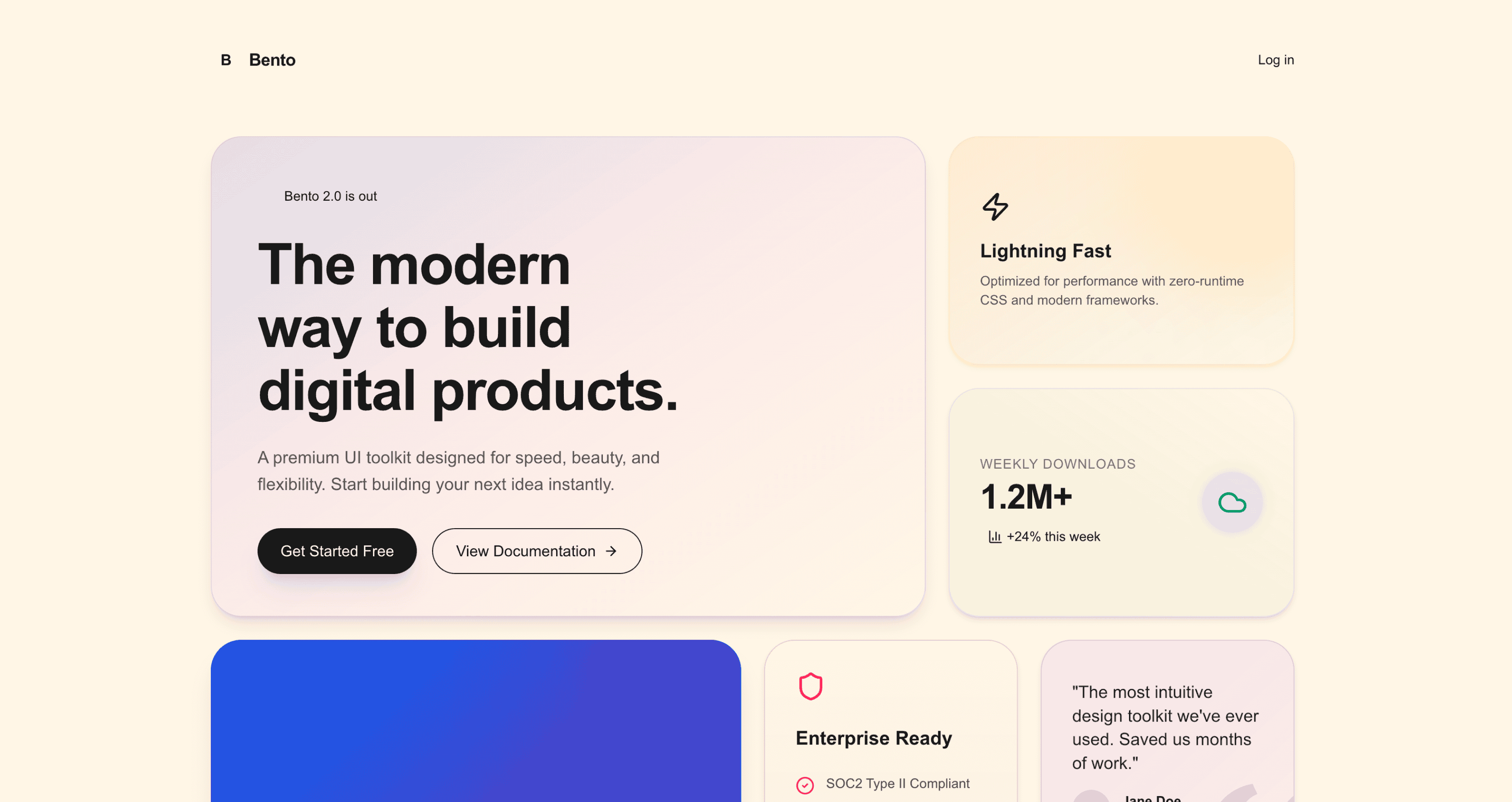
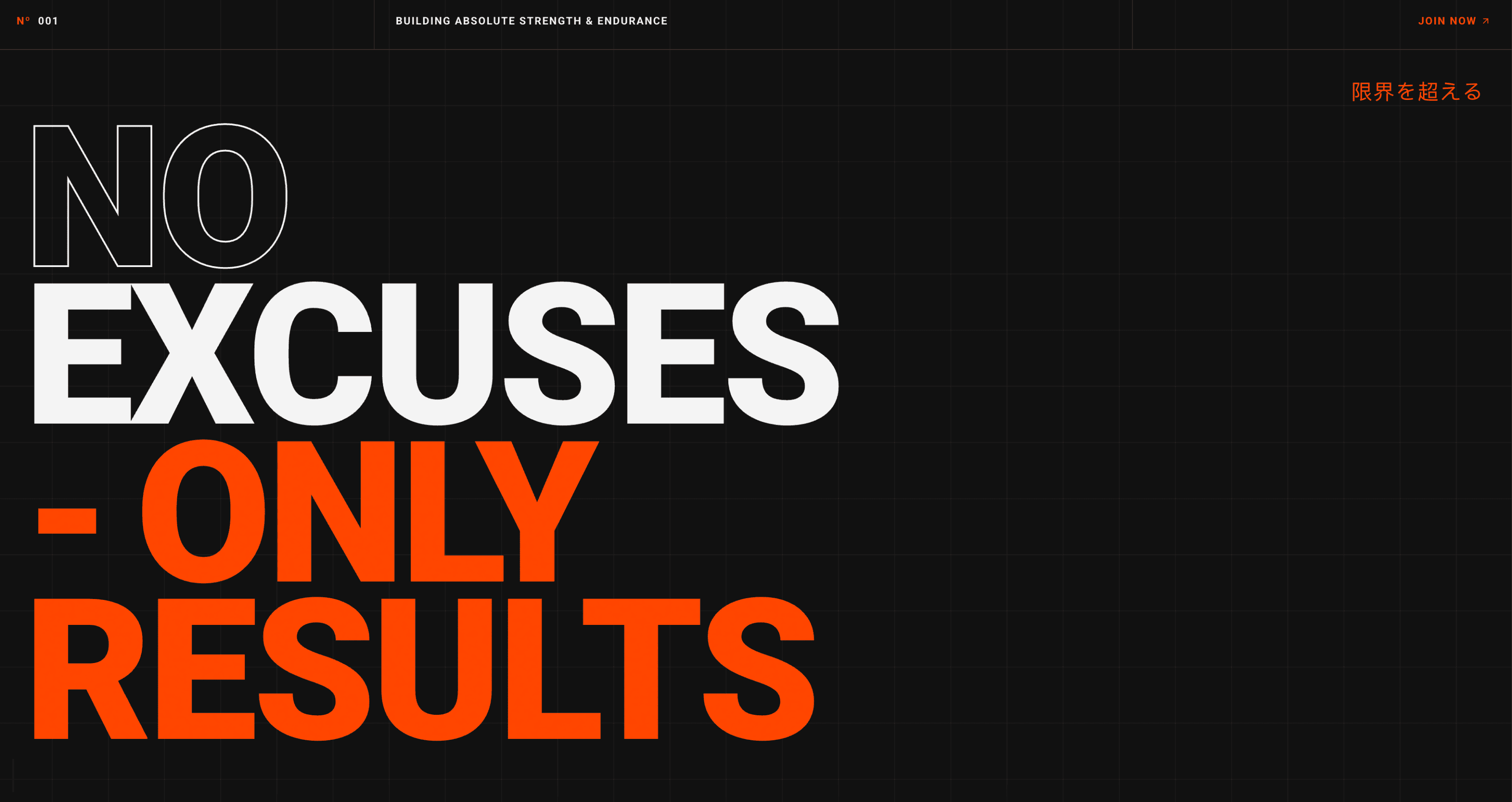
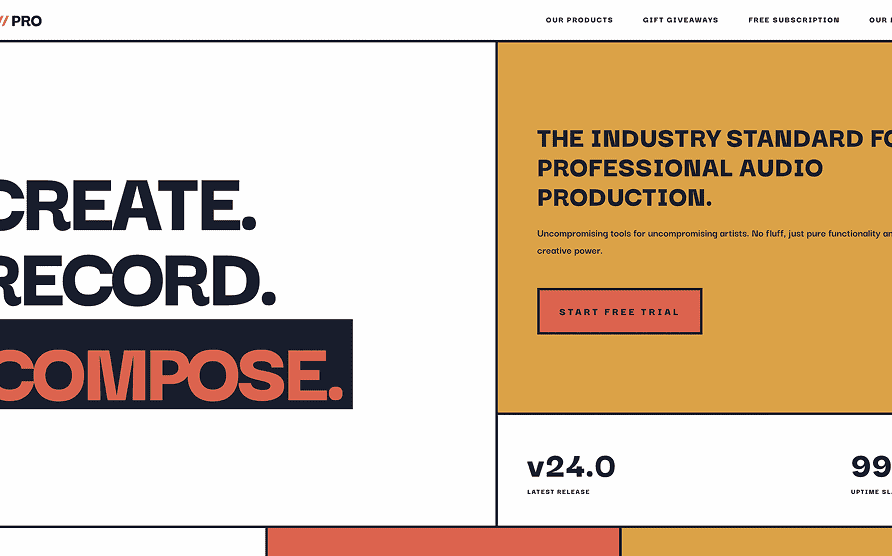
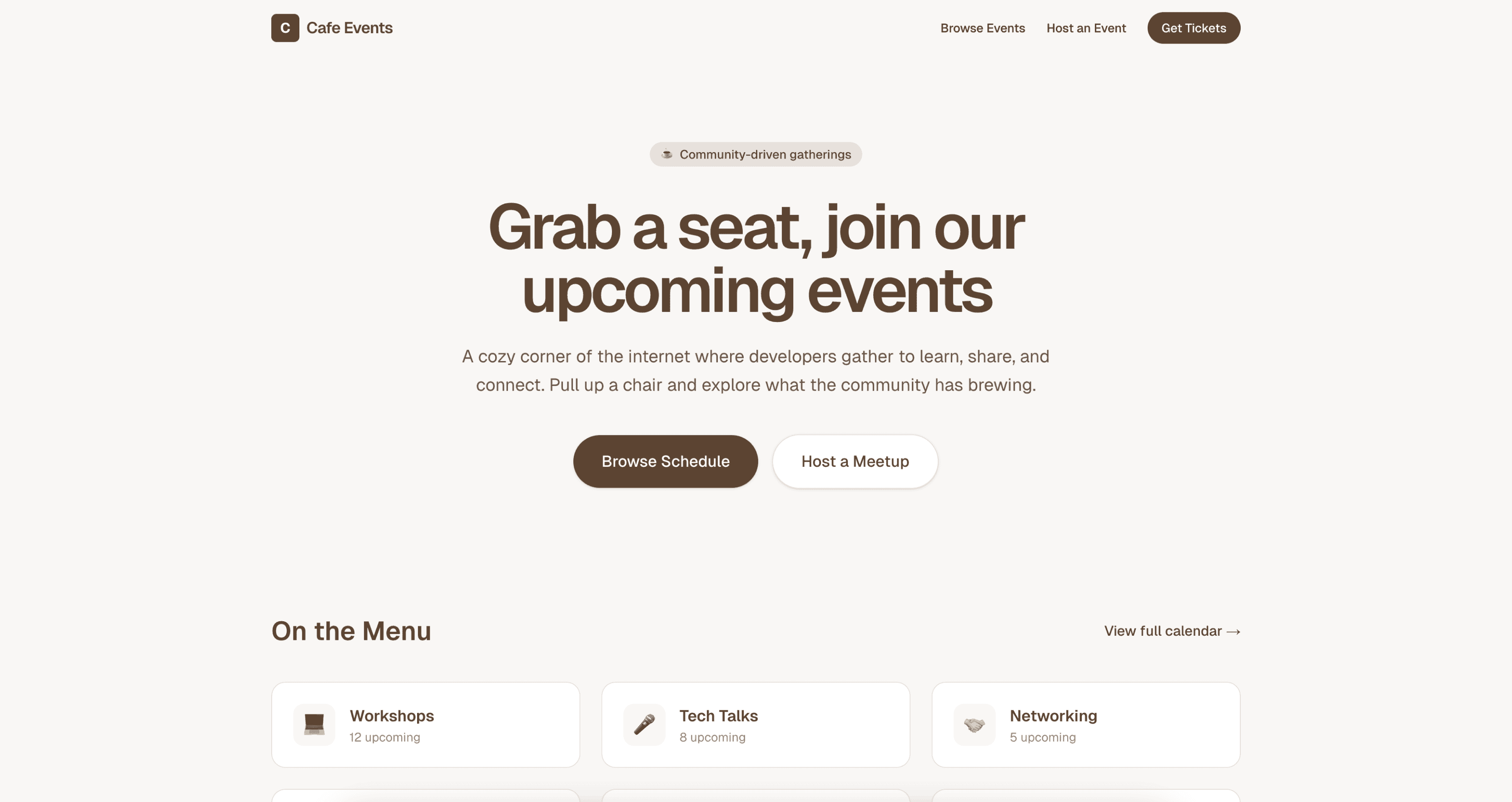
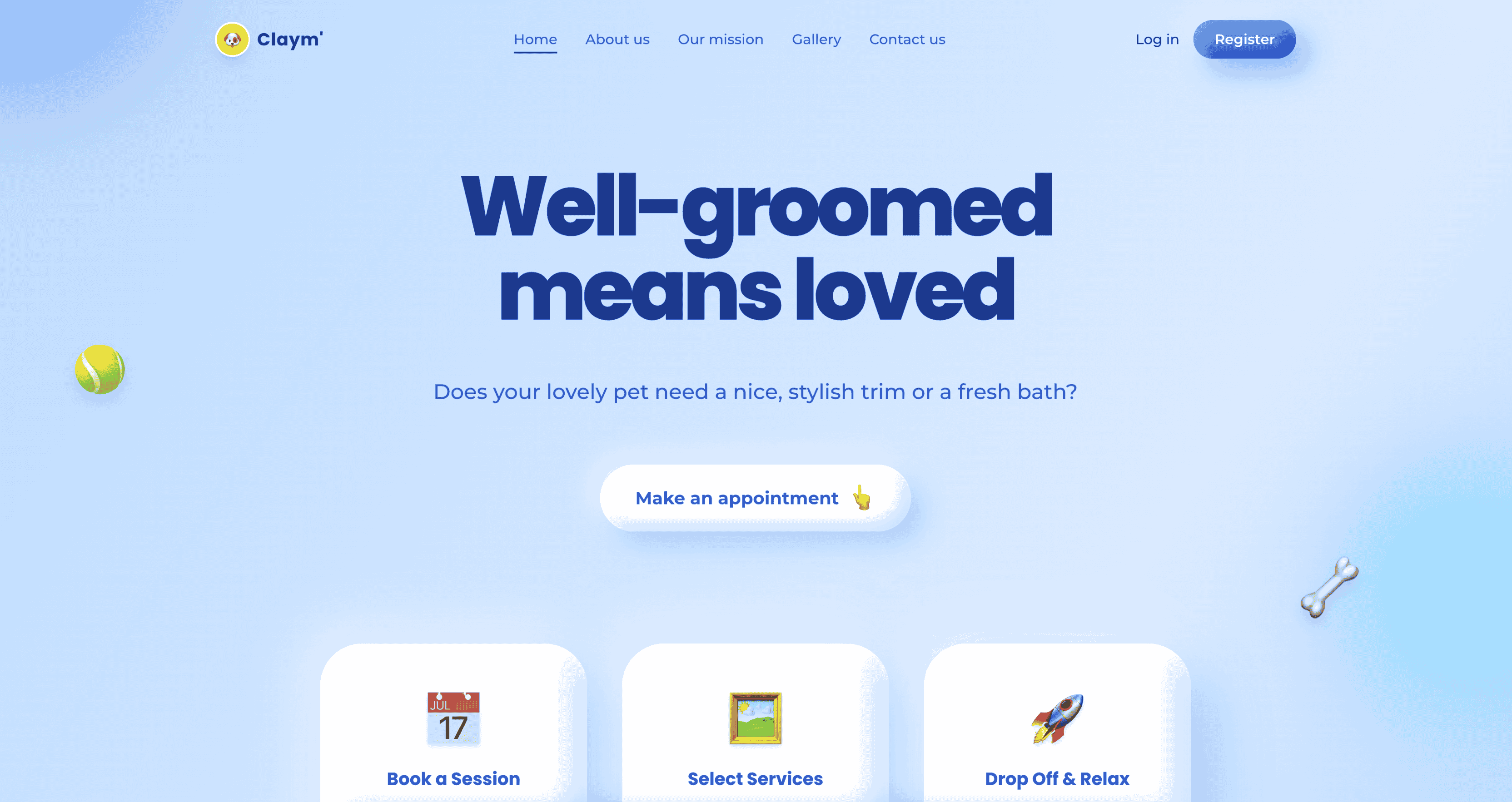
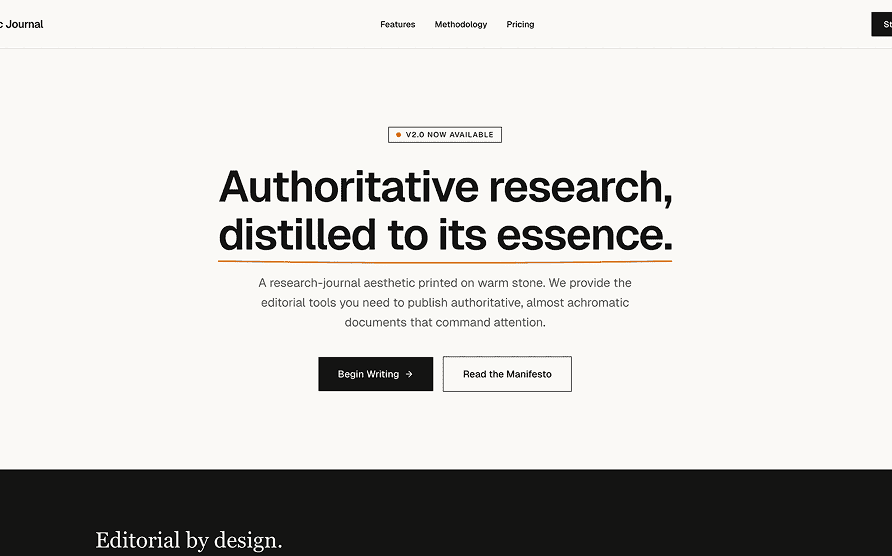
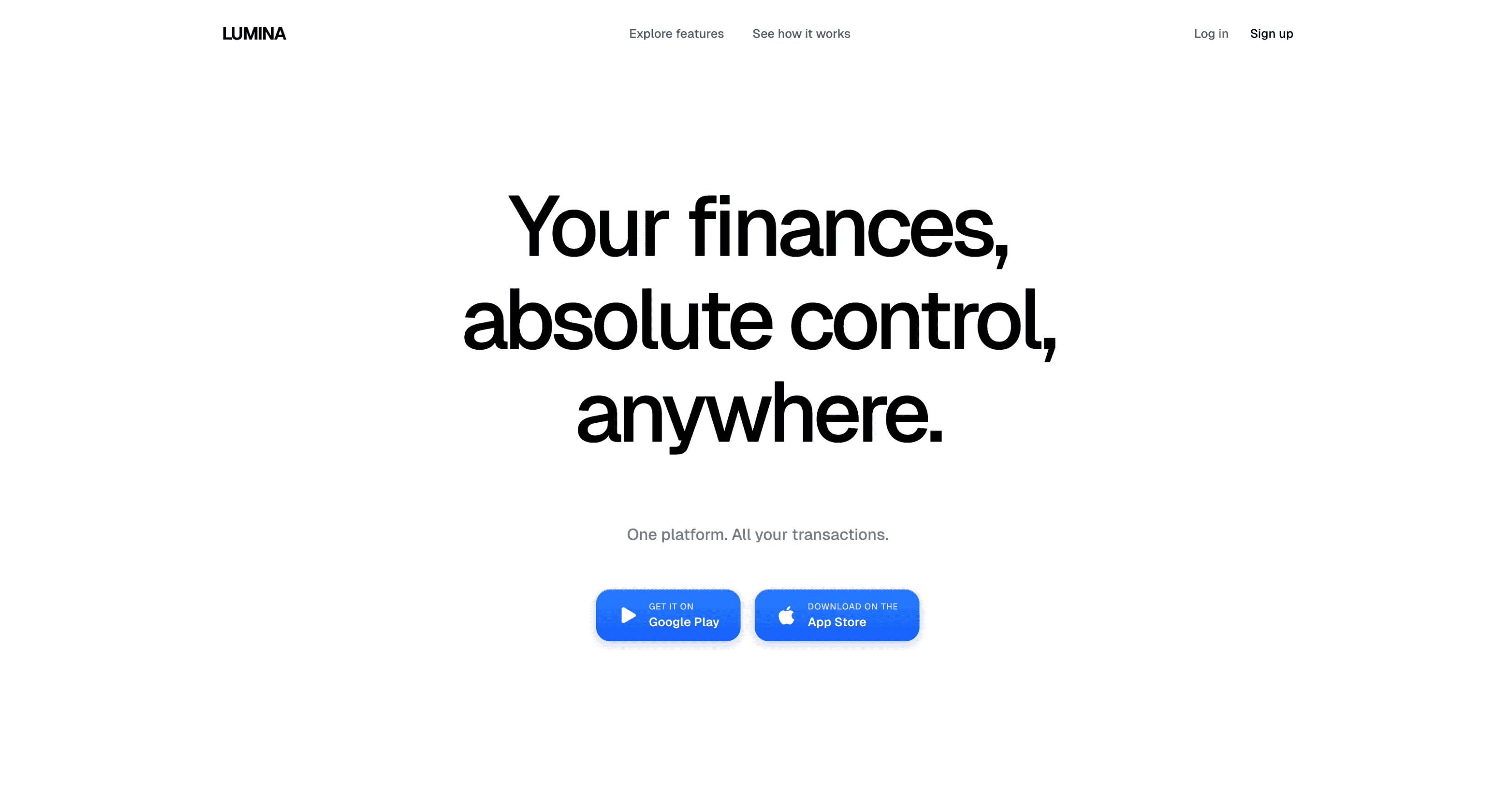
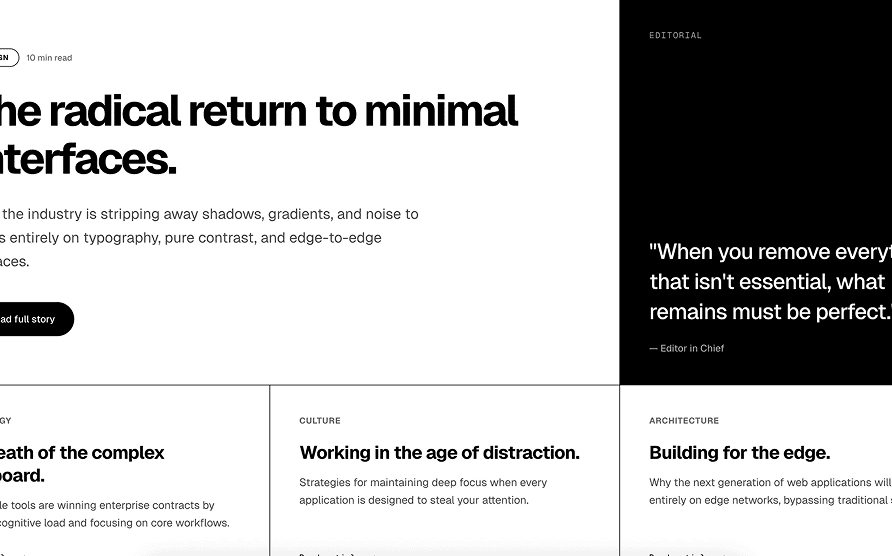
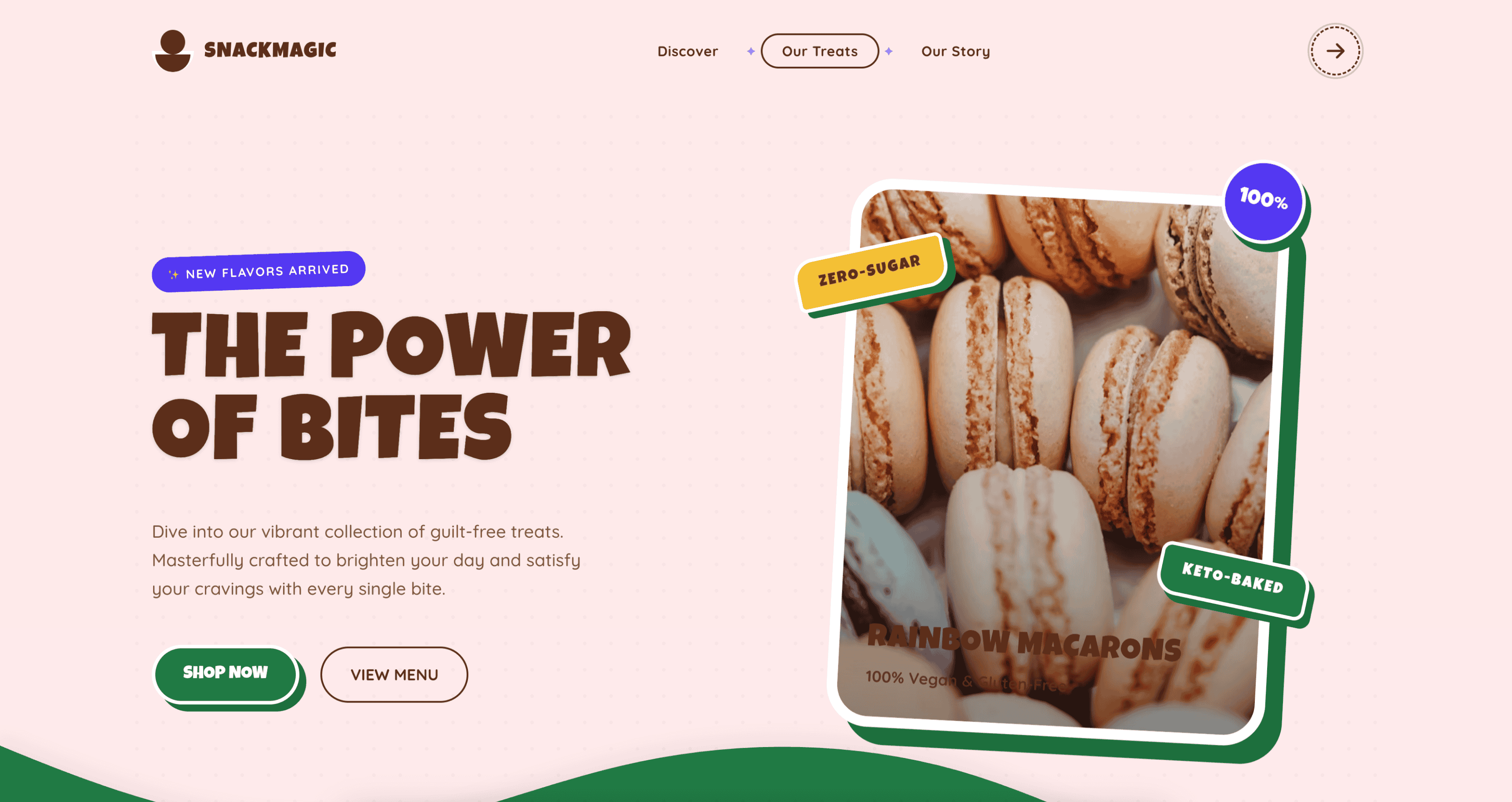
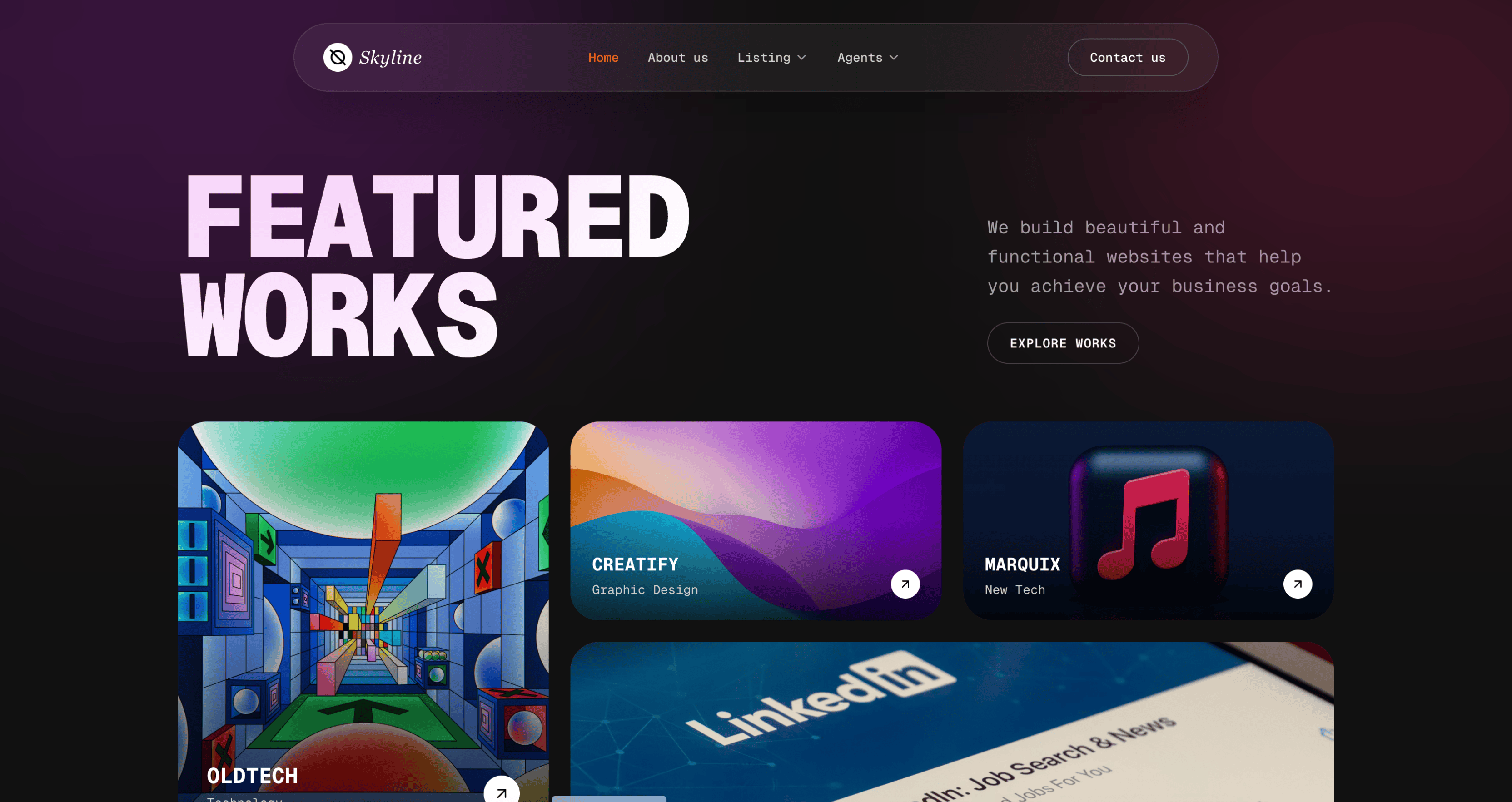
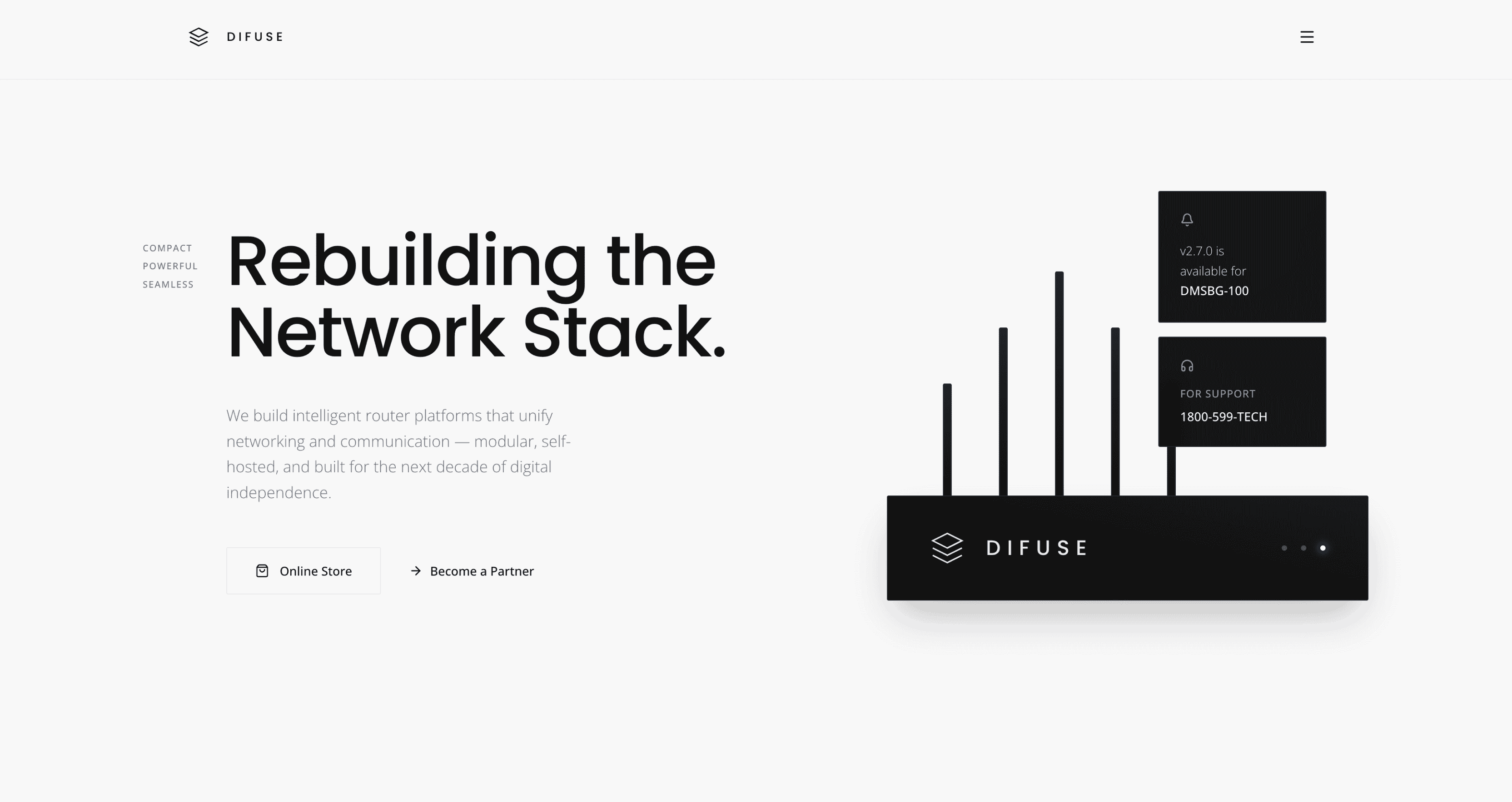
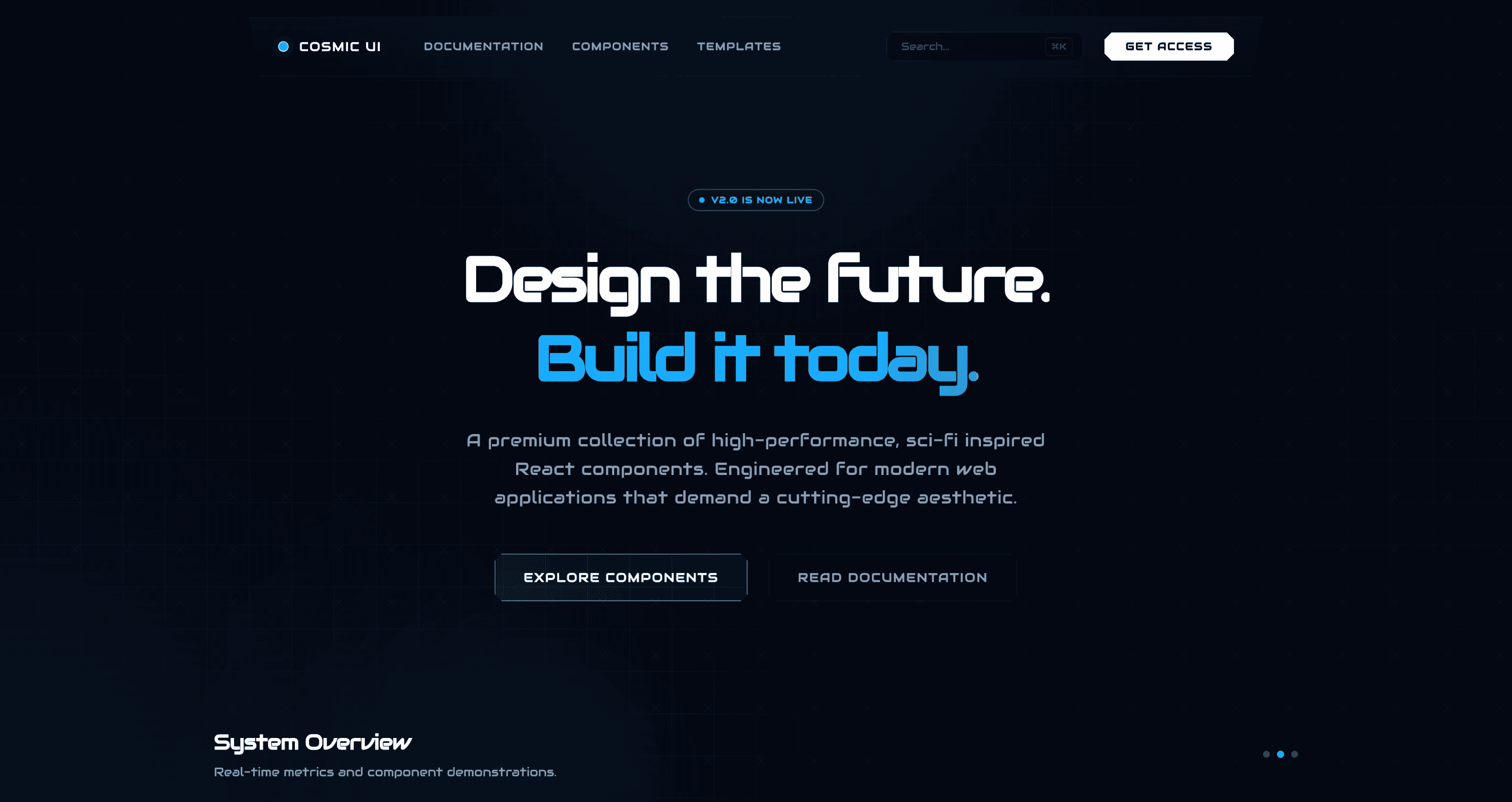
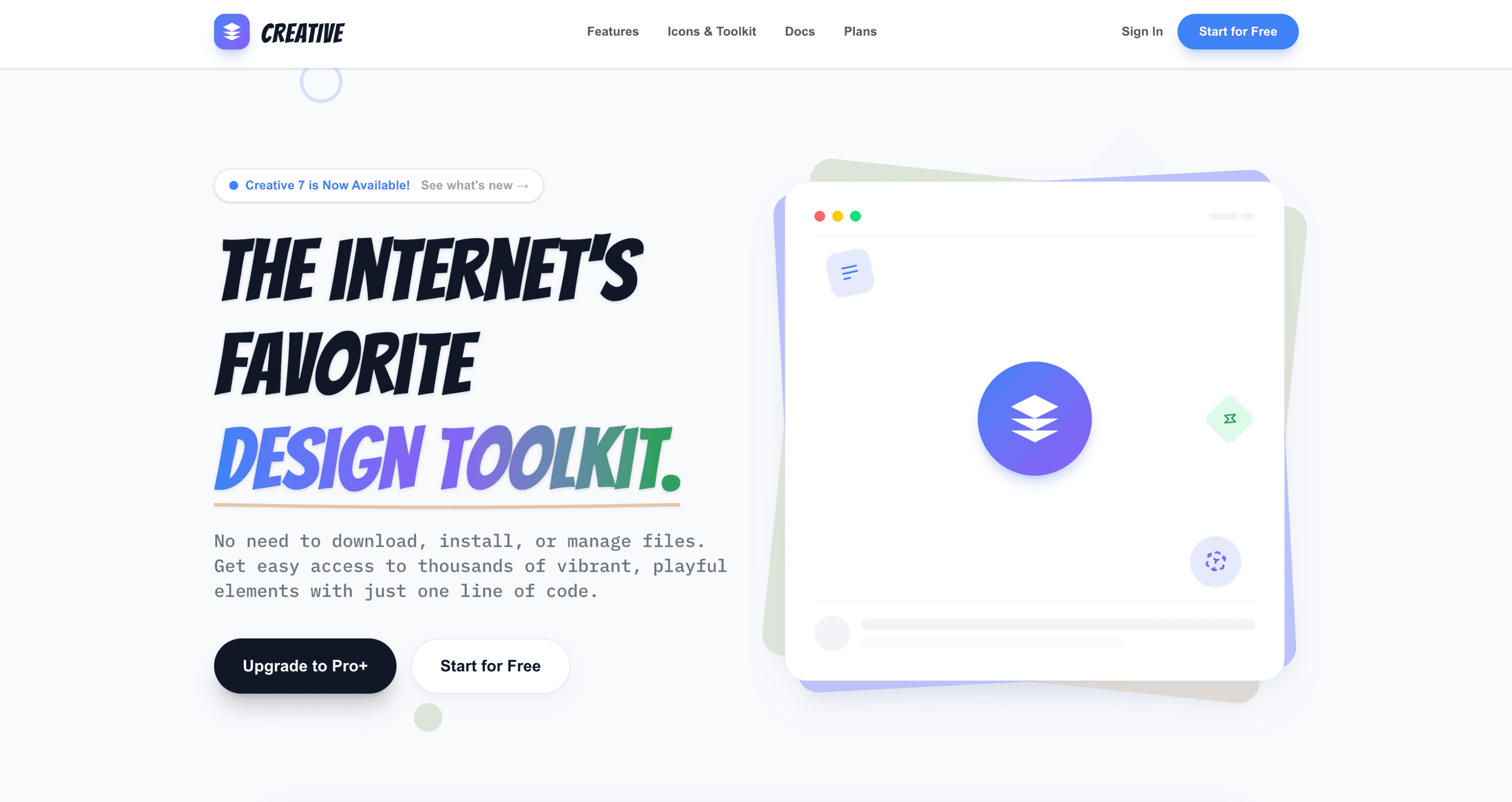
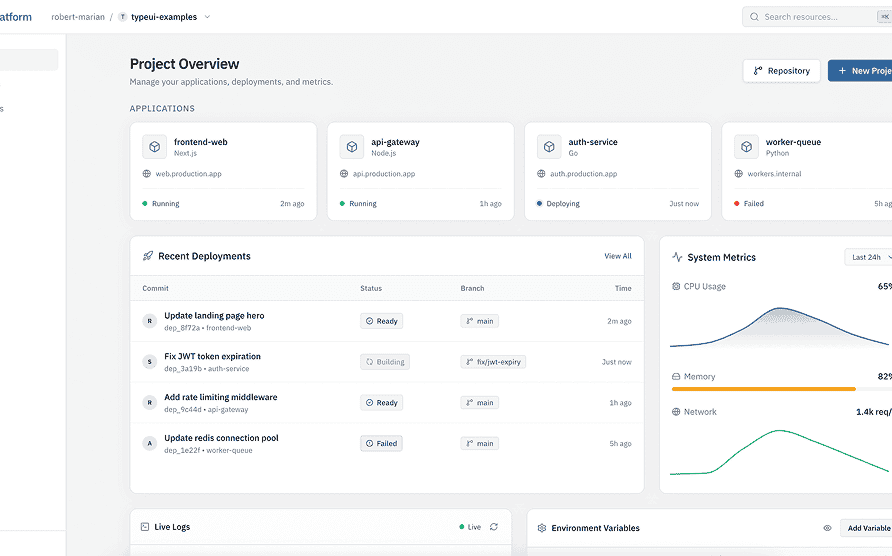
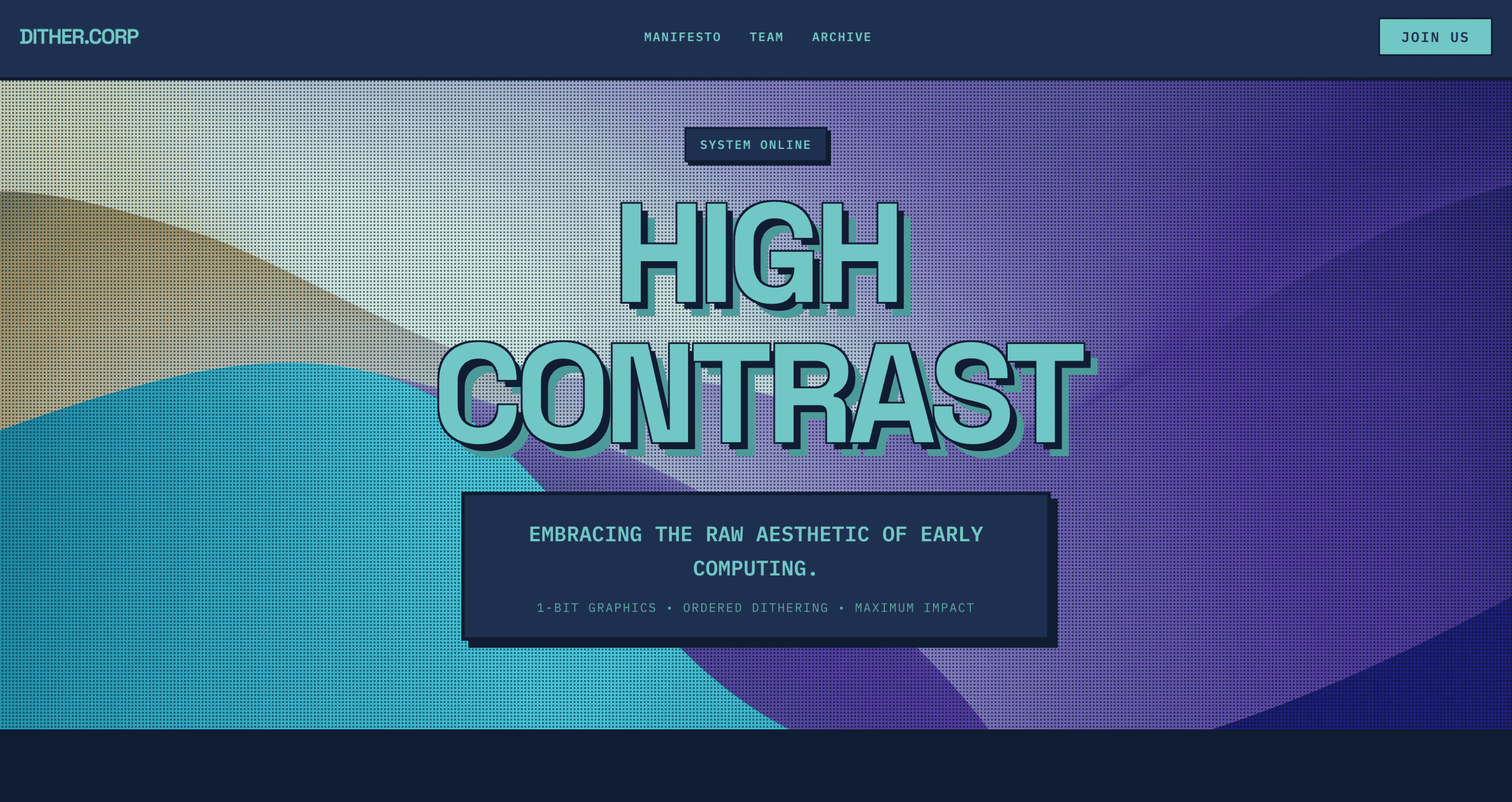
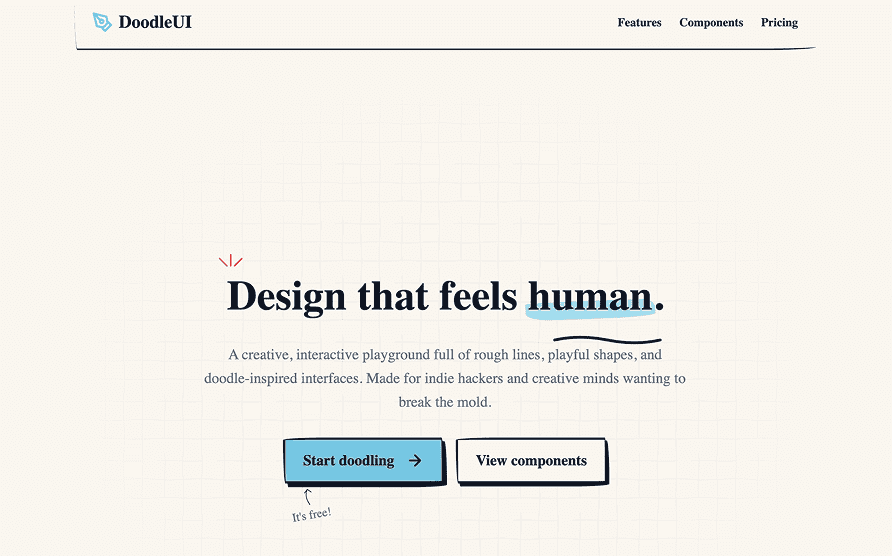
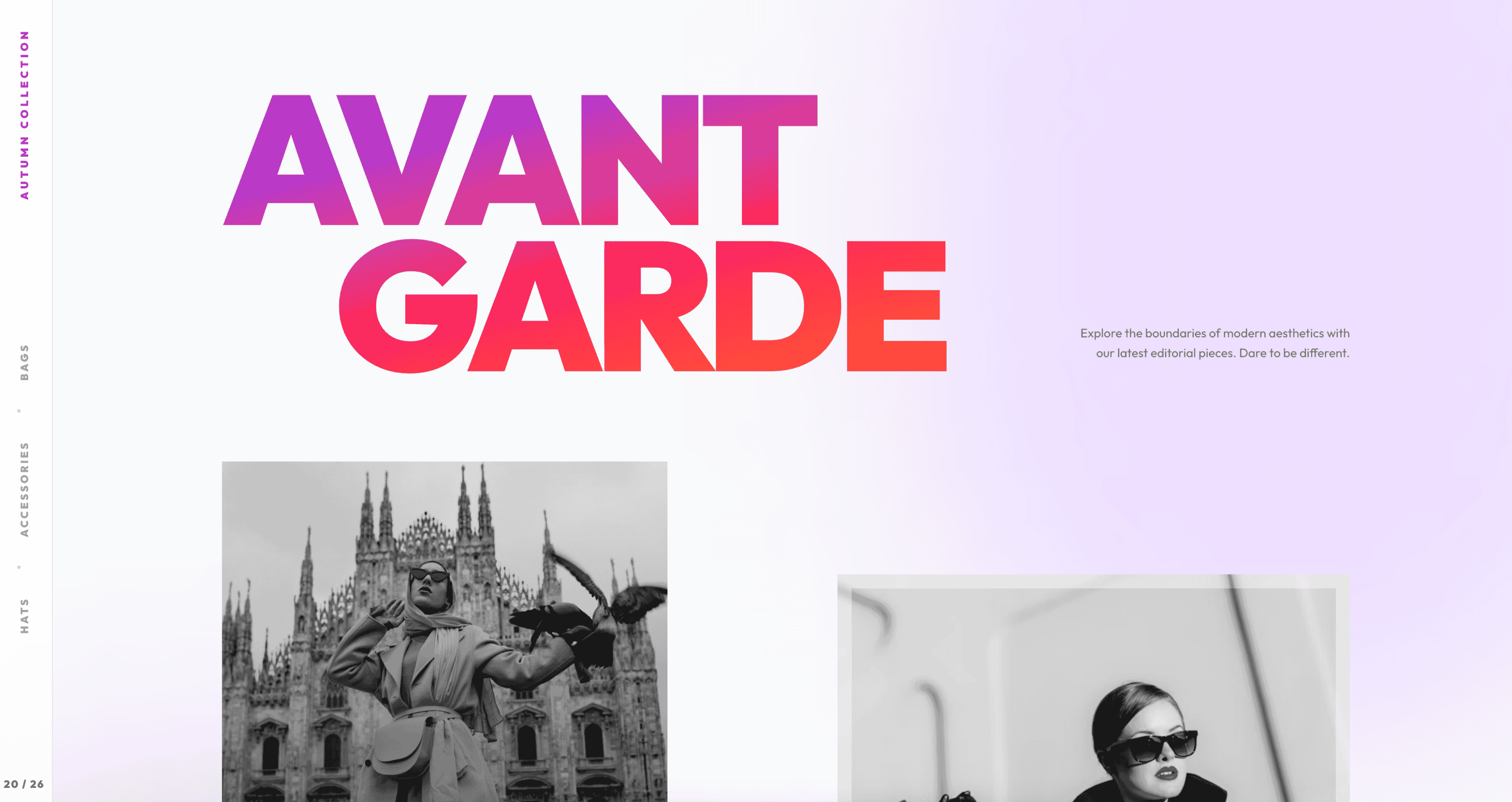
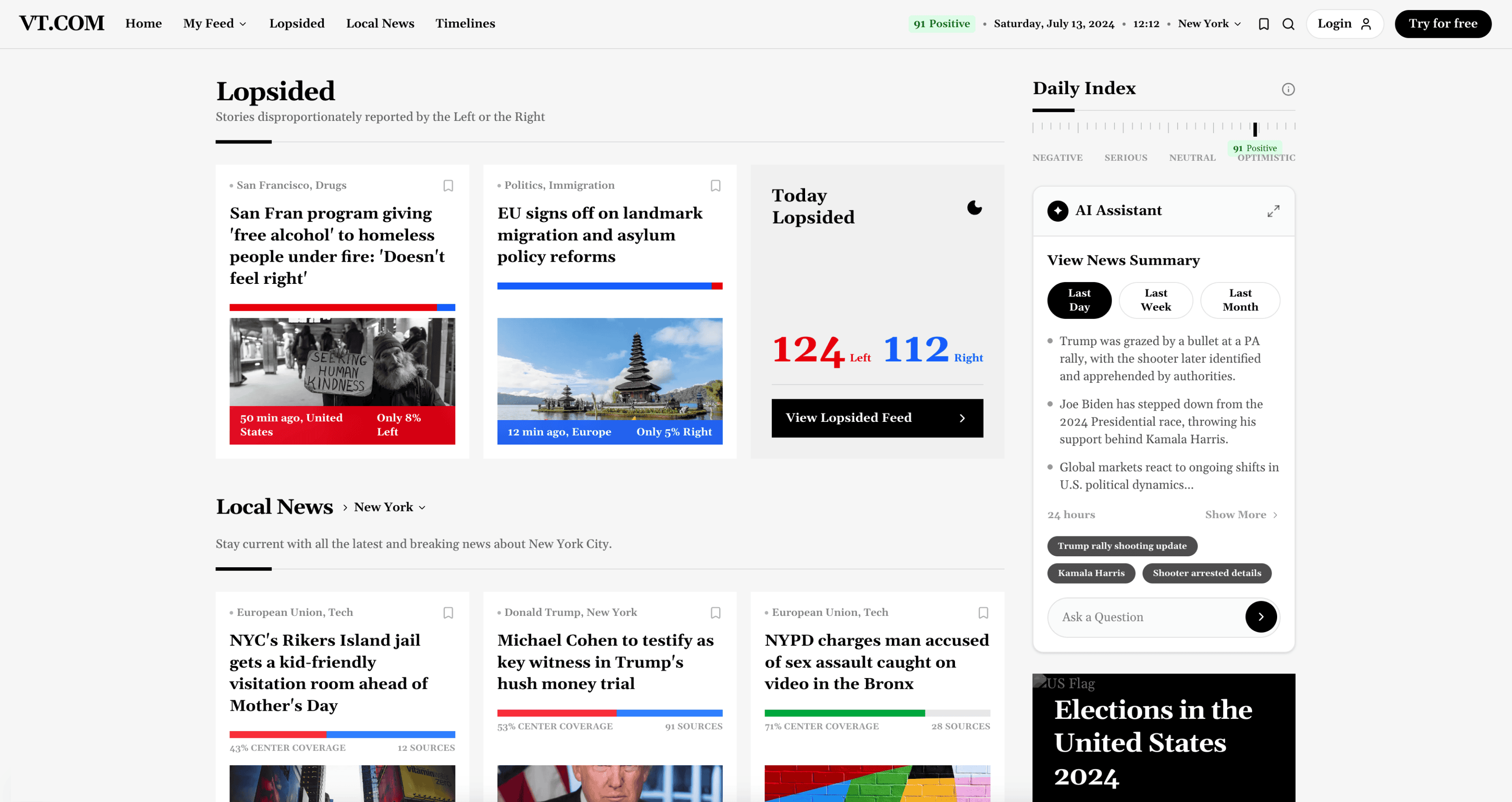
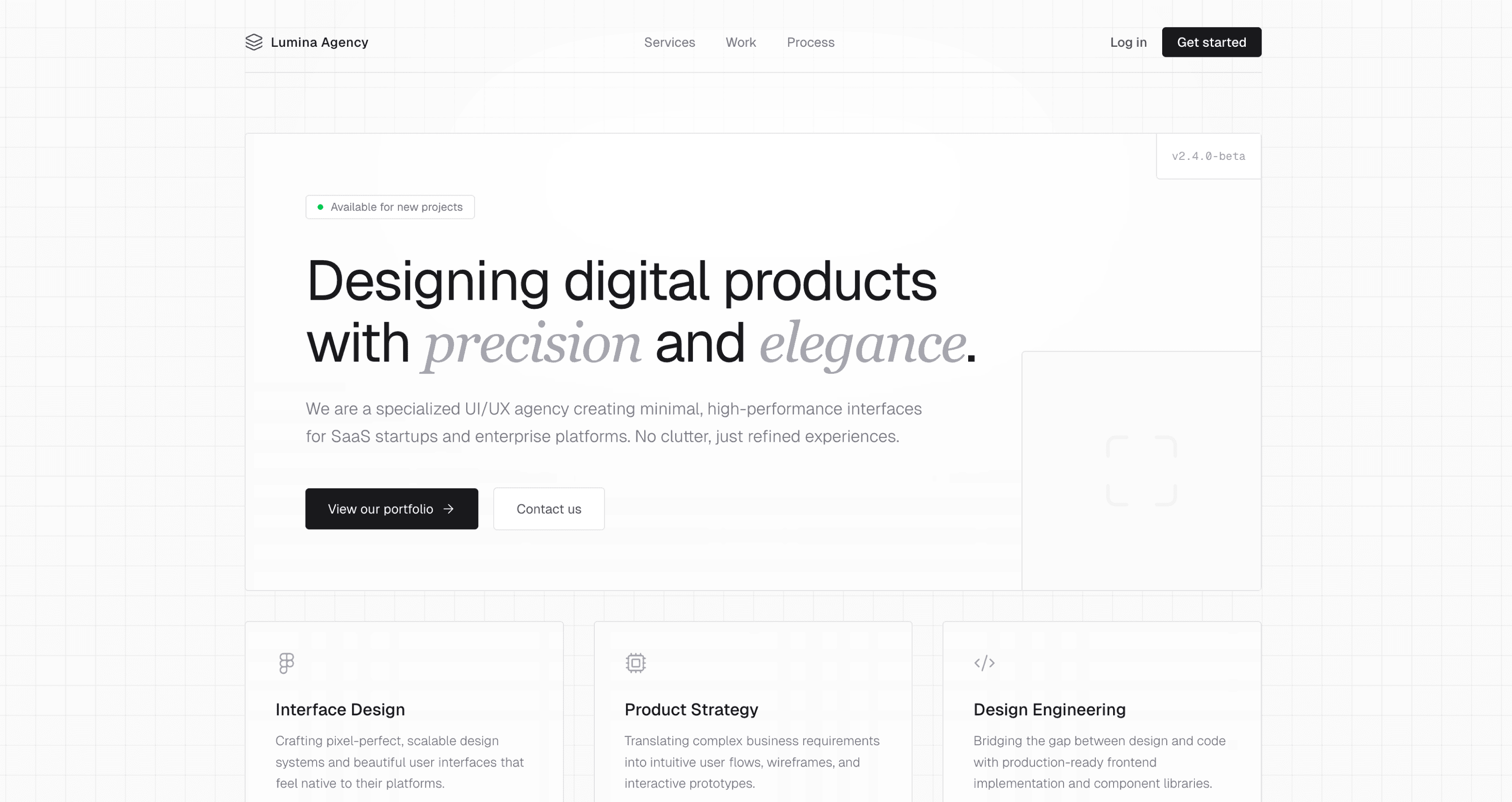
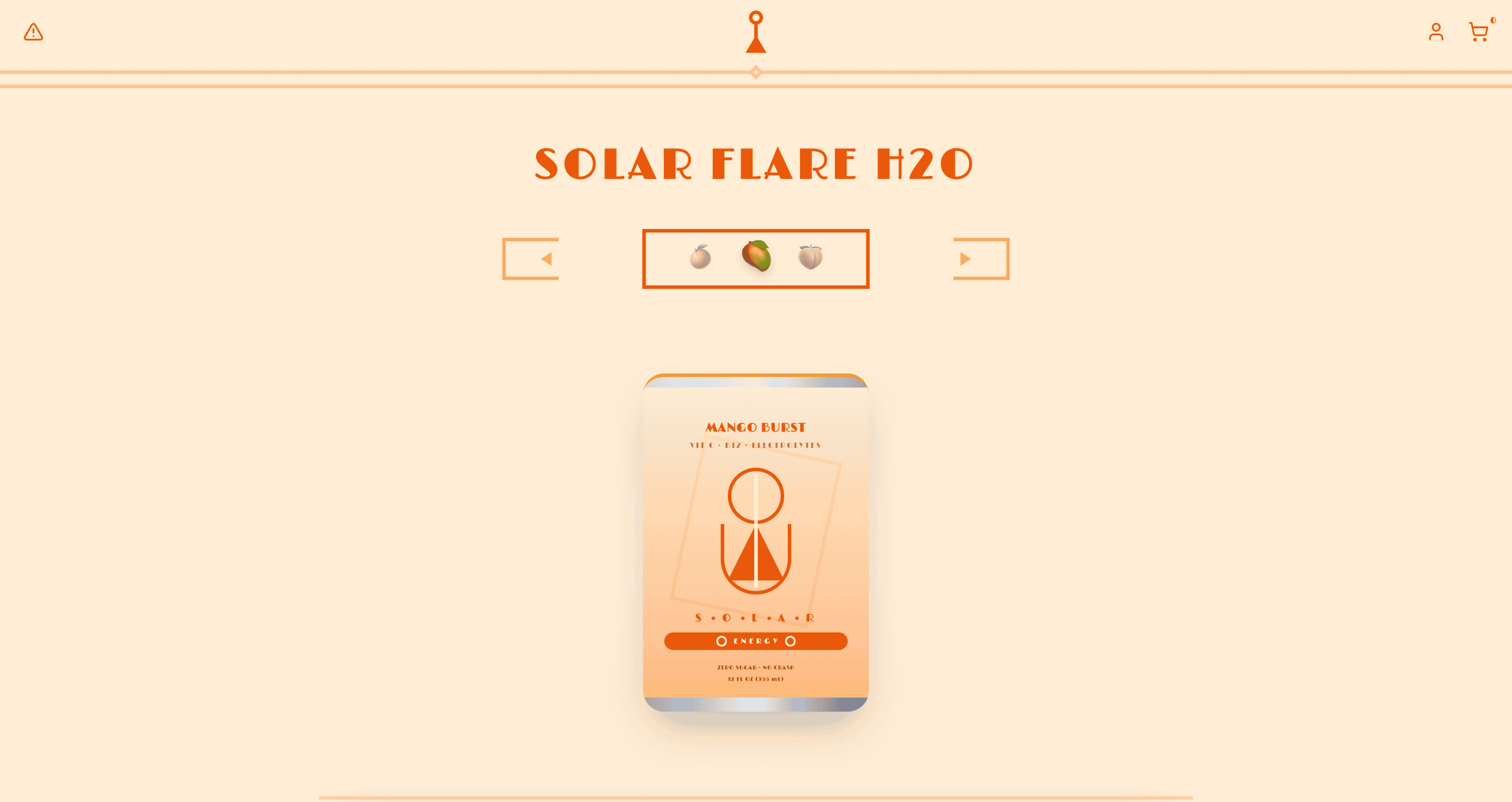
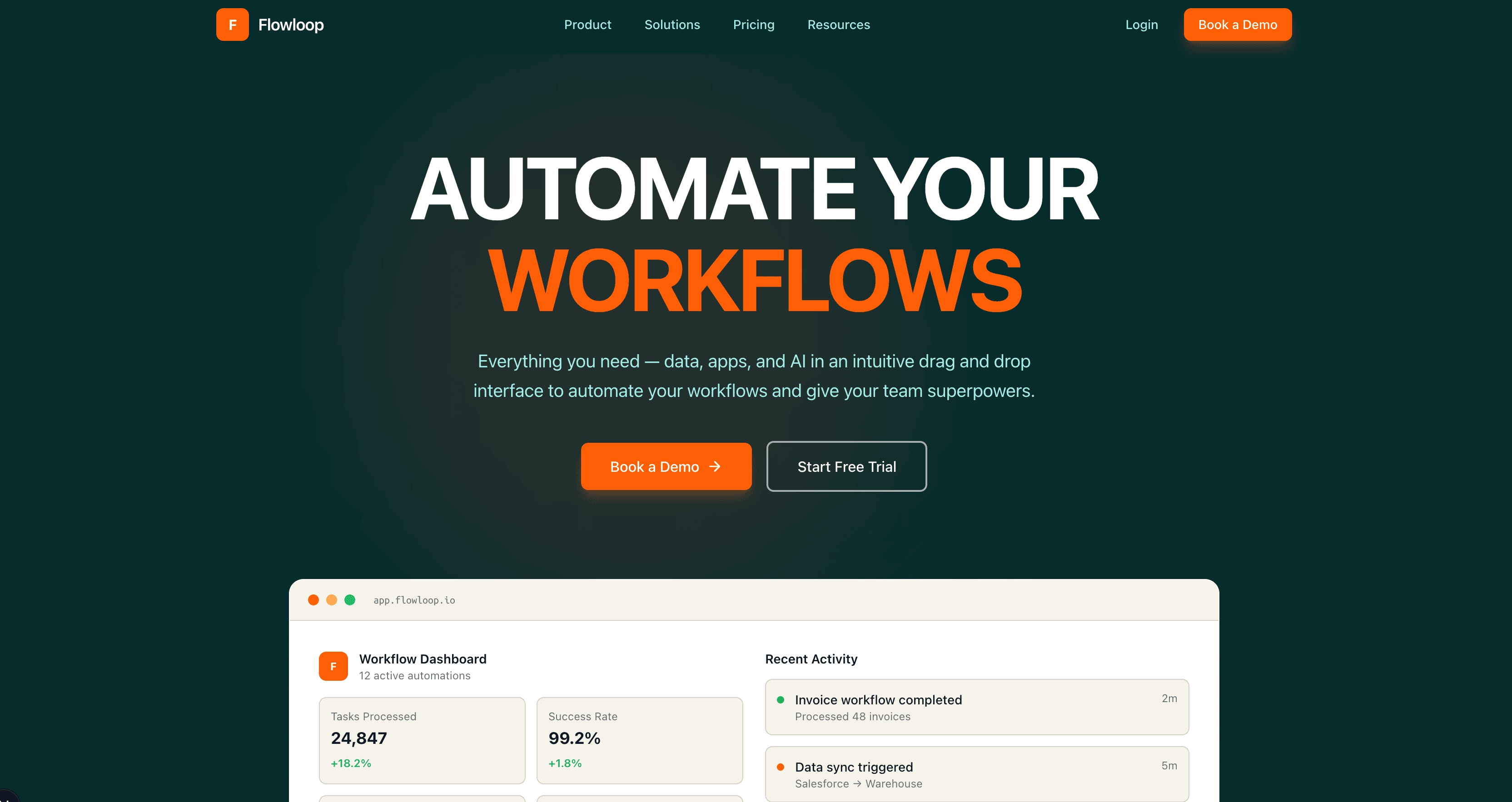
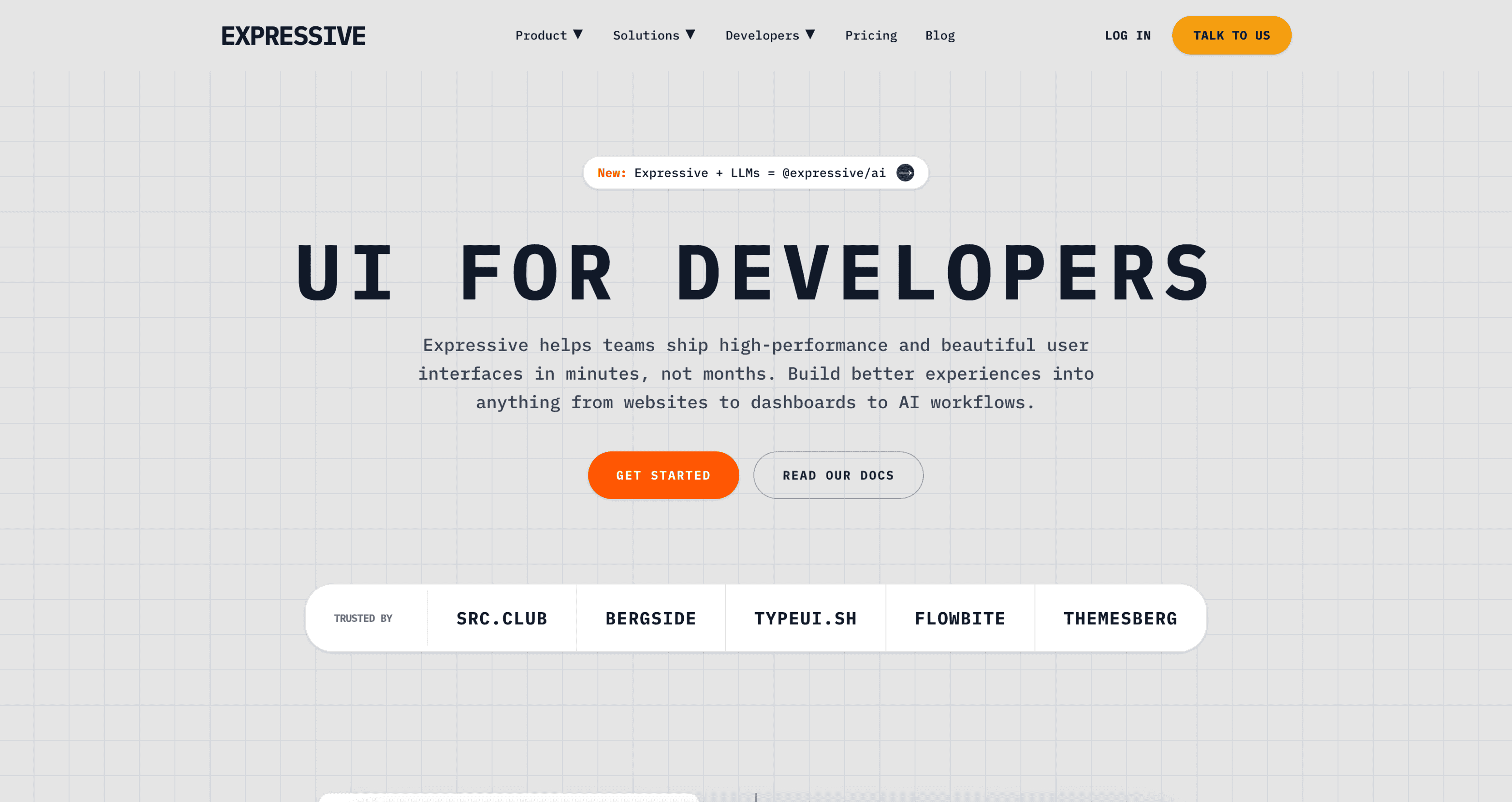
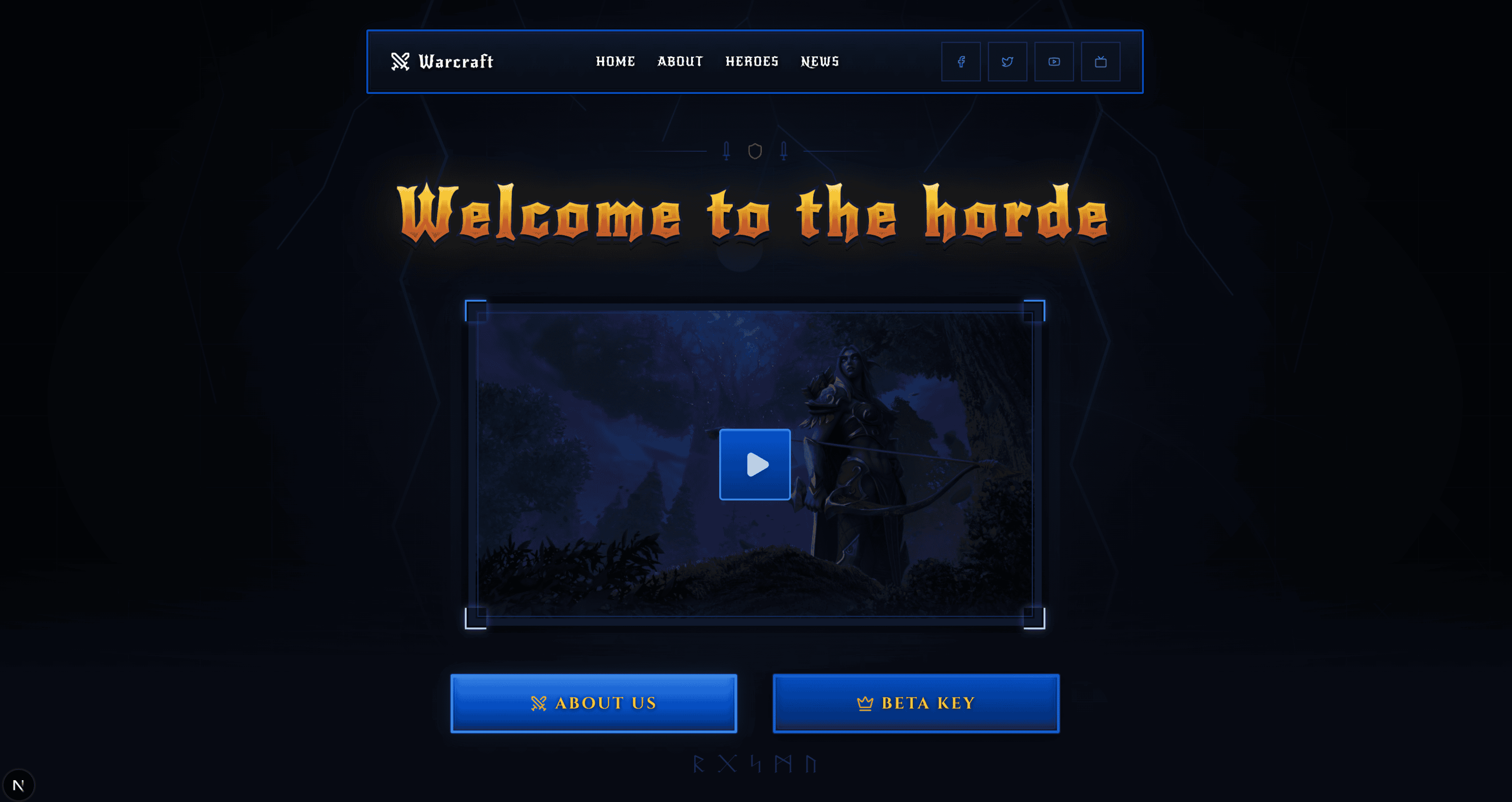
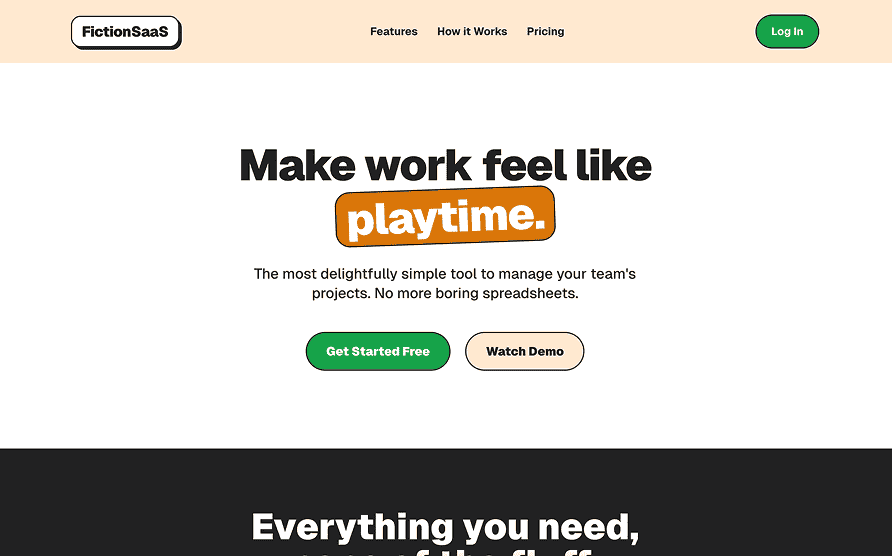
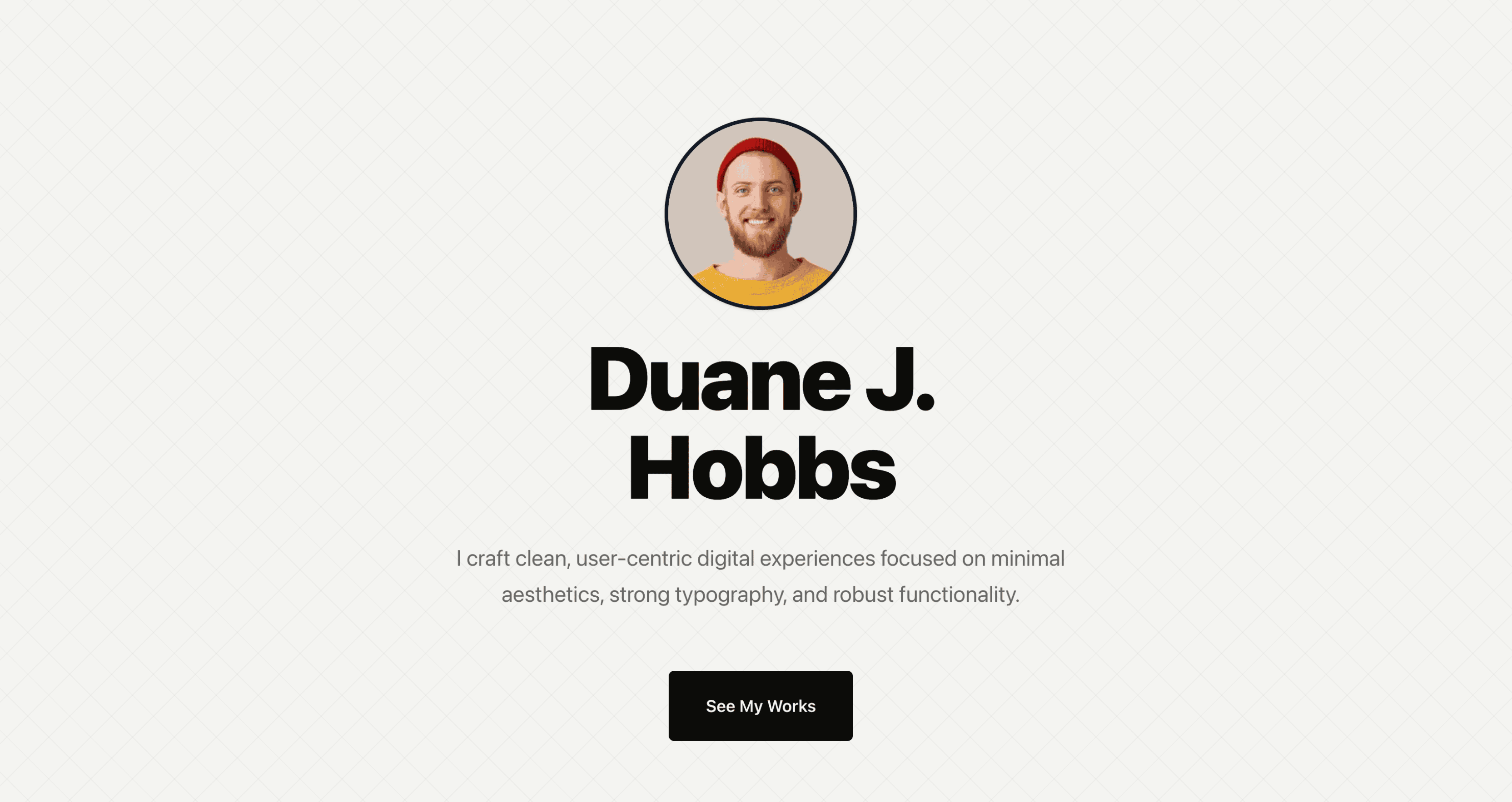
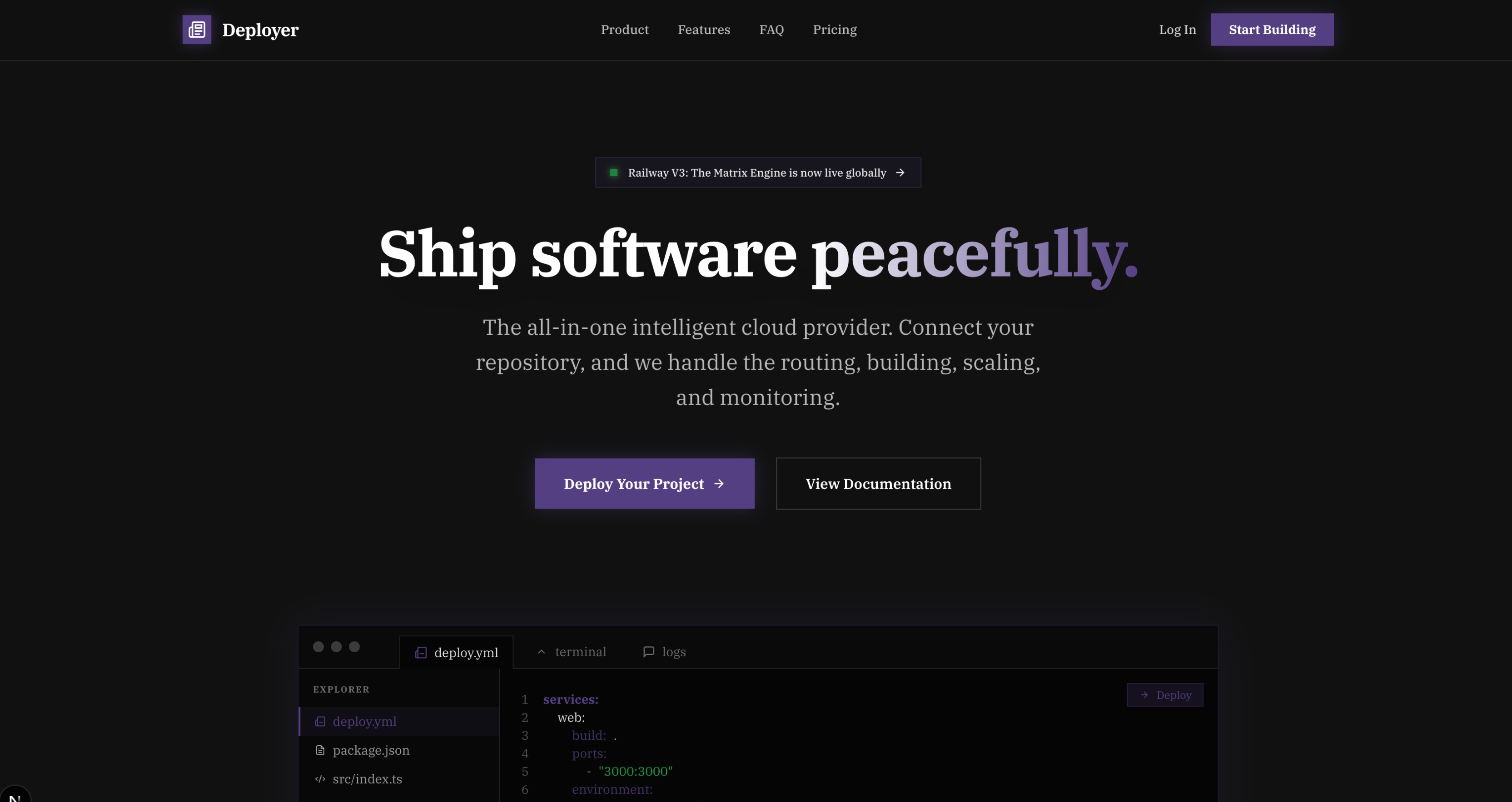
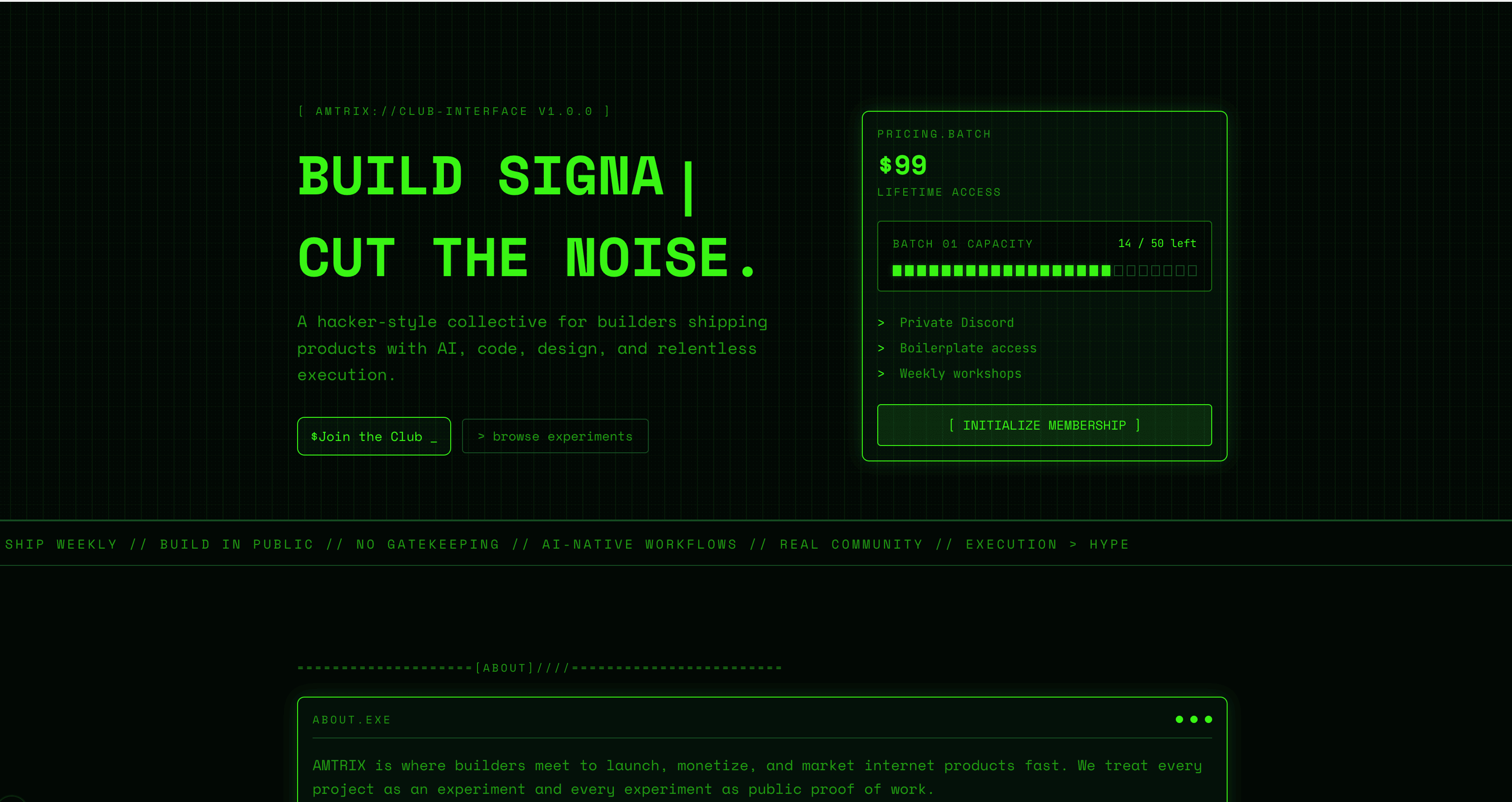
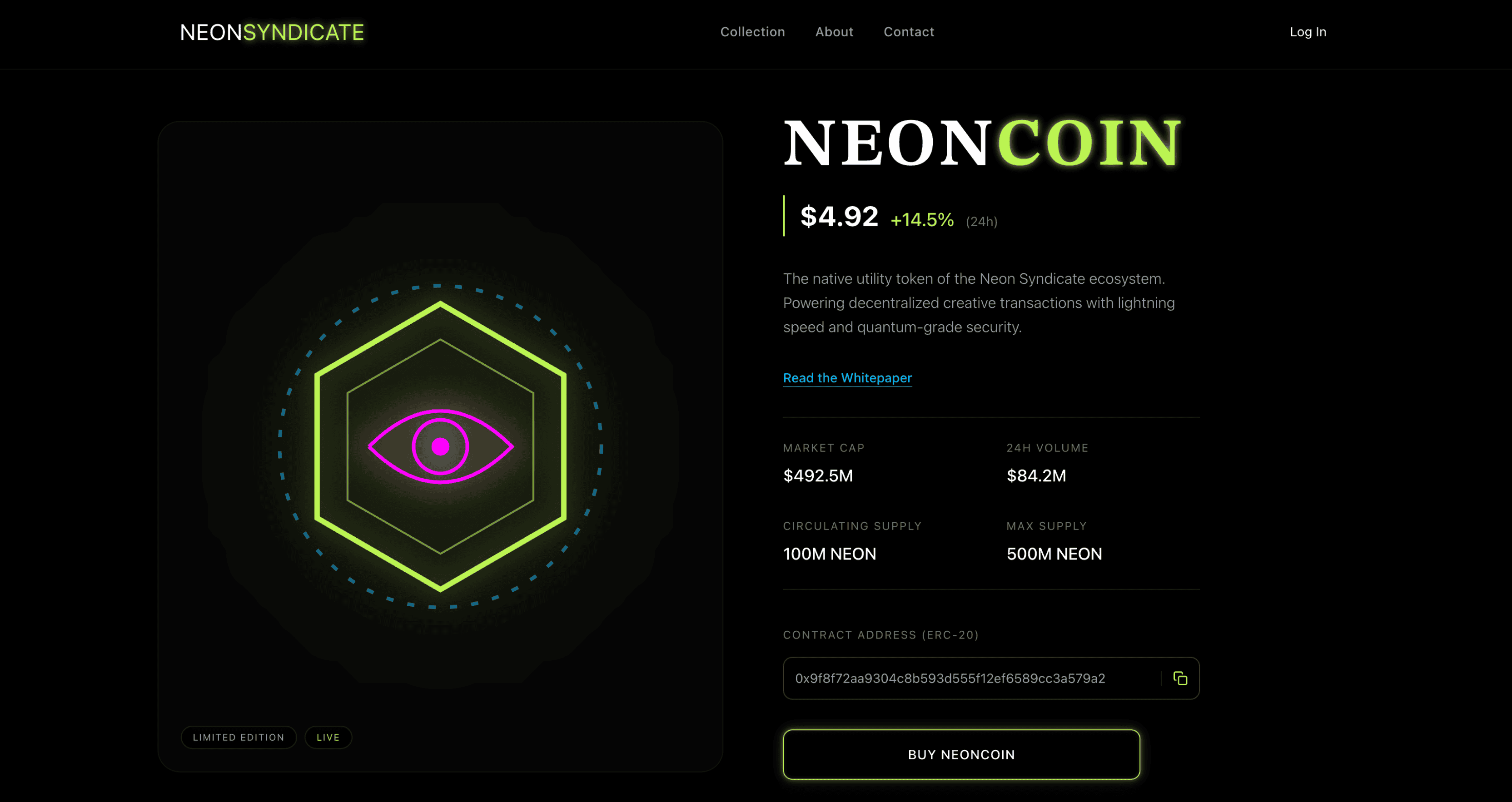
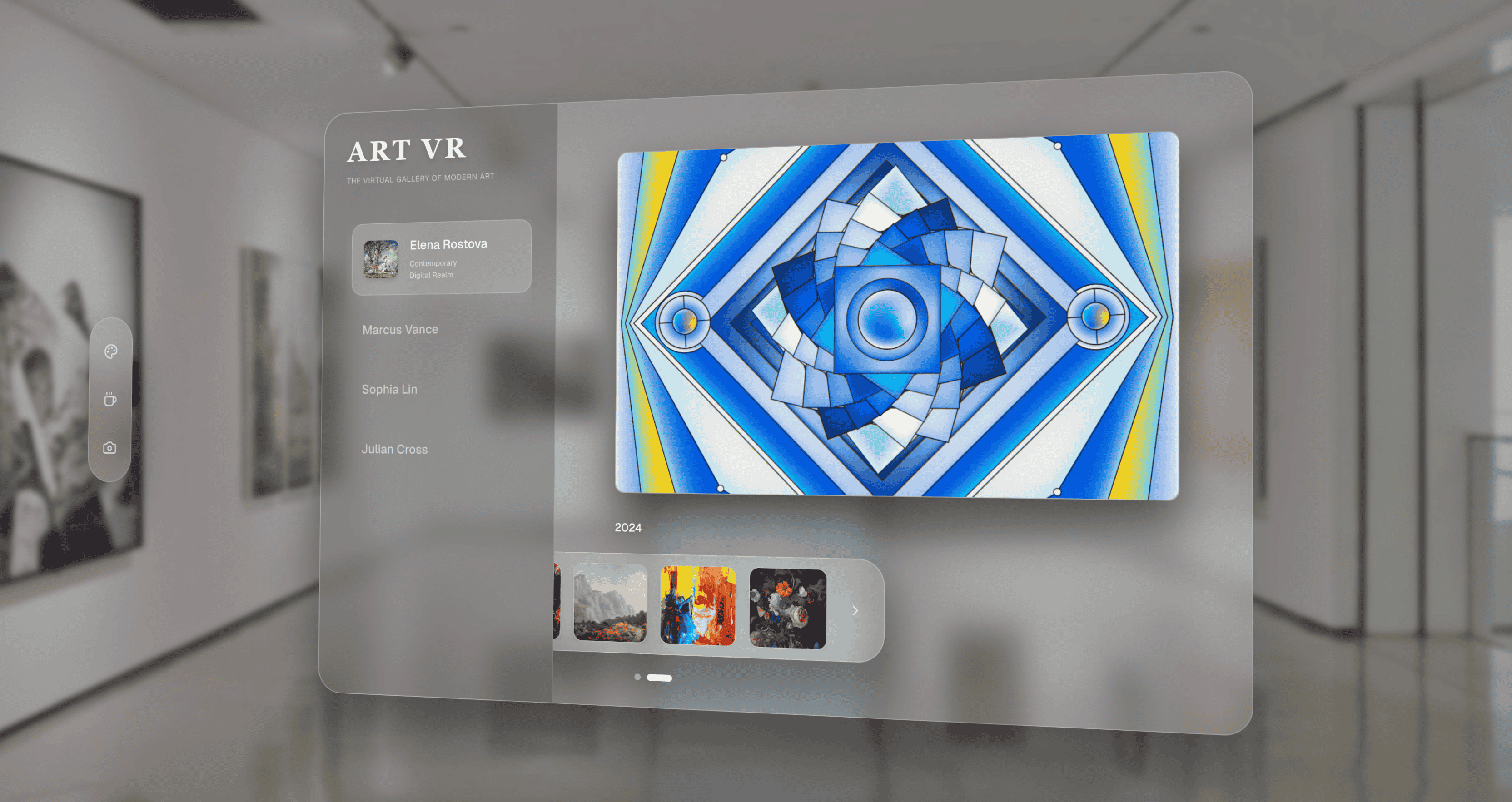
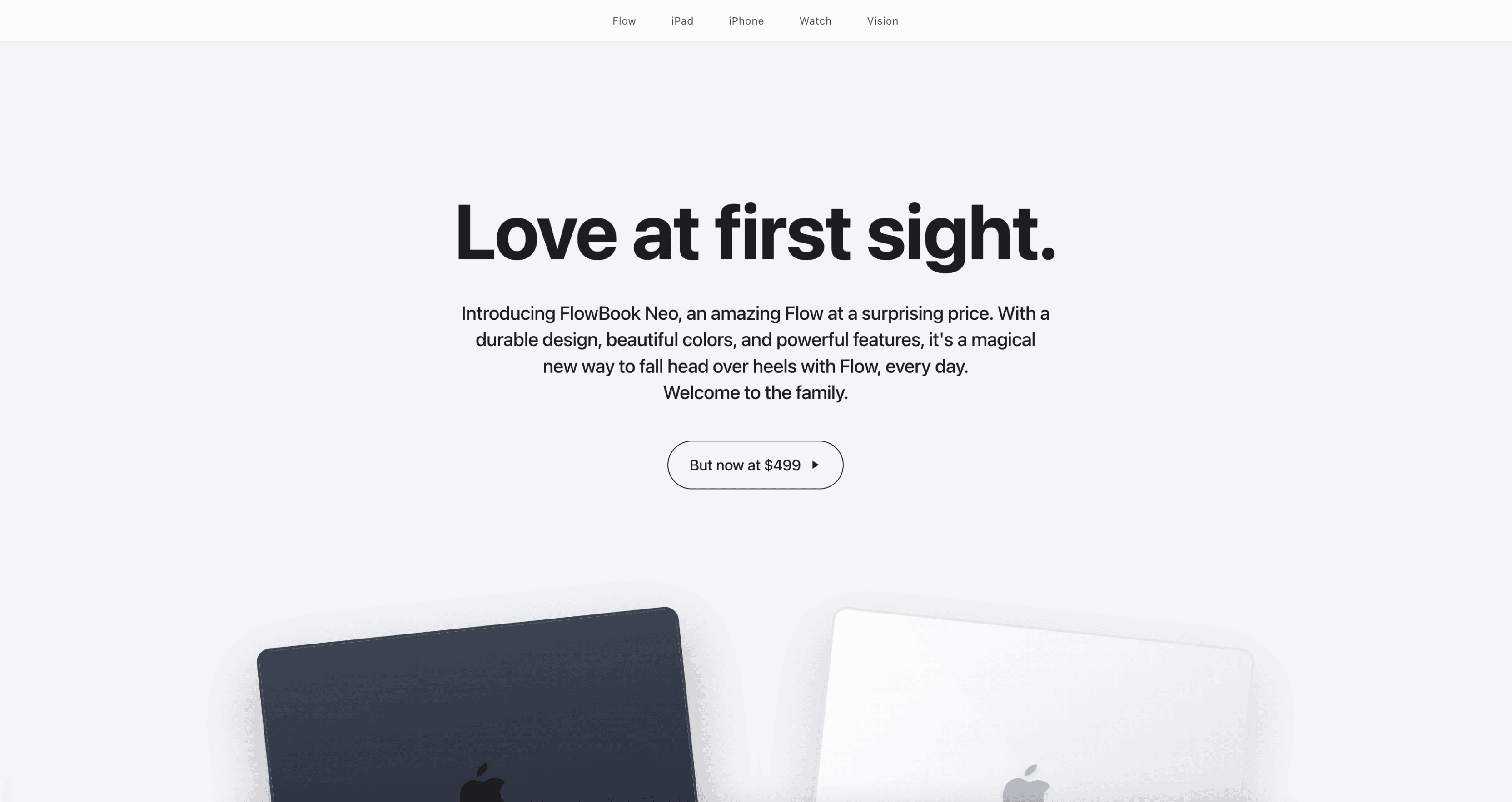
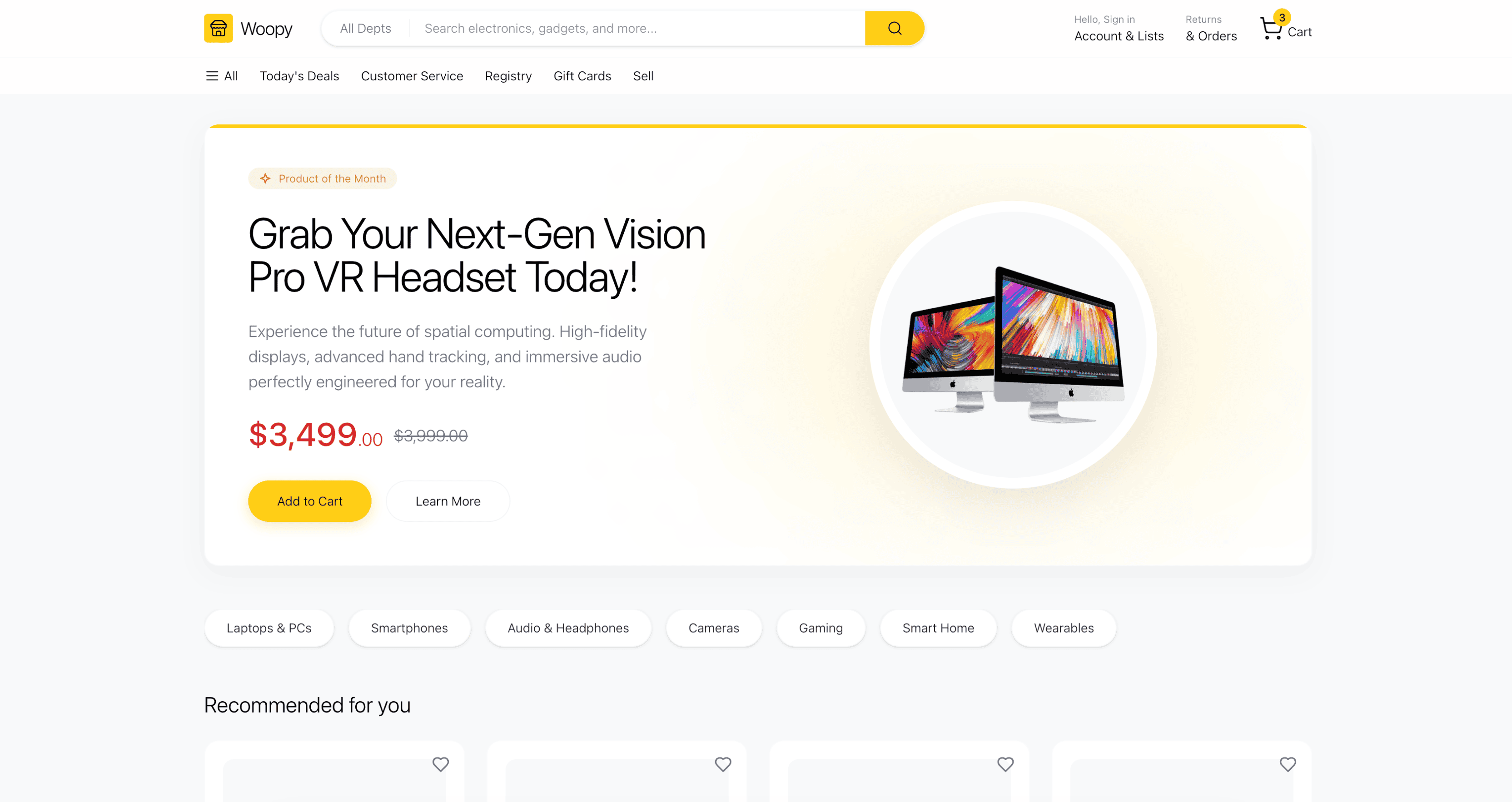
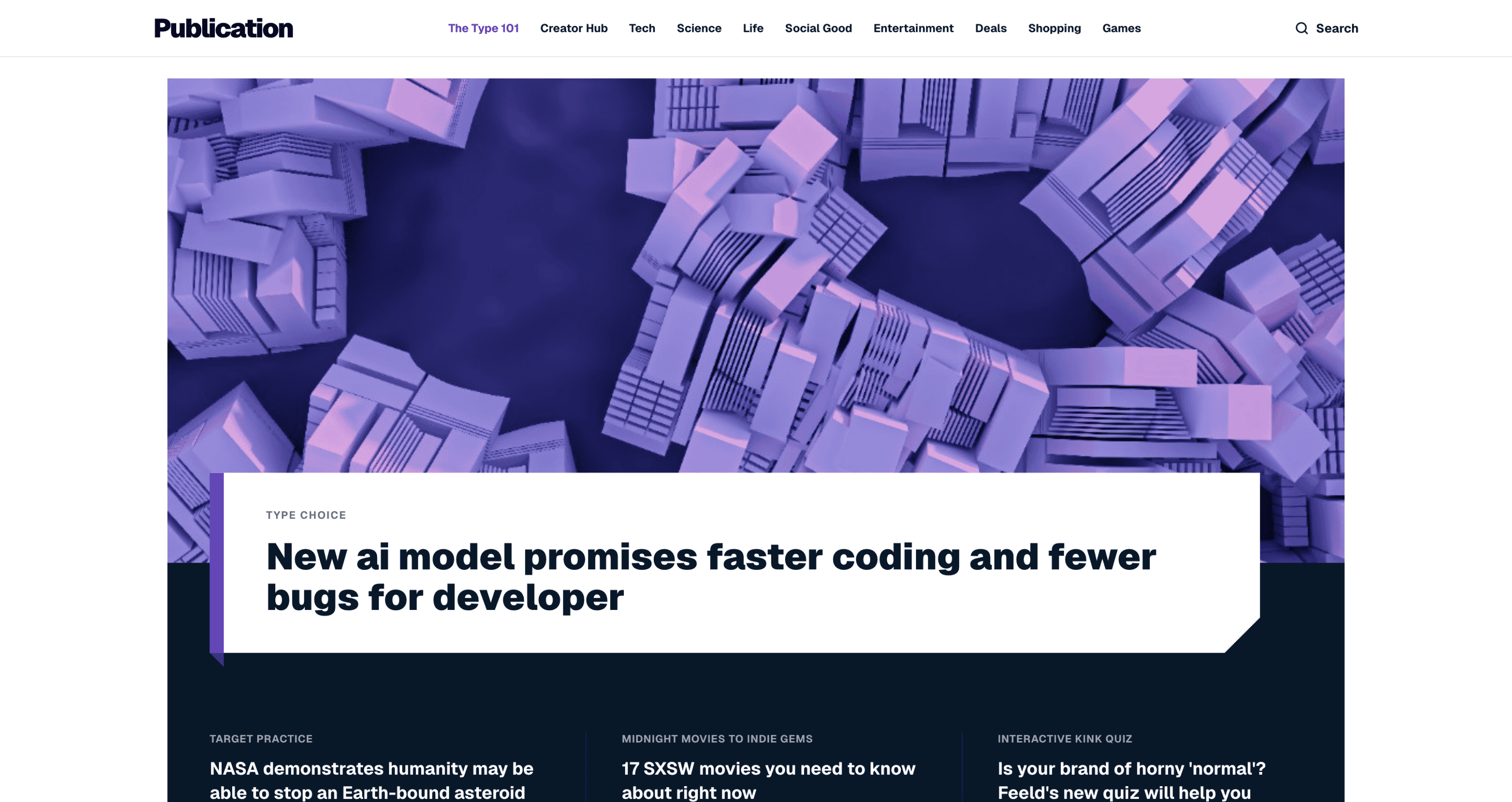
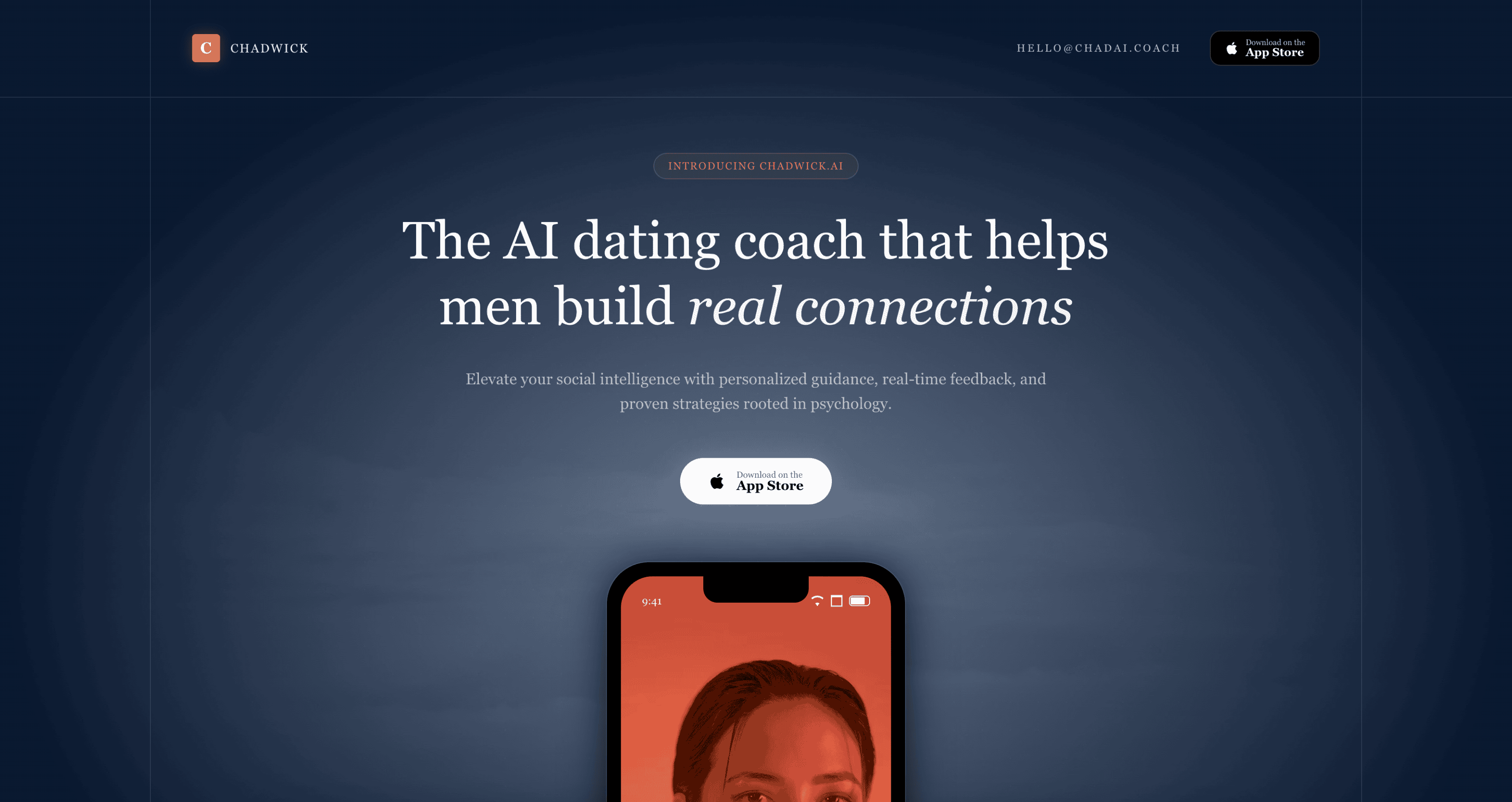
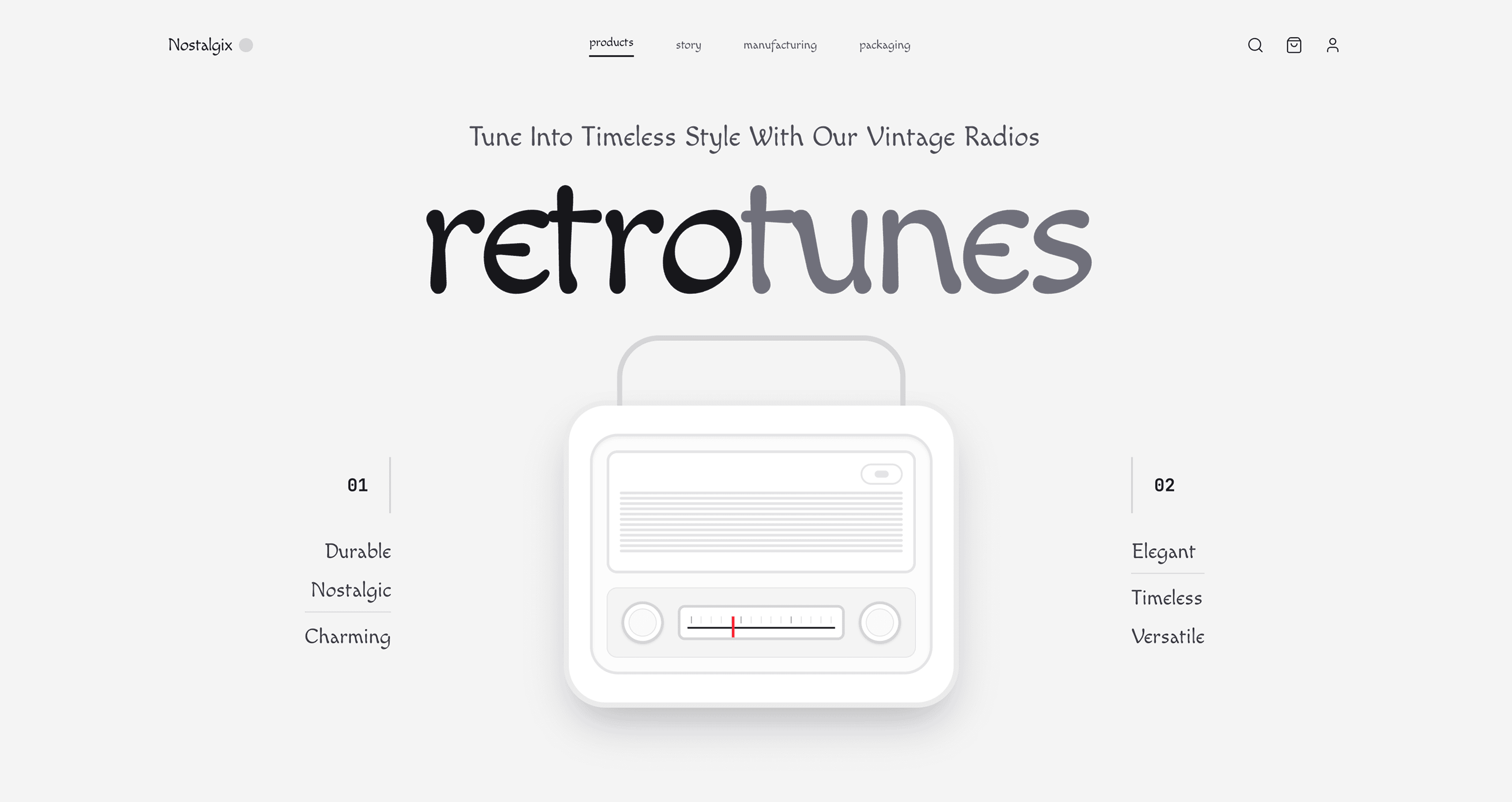
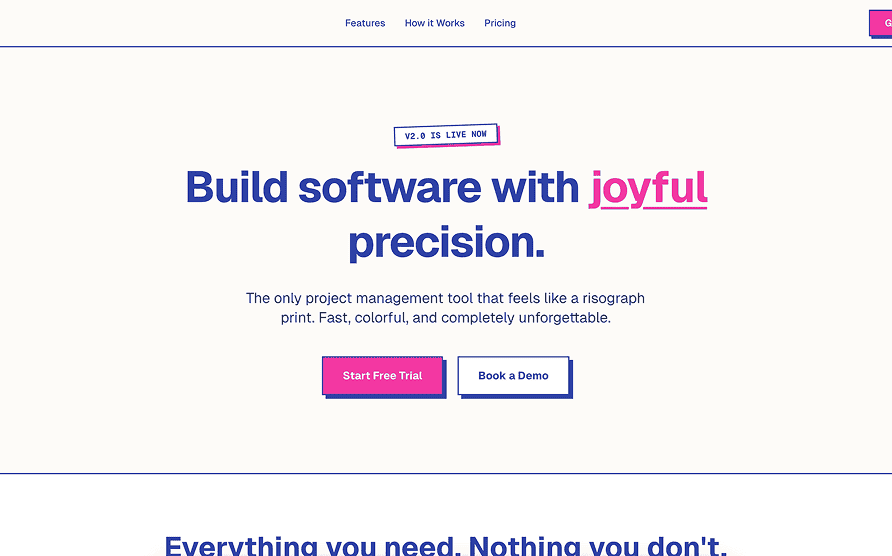
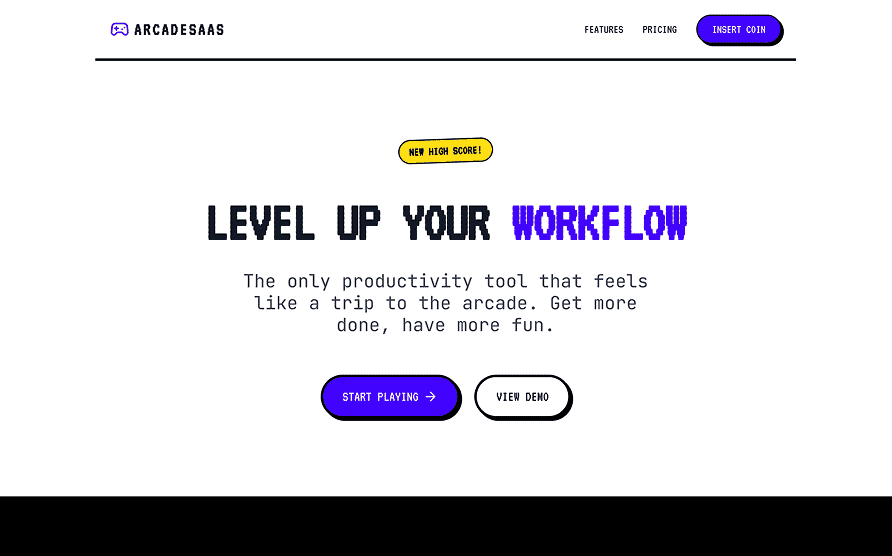
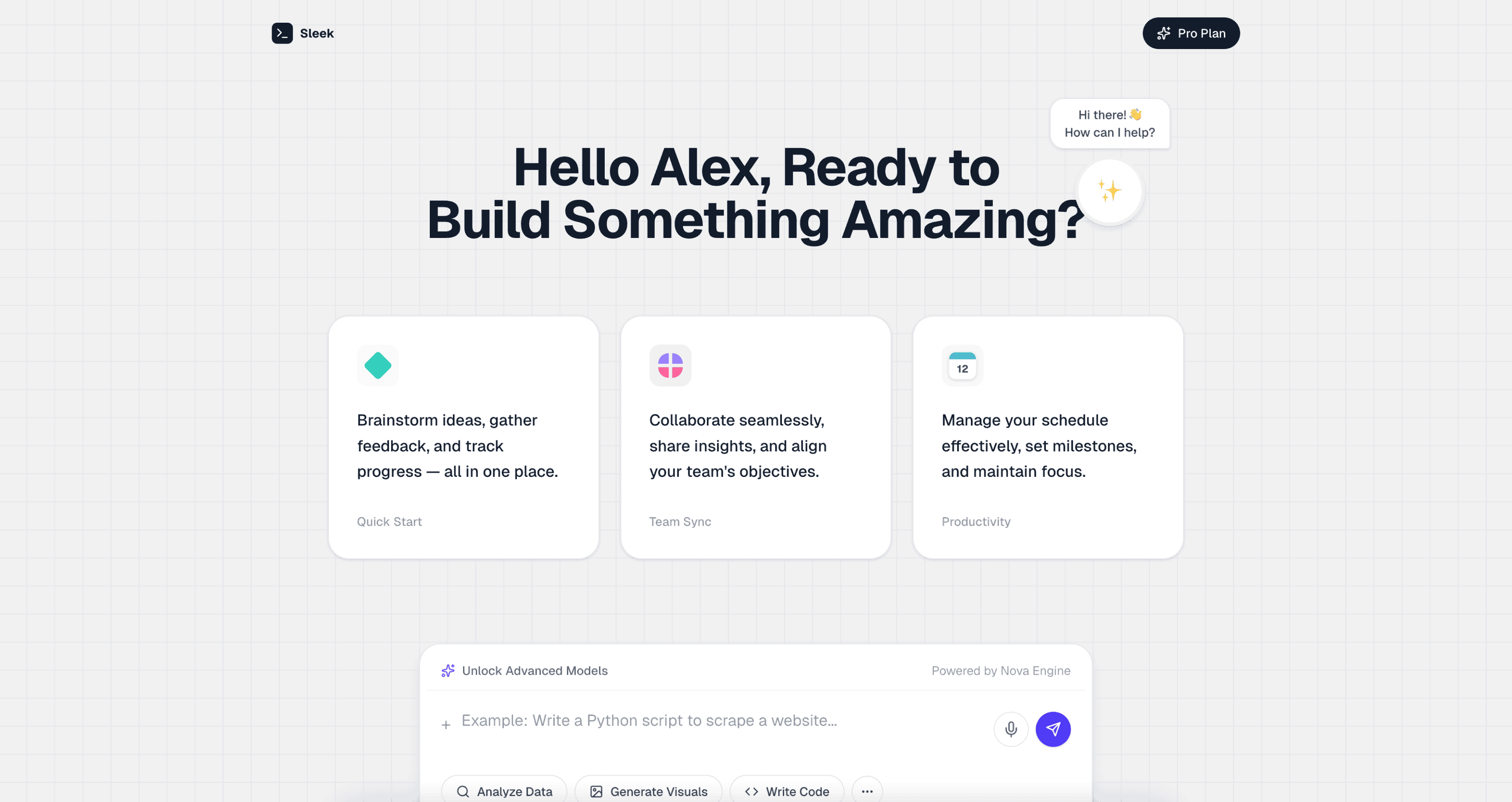
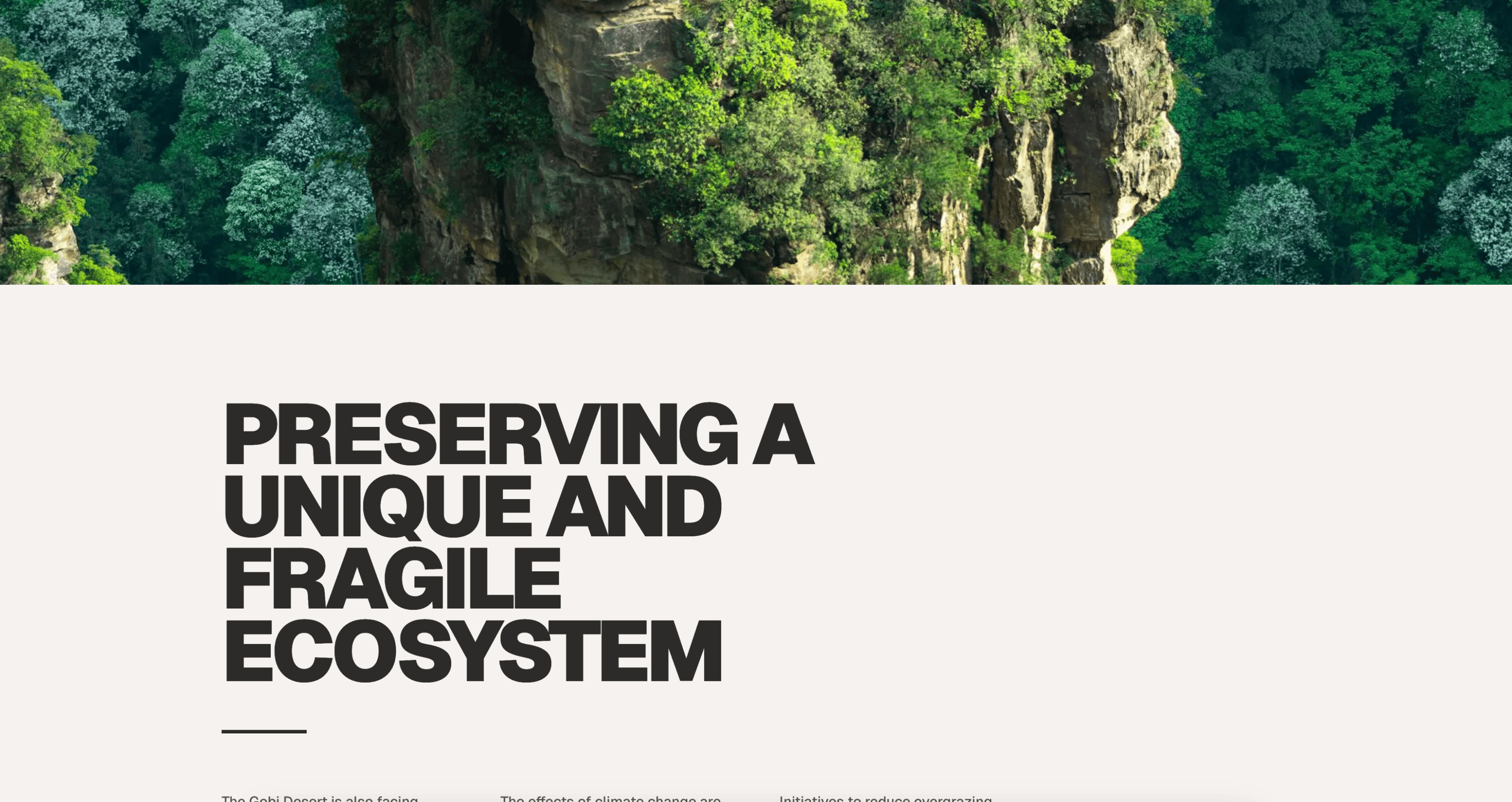
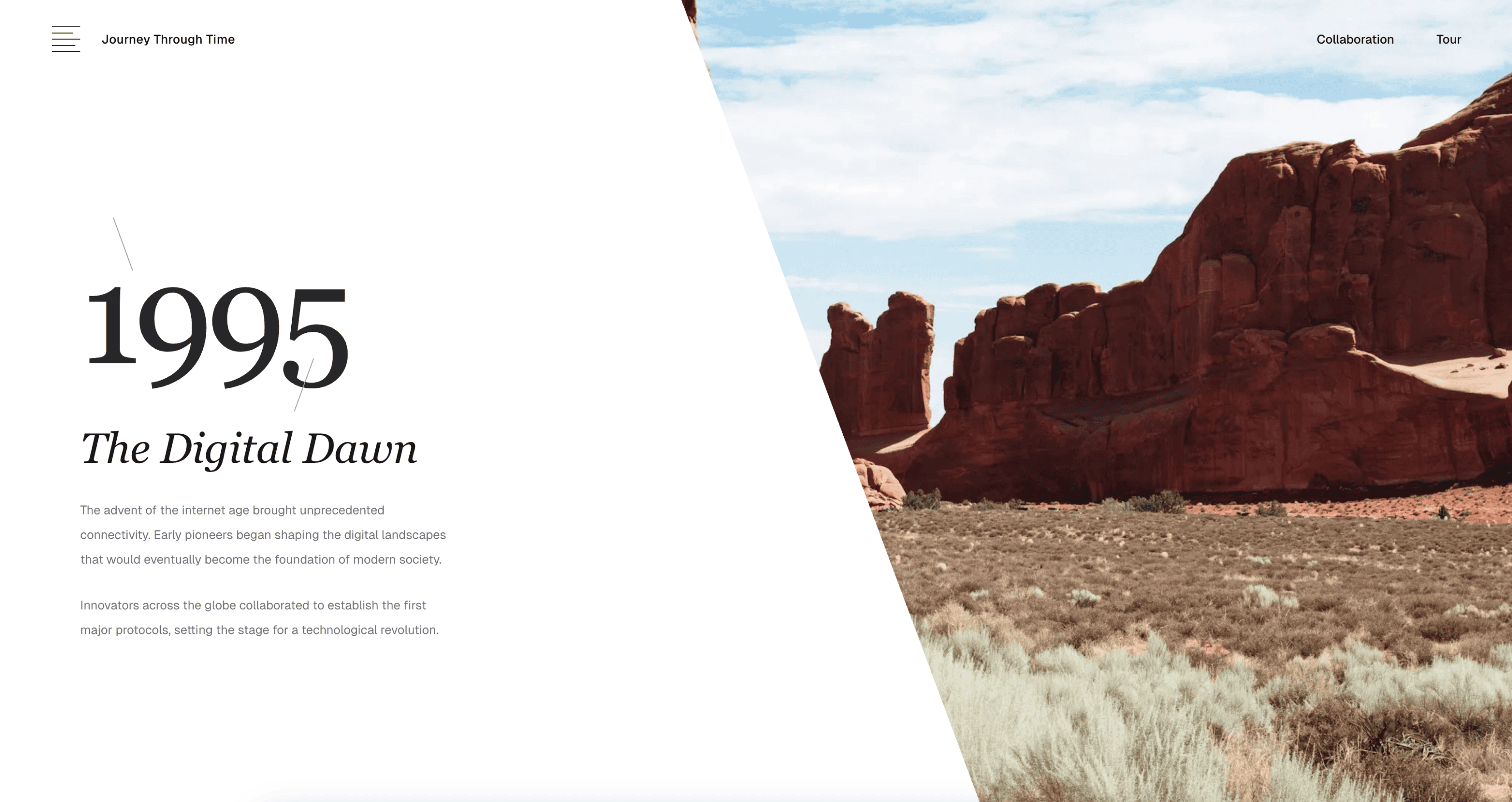
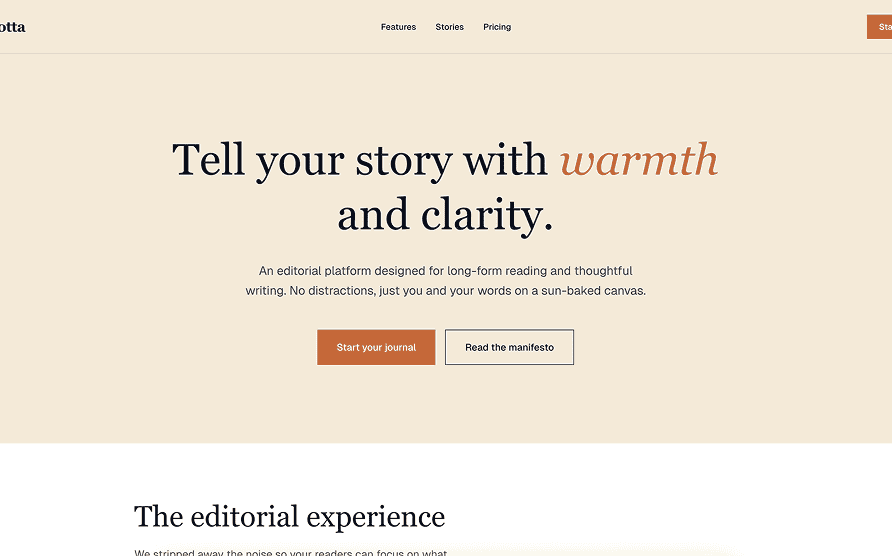
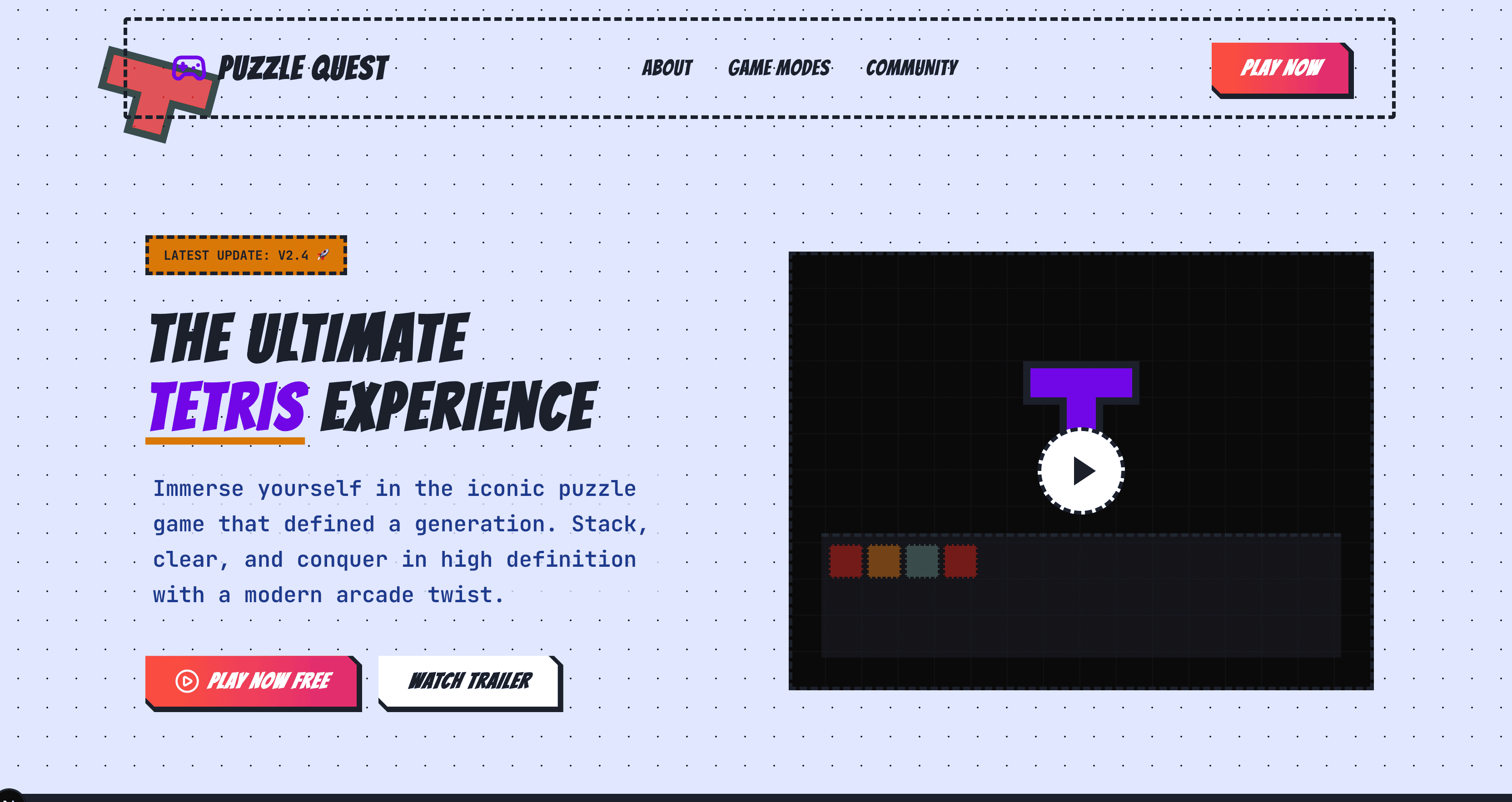
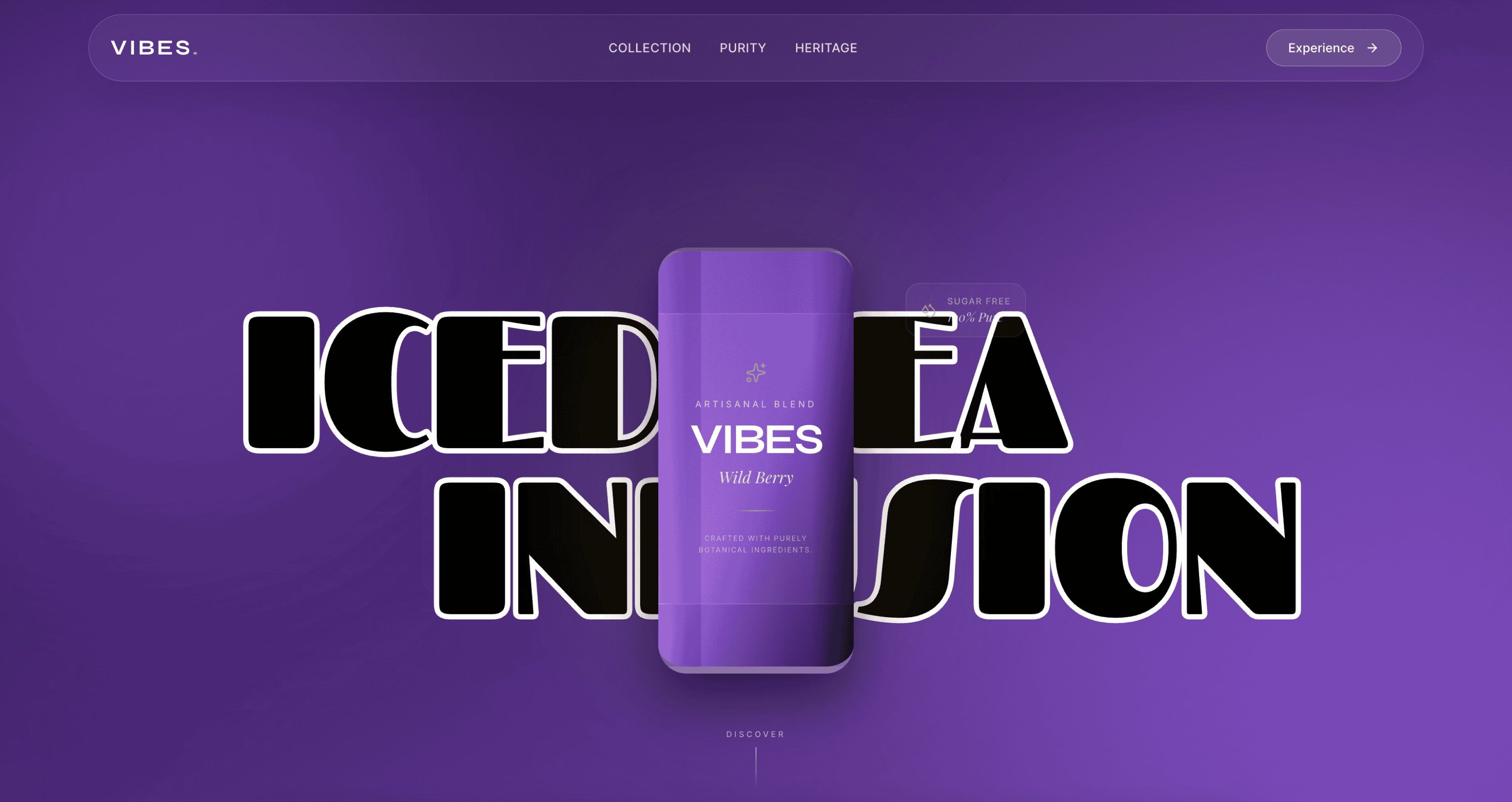
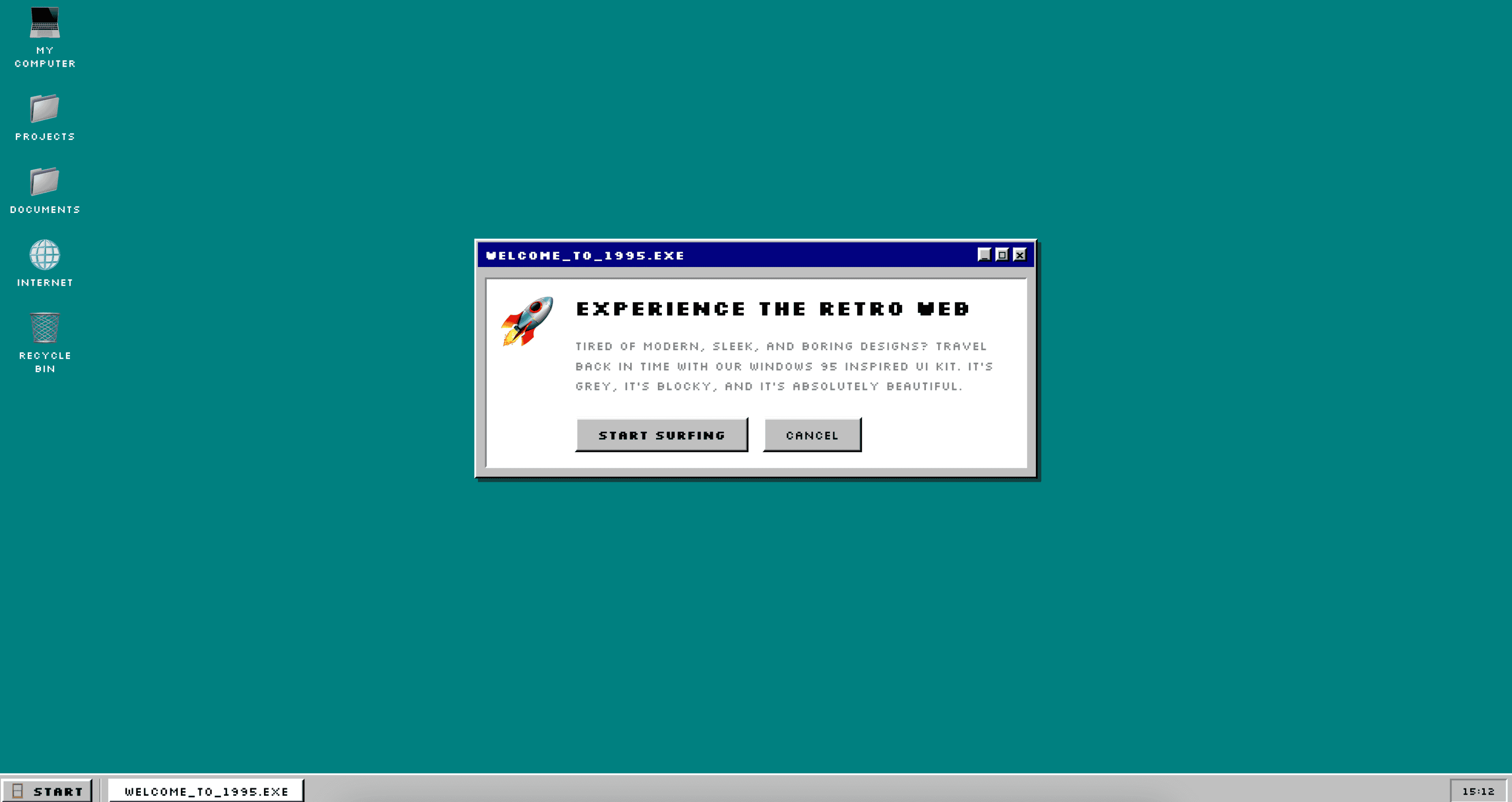
Design skills
Check out all design skills. Available in both DESIGN.md and SKILL.md formats.
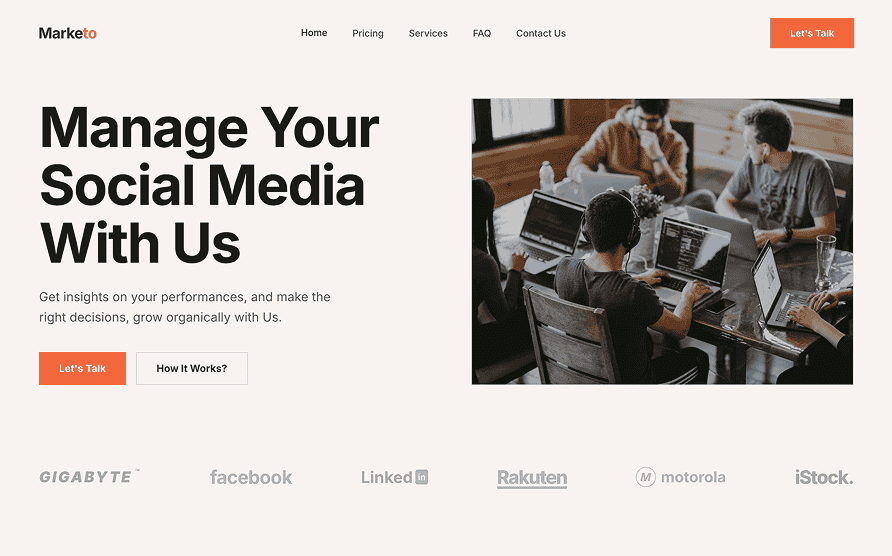
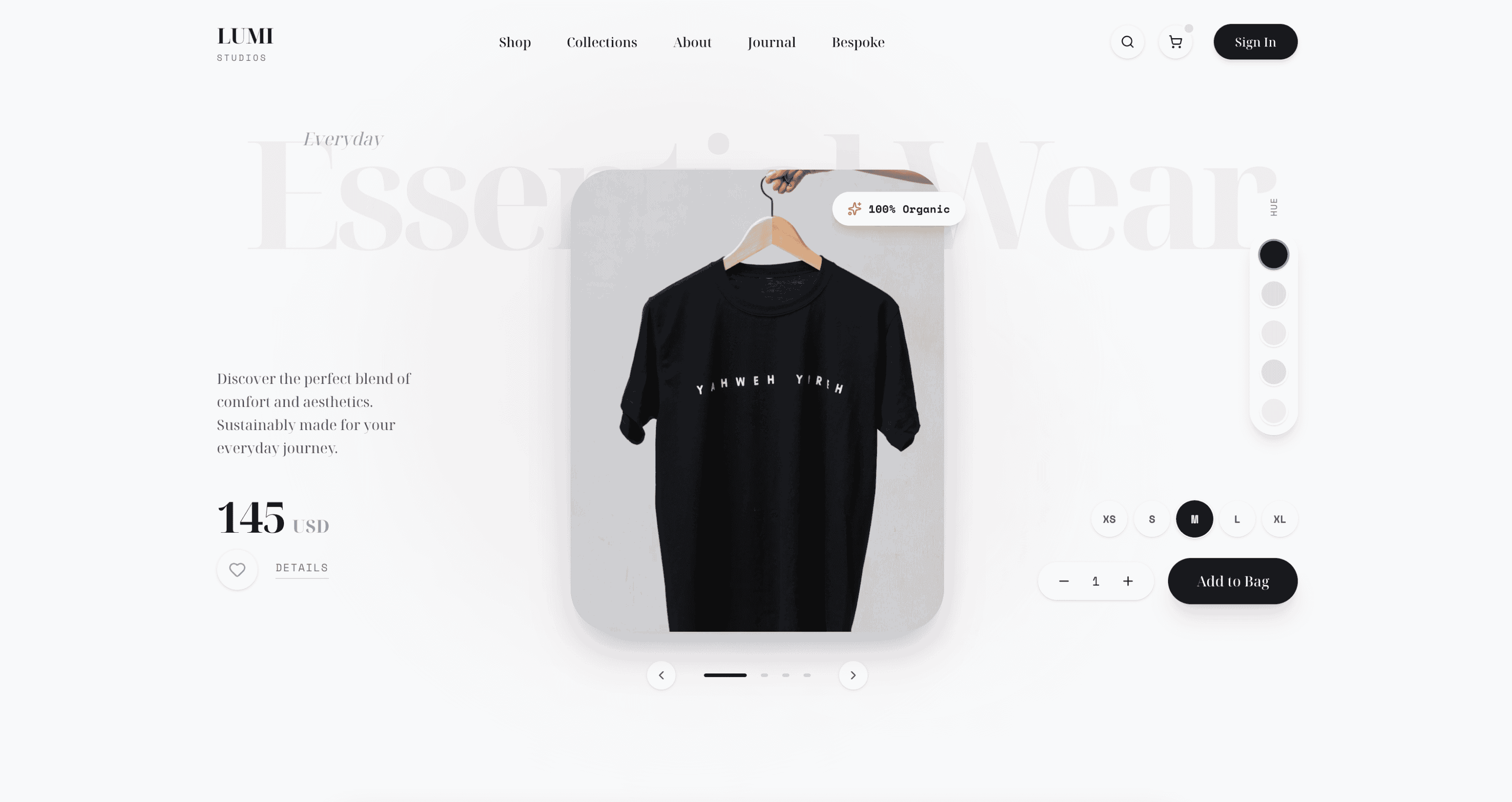
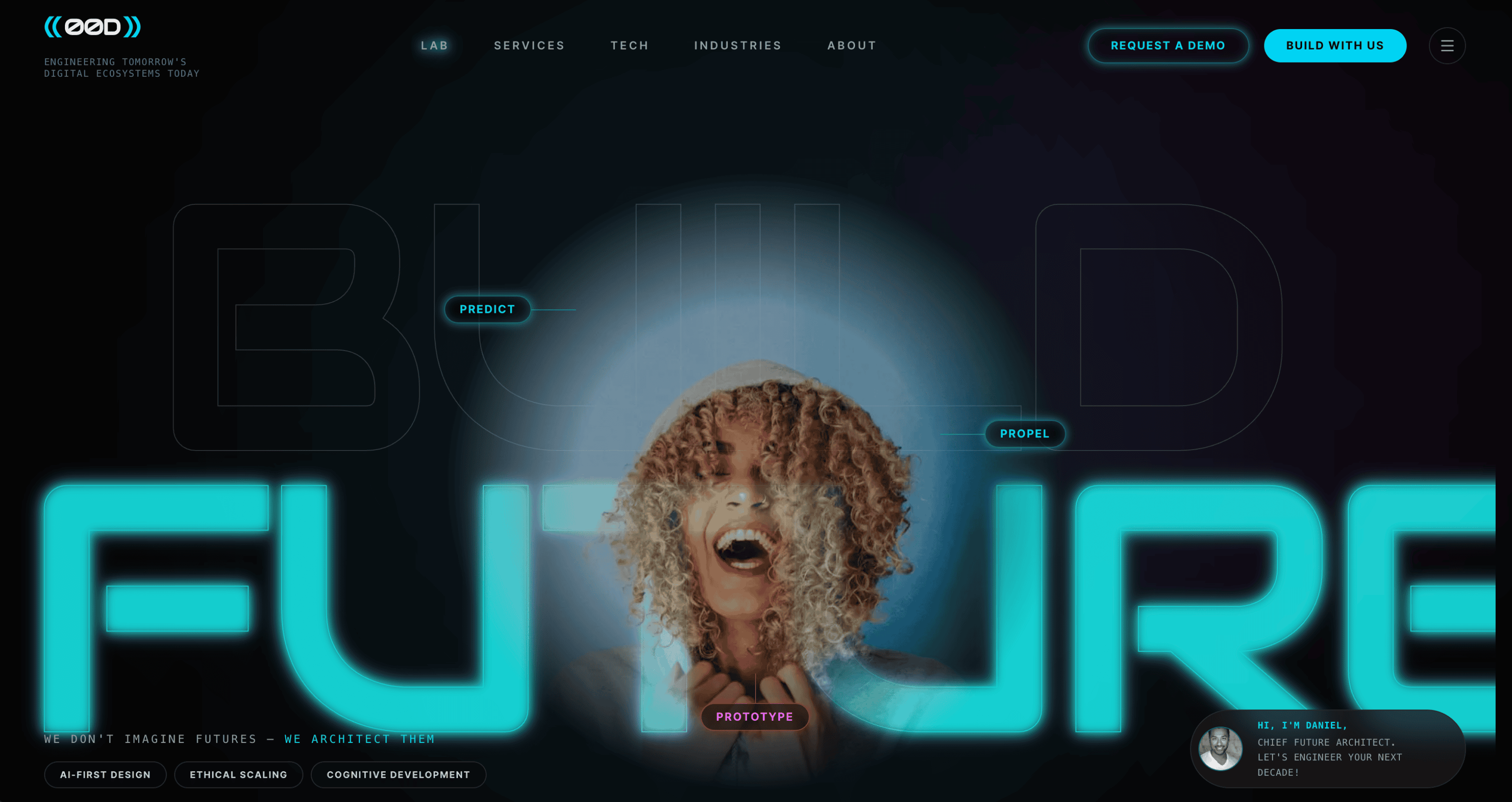
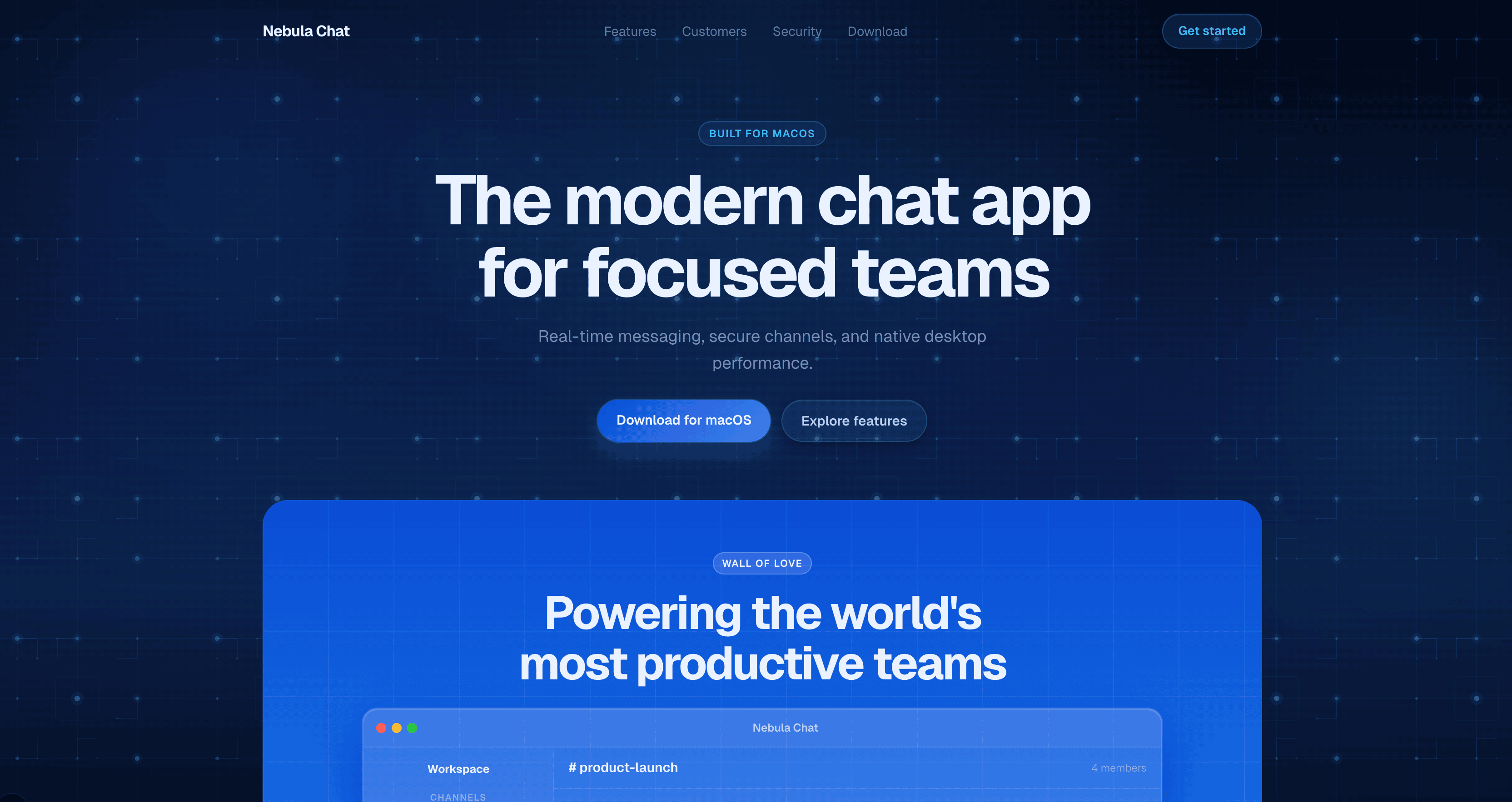
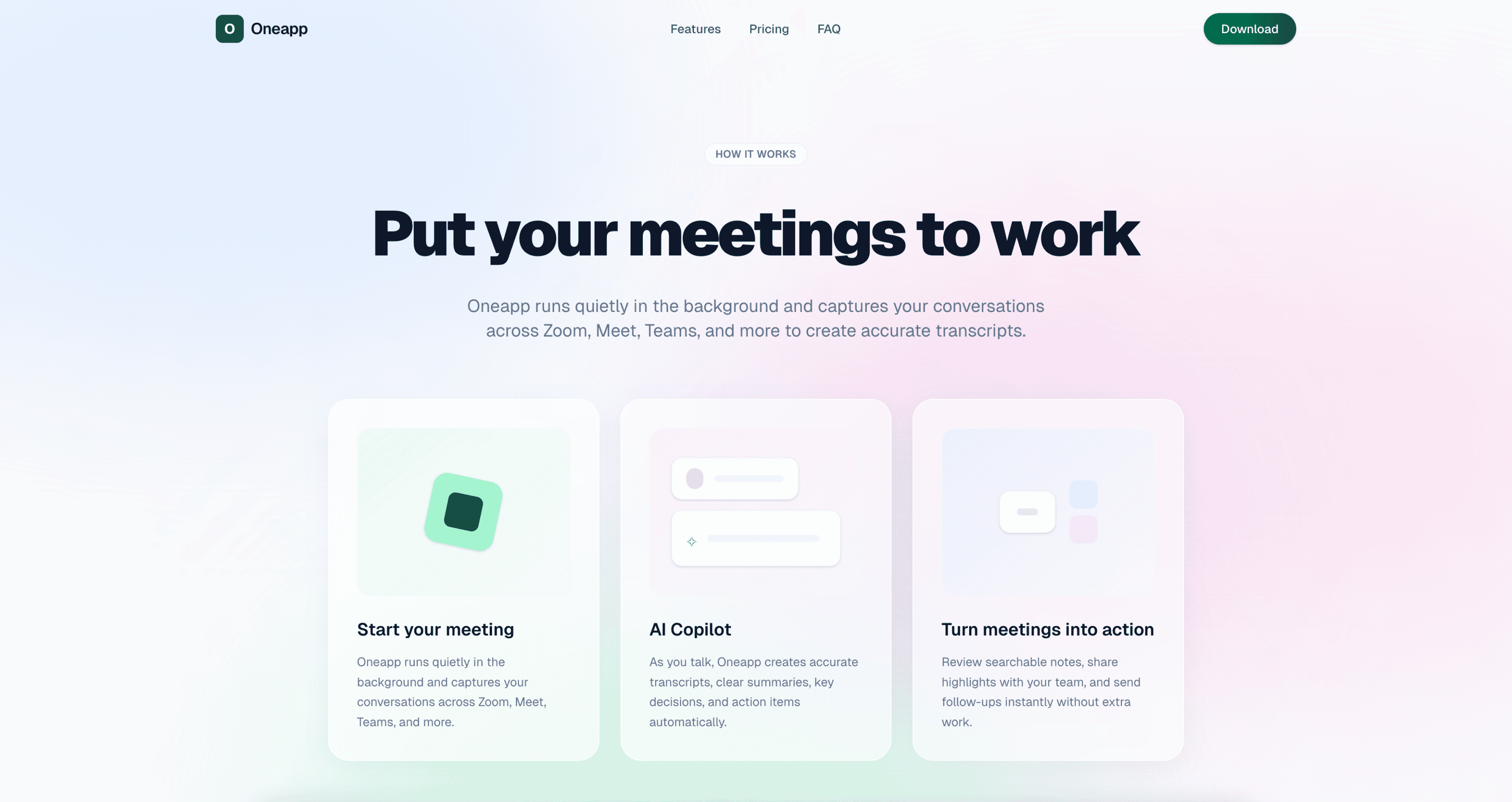
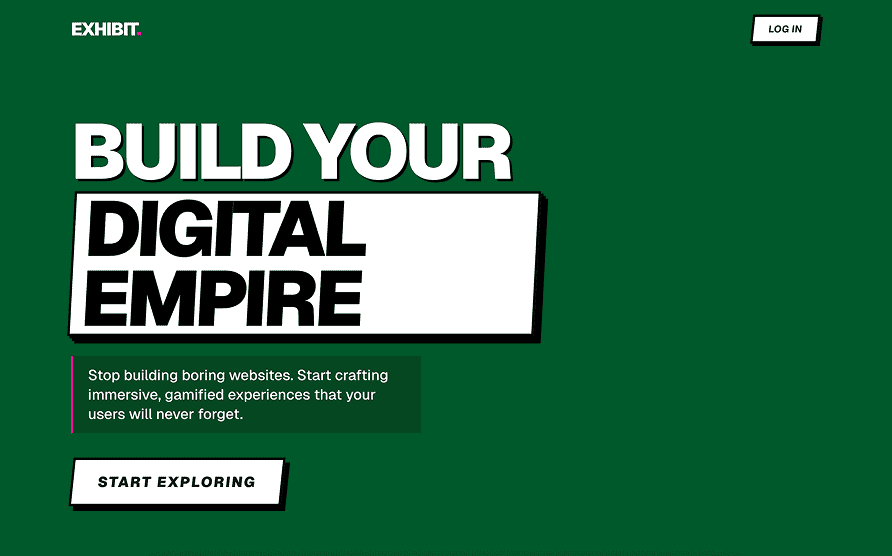
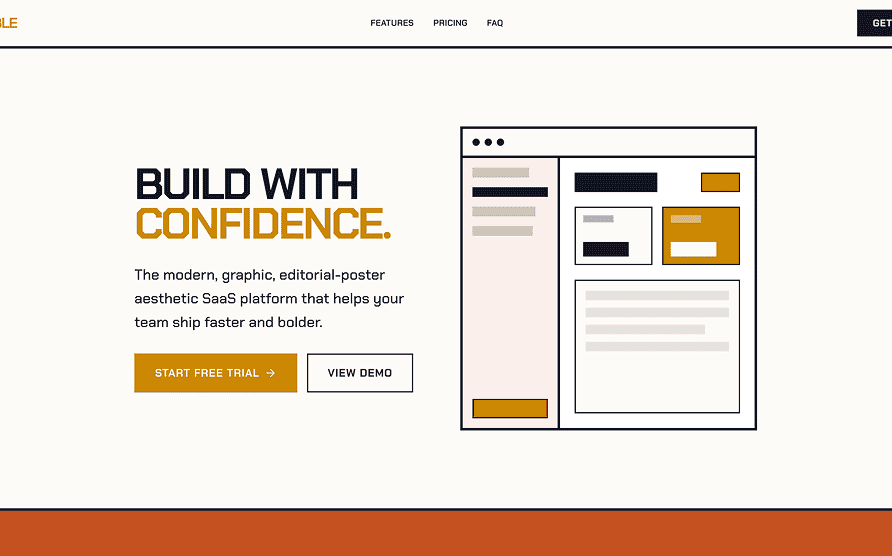
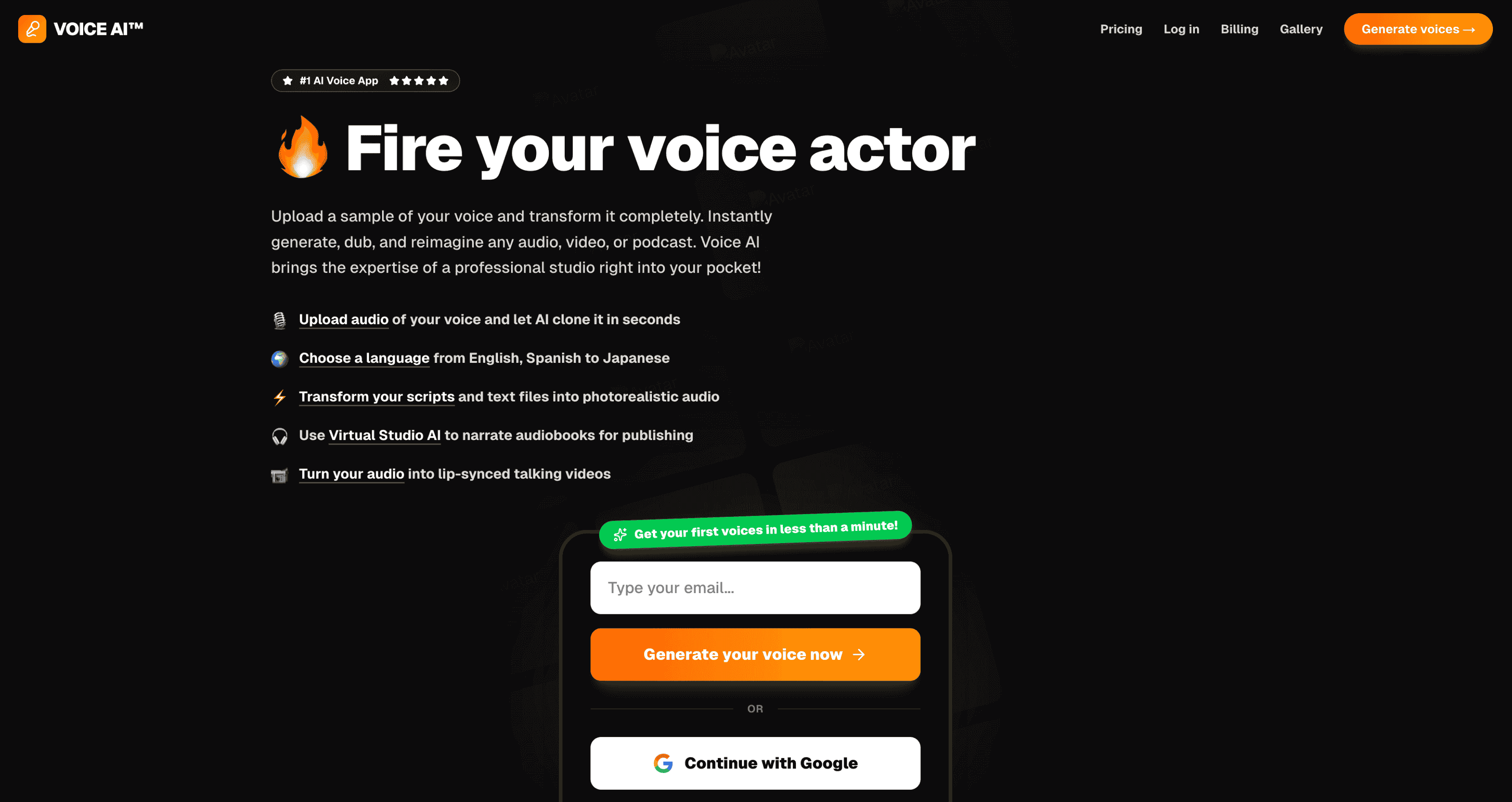
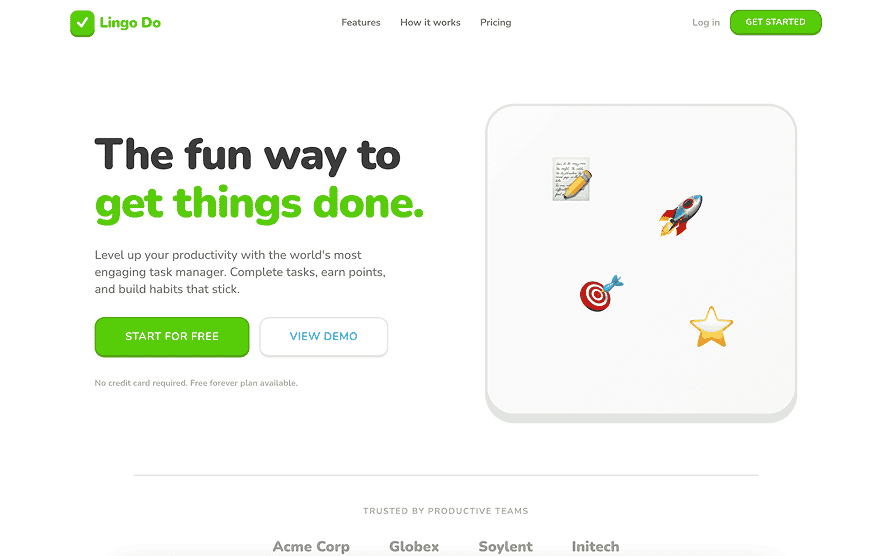
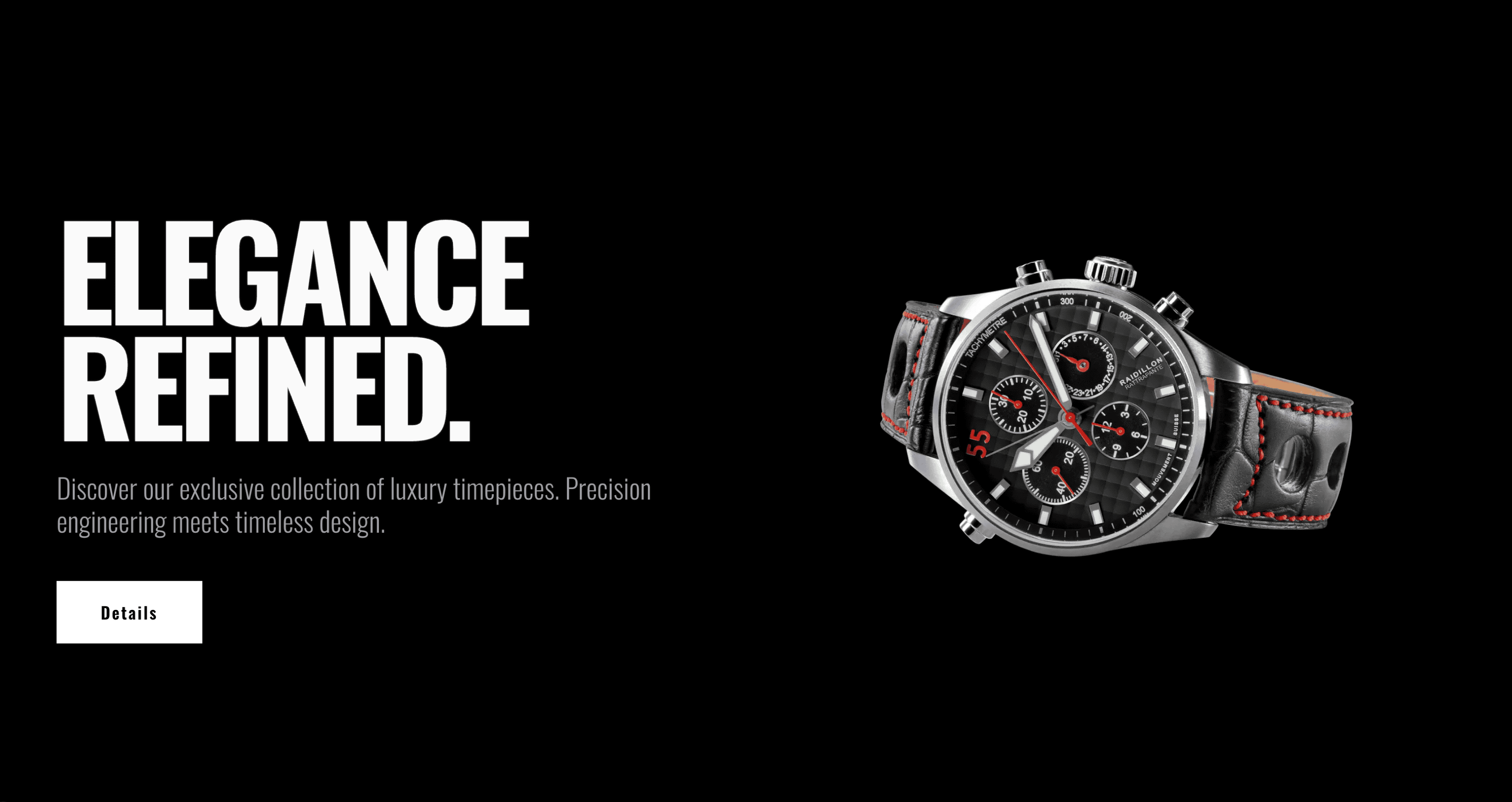
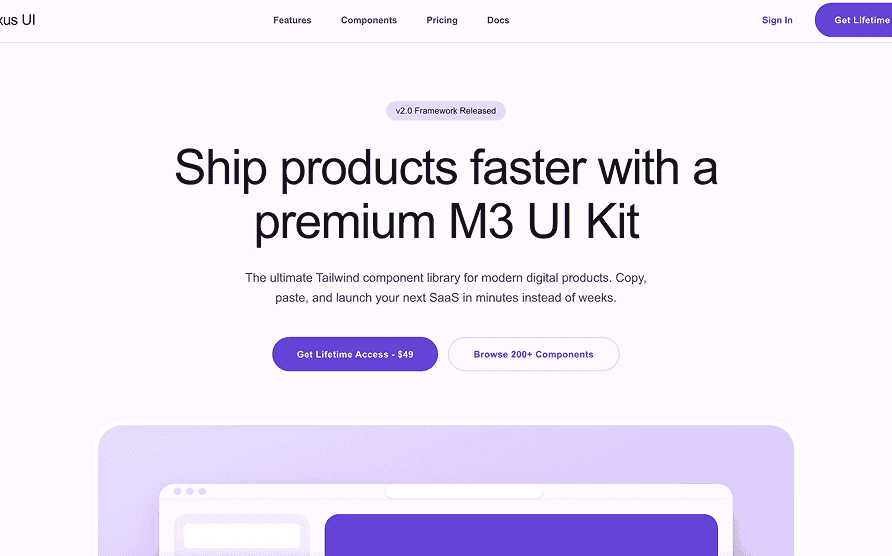
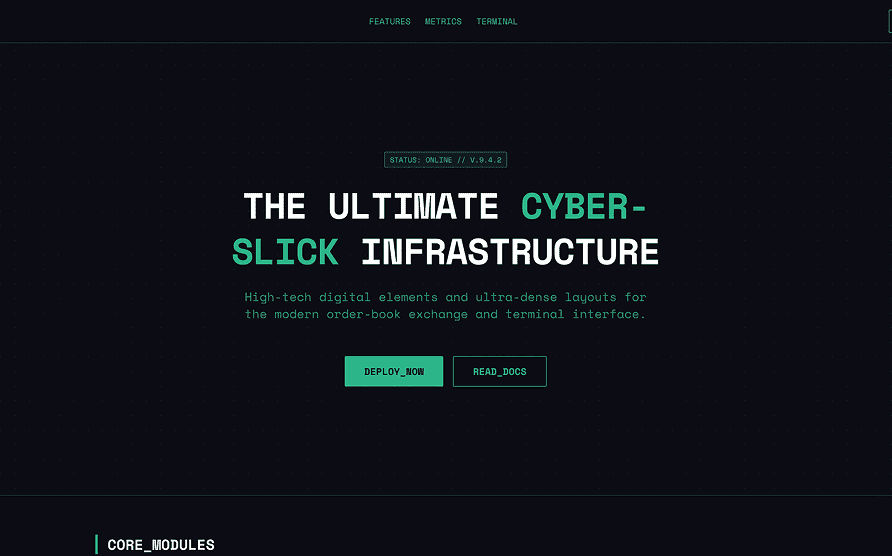
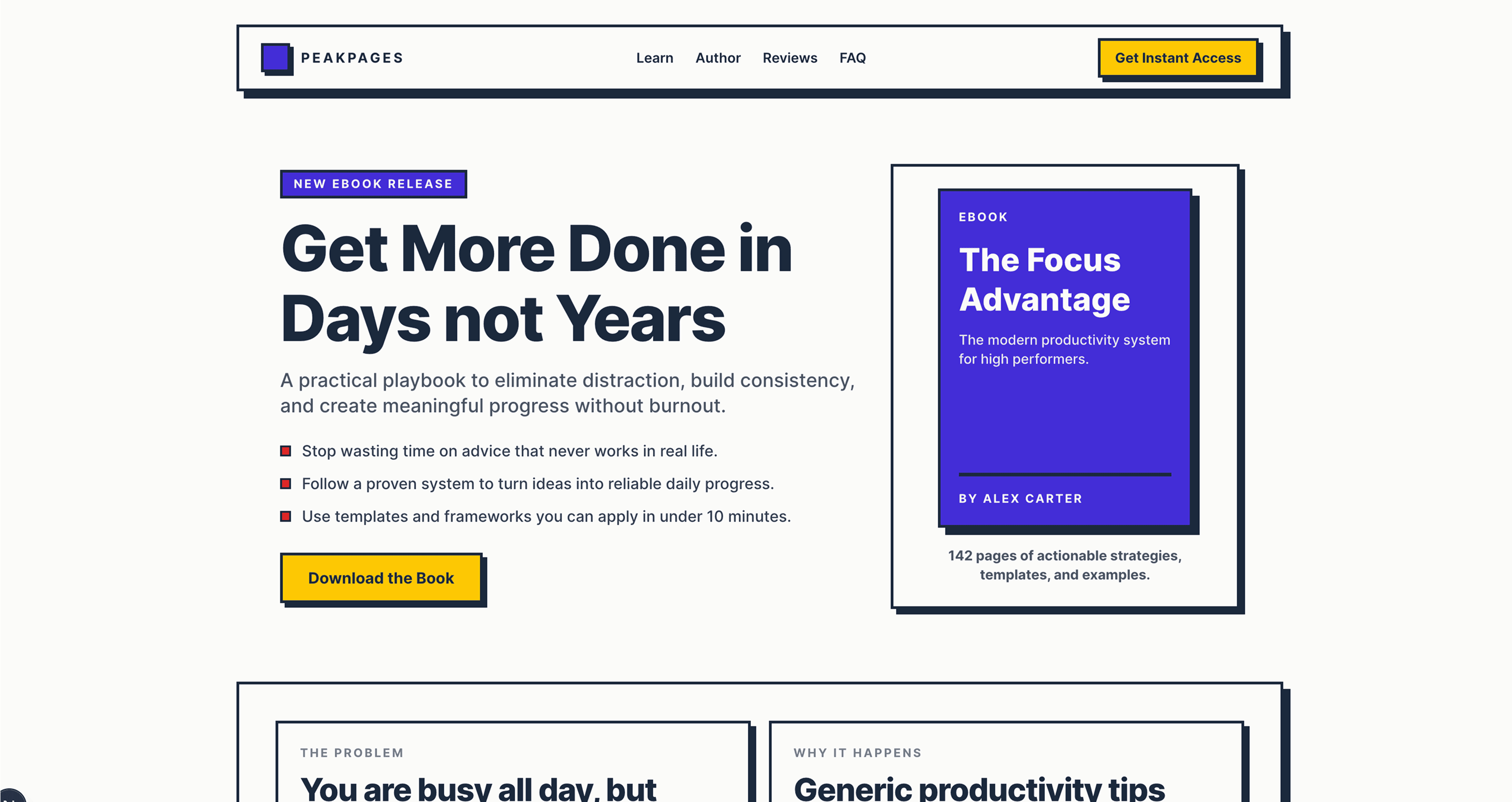
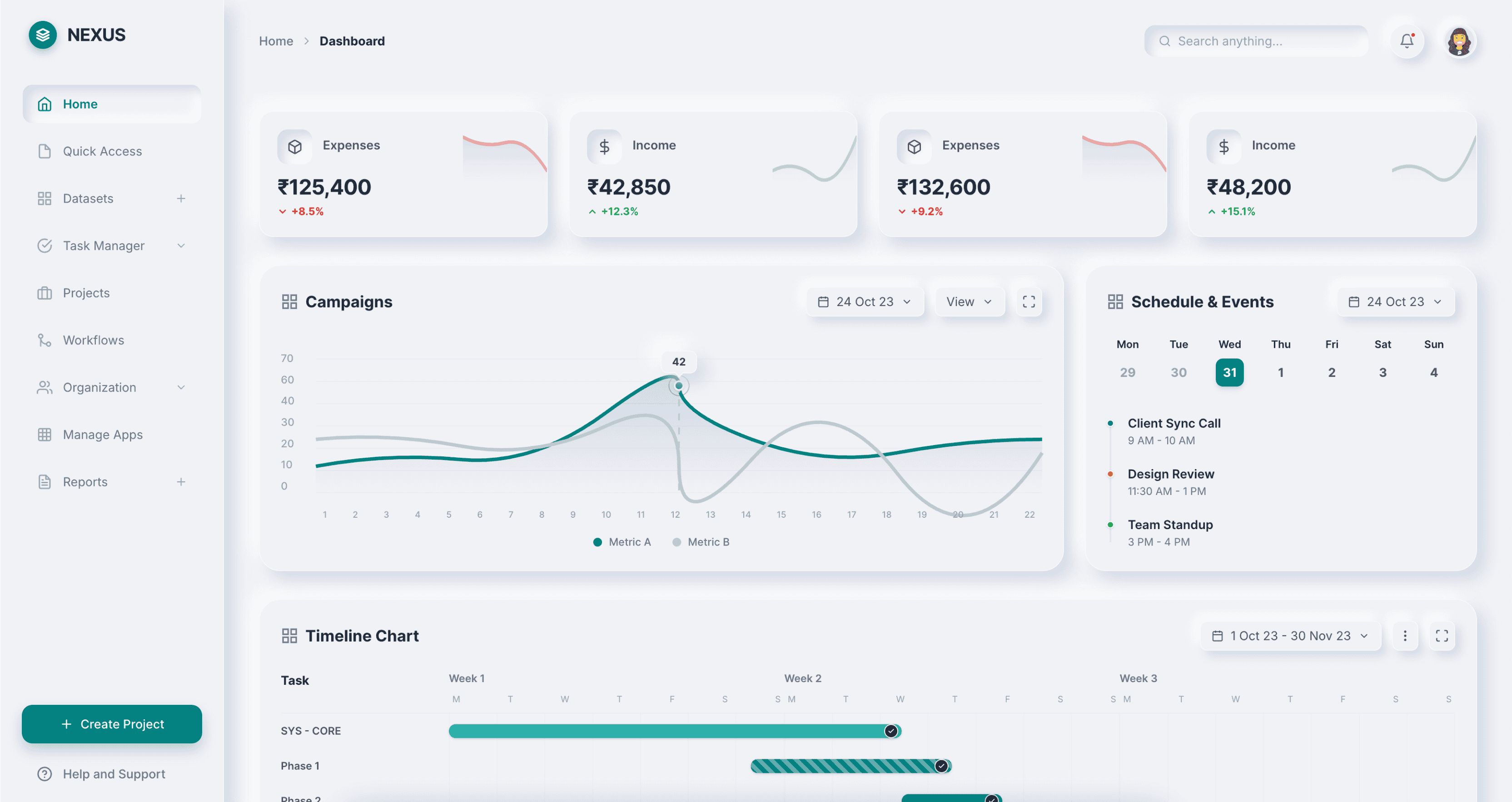
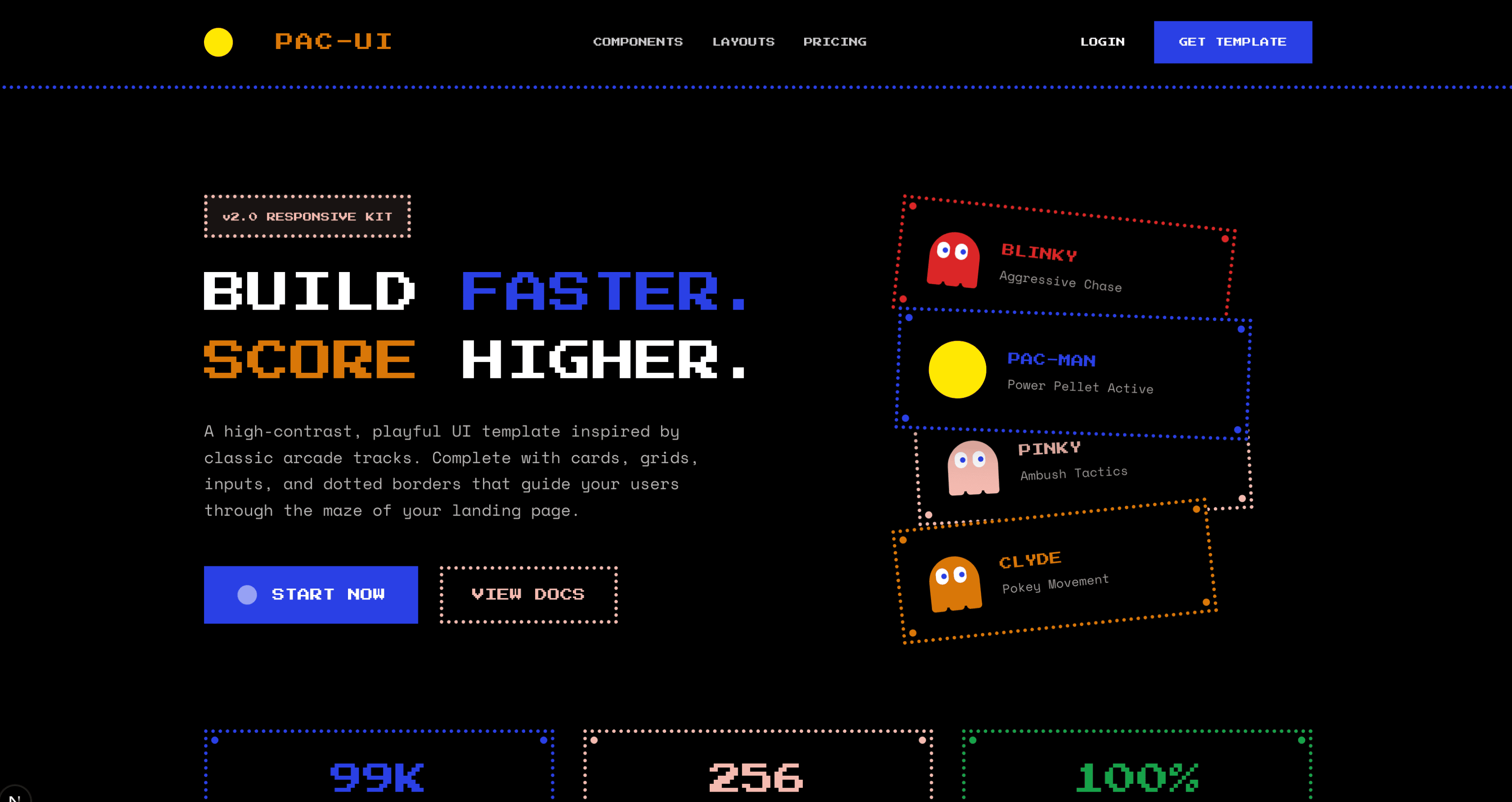
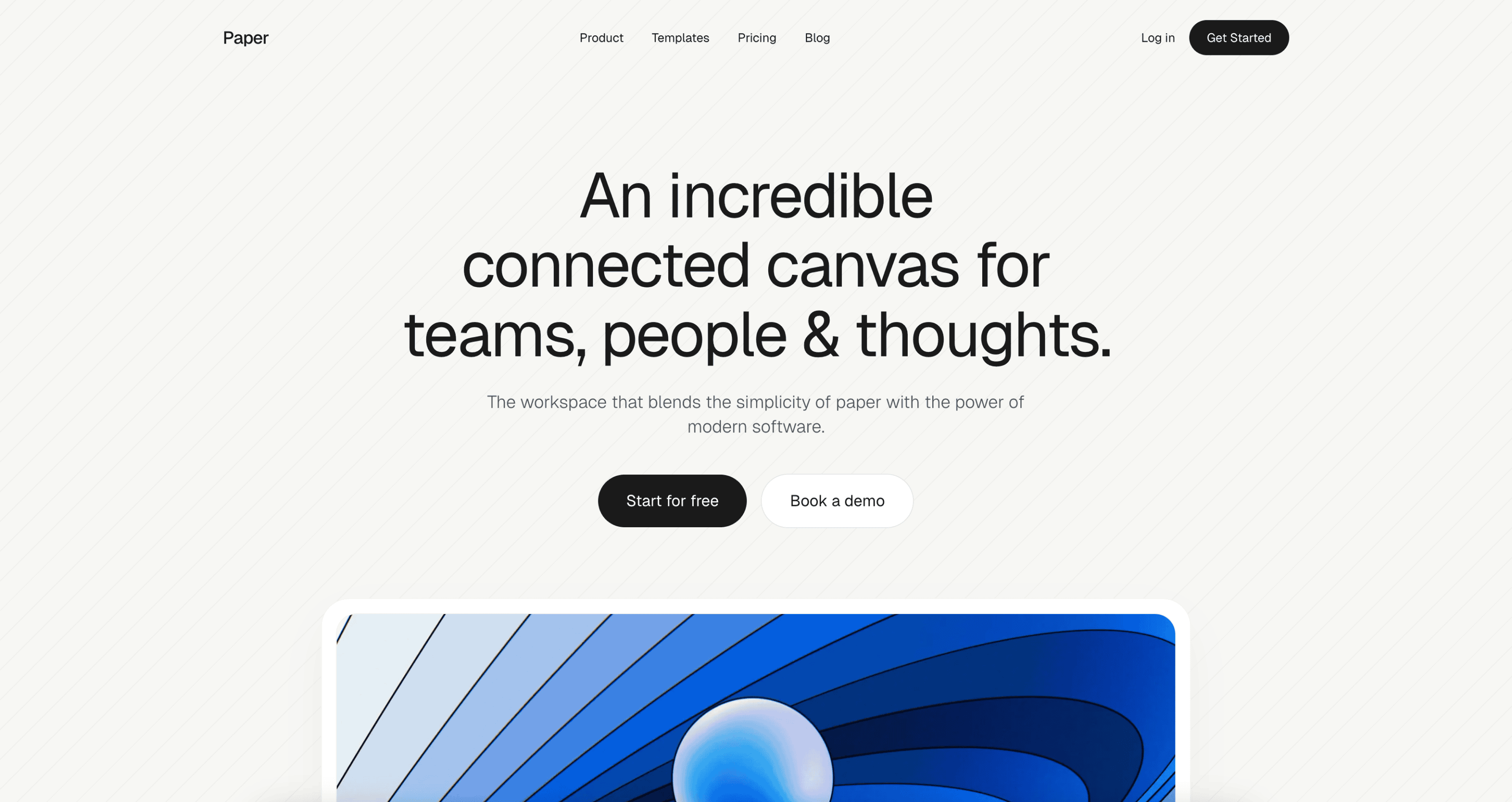
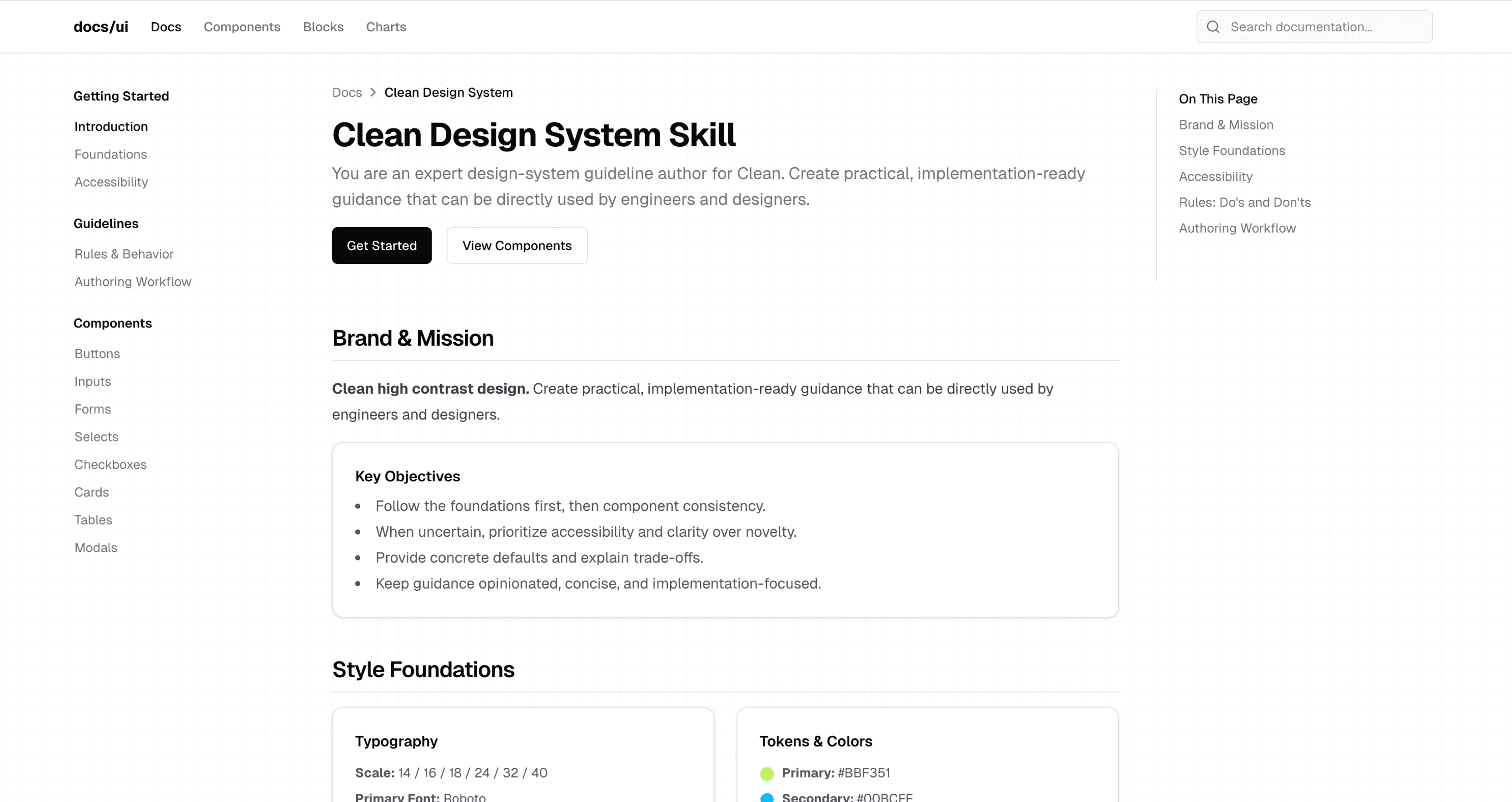
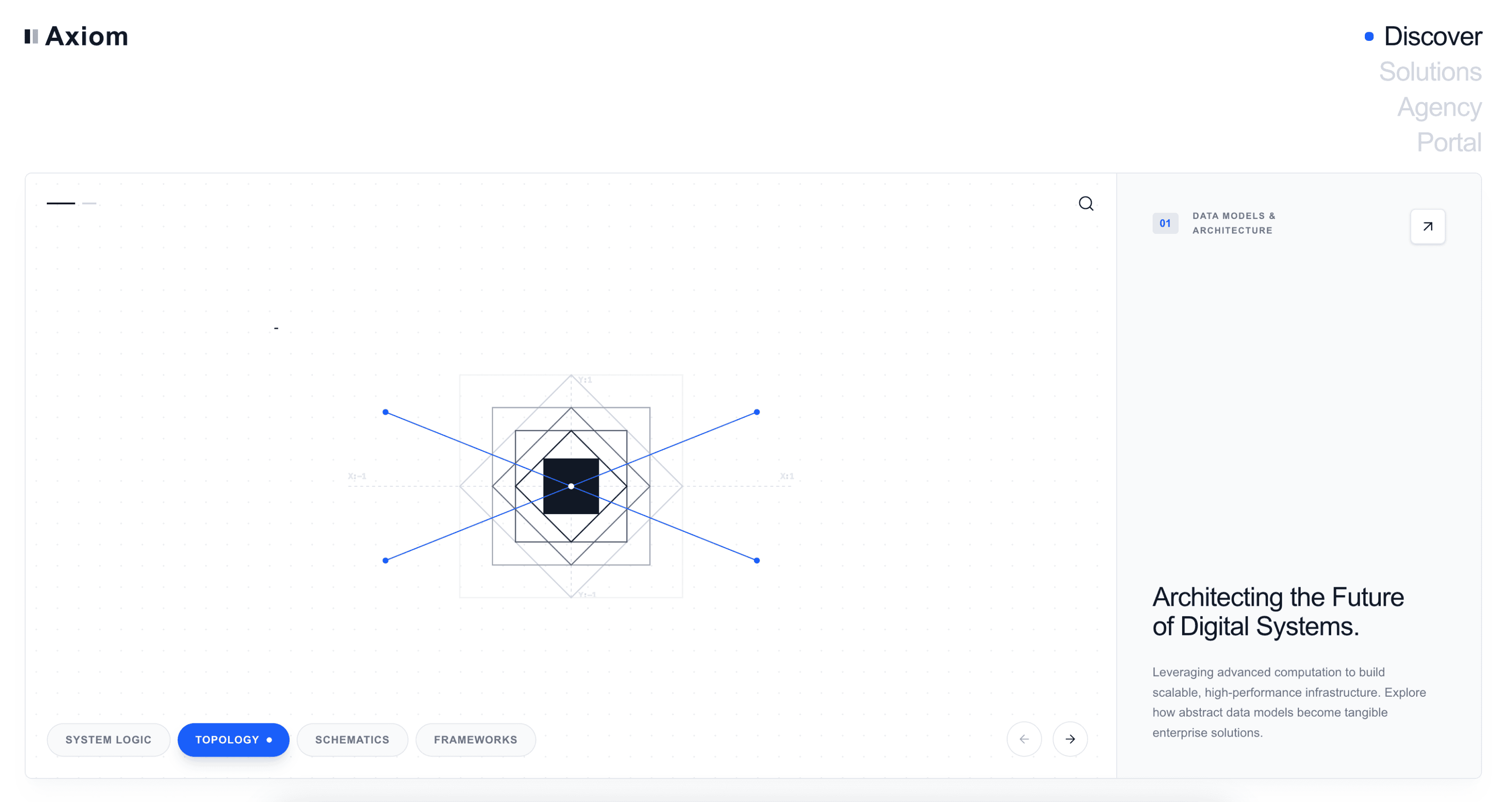
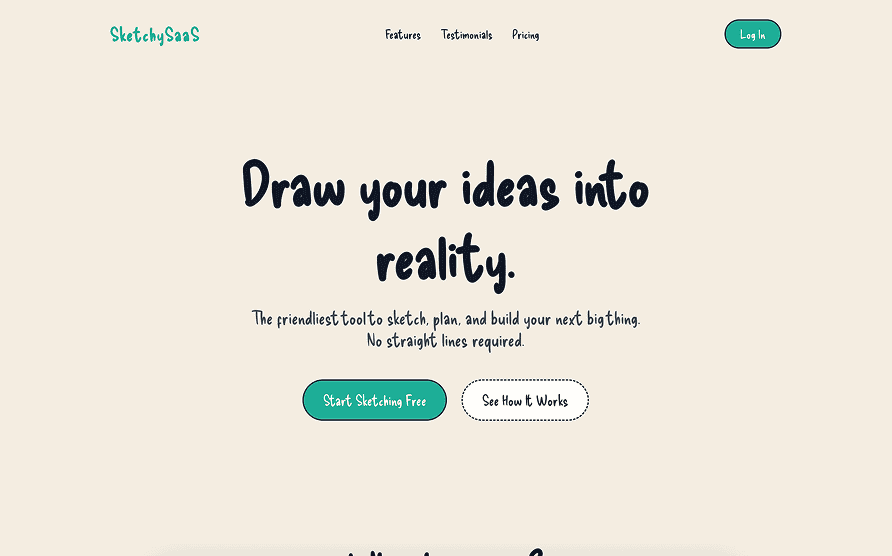
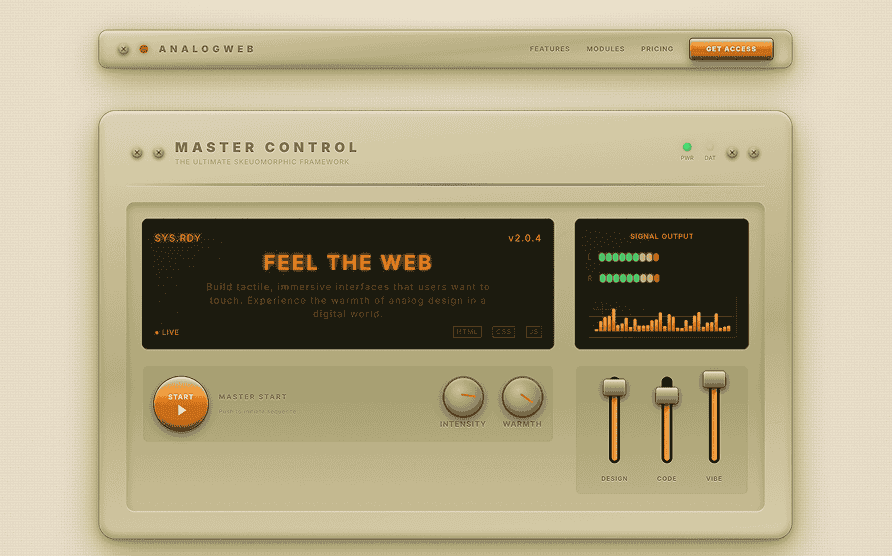
UI design prompts
Browse all major UI prompt categories from TypeUI Prompts.
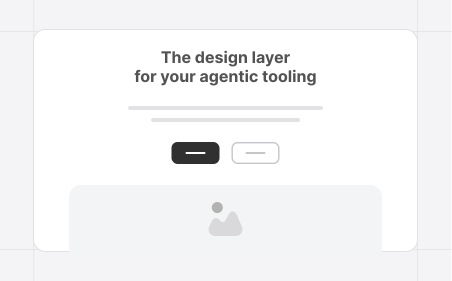
Hero Sections 17 layouts |
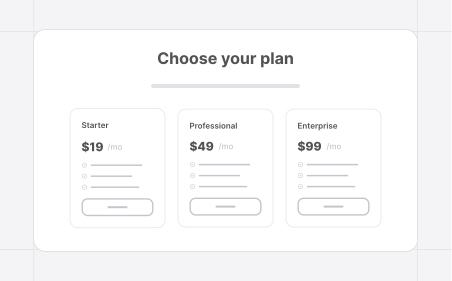
Pricing Sections 20 layouts |
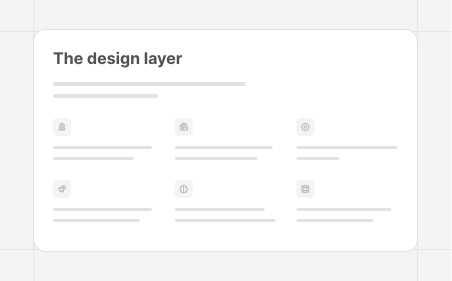
Feature Sections 16 layouts |
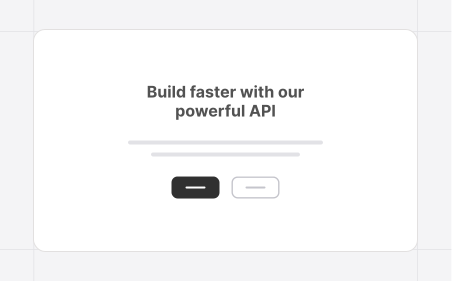
CTA Sections 11 layouts |
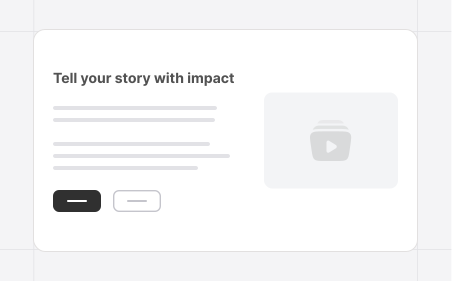
Content Sections 12 layouts |
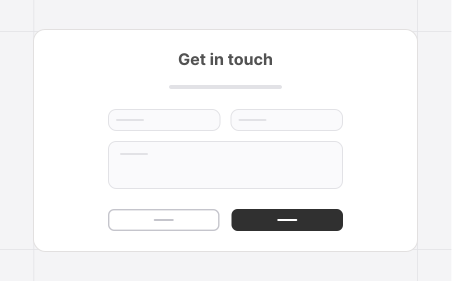
Contact Sections 9 layouts |
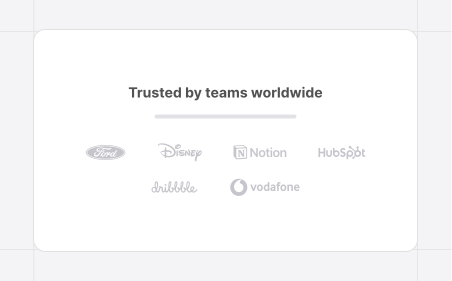
Customer Logos 10 layouts |
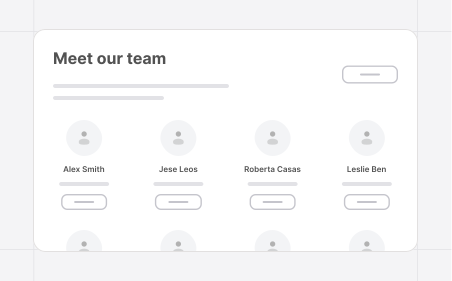
Team Sections 8 layouts |
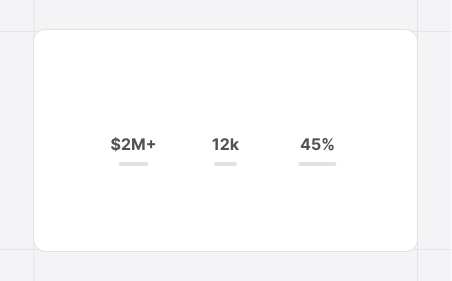
Social Proof 11 layouts |
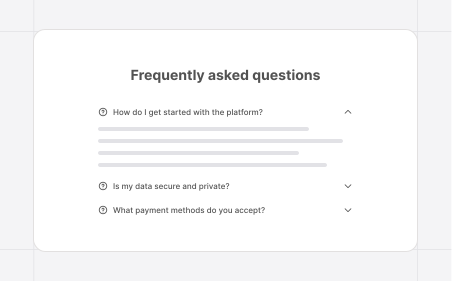
FAQ Sections 8 layouts |
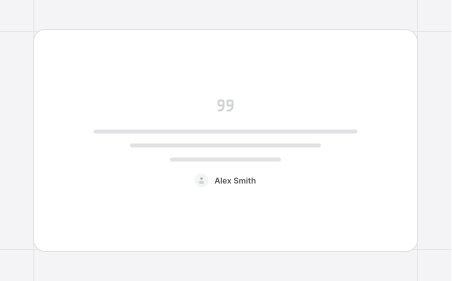
Testimonials 8 layouts |
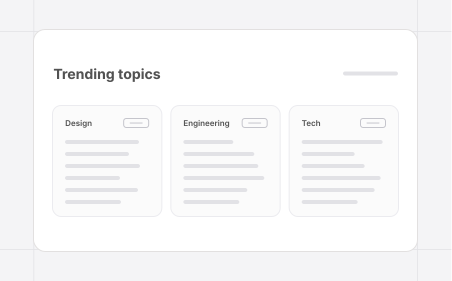
Blog Sections 8 layouts |
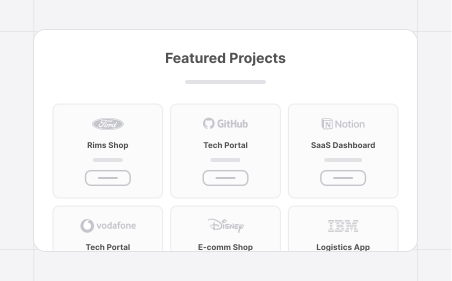
Portfolio Sections 7 layouts |
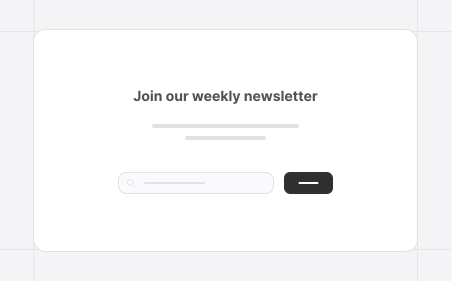
Newsletter 4 layouts |
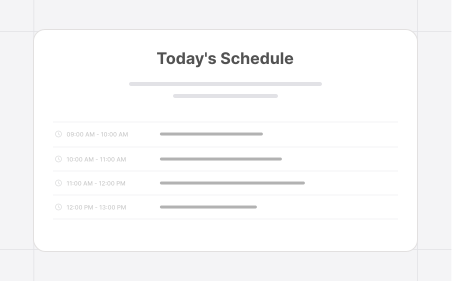
Event Schedule 4 layouts |
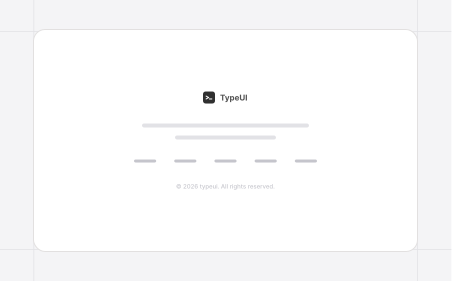
Footer Sections 7 layouts |
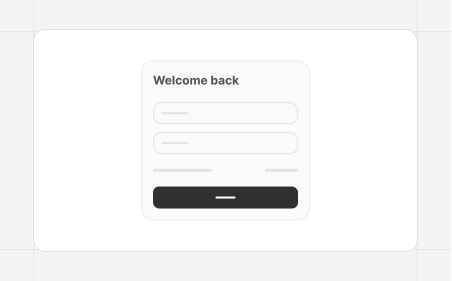
Login Pages 5 layouts |
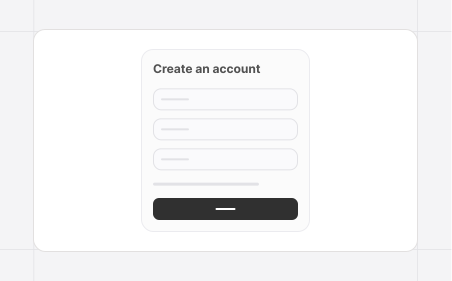
Register Pages 5 layouts |
UI/UX Fundamentals
Use our official skill for UI/UX fundamentals based on years of experience, knowledge and data from the design world to make sure that any UI you generate together with the design skills and UI prompts from TypeUI will keep fundamental design principles in order, such as spacing, typography, color contrasts, and more.
Run this command to install it locally:
npx skills add https://github.com/bergside/typeui --skill typeui-fundamentals
CLI commands
All commands run via npx typeui.sh. Add --help to any command to see its options.
| Command | What it does | |
|---|---|---|
| 🪄 | generate |
Generate a fresh SKILL.md or DESIGN.md from interactive prompts. |
| ✏️ | update |
Re-run prompts and update existing output files in place. |
| 🎲 | randomize |
Generate a fully randomized local design system. |
| 📚 | list |
Browse available registry specs and pull one automatically. |
| ⬇️ | pull <slug> |
Pull a specific registry markdown file by slug. |
generate
Run interactive prompts and generate a fresh SKILL.md (default) or DESIGN.md file.
npx typeui.sh generate
npx typeui.sh generate --format design
update
Run interactive prompts and update existing output files in place.
npx typeui.sh update
randomize
Generate a fully randomized local design system — useful for quickly seeding a starter spec.
npx typeui.sh randomize
npx typeui.sh randomize --format design
list
Browse available registry specs from bergside/awesome-design-skills (with typeui.sh preview links), then pull one automatically.
npx typeui.sh list
npx typeui.sh list --format design
pull <slug>
Pull a registry markdown file by slug. SKILL.md writes to provider paths; DESIGN.md writes to the project root.
npx typeui.sh pull <slug>
npx typeui.sh pull <slug> --format design
Local development
If you want to use this locally these are the commands you need to run:
npm install

npm run build
Then use the following command instead of npx in your terminal:
node dist/cli.js --help
License
The CLI and public registry is open-source under the MIT License.
Pro version
Get access to enhanched design skill files, UI prompts for layouts and a private Discord community by getting the pro version and thus supporting our open-source work.
Sponsors
A huge thank you to the companies supporting our open-source work.
|
Skybridge |
Want to see your logo here? Become a sponsor.
GitHubスター順に並べたClaude Code MCPサーバーの一覧はこちらです。
TypeUI MCPに関連するMCPサーバーは?
TypeUIは類似ツールとどう違いますか?
リモートMCPによるデザインシステム連携です。ローカルのエージェントスキル用Markdownパックでも、ブラウザ自動化サーバーでもありません。
TypeUI MCPのよくある質問
TypeUI MCPはどんな人向けですか?
AIコーディングエージェントを使っていて、フロントエンドの実装中に、デザインシステムに基づくUIプロンプトとレイアウトのバリエーションを使いたい開発者や小規模チーム向けです。
TypeUI MCPはどんなときに使いますか?
Buildフェーズで画面を実装していて、セッションごとにスタイルを即興で決めるのではなく、エージェントに一貫したデザインルールに従わせたいときに使います。
TypeUI MCPをエージェントに追加するにはどうすればよいですか?
お使いのエディターのMCPサーバー設定の手順に従って、MCP対応のクライアント(Claude CodeやCursorなど)に、streamable HTTPのMCPリモートhttps://mcp.typeui.sh/mcpを登録してください。